Best DIY Smart Home Alarm Systems

This post may contain affiliate links. Read our policy
Traditional alarm systems used to mean a technician in your home, a tangle of wires, and a contract that quietly renewed for years. DIY smart home alarm systems flipped that script. Today you can unbox a kit, stick a few sensors to your doors and windows, and have real protection running before dinner — with alerts on your phone and no installer in sight. This guide walks through how DIY alarm systems work, what comes in a kit, and which one fits your home. For the bigger picture, see our full smart home security guide.
Self-monitoring vs. professional monitoring
The biggest decision with any DIY alarm system isn't which brand — it's how it gets monitored.
Self-monitoring is free. When a sensor trips, the system pushes an alert straight to your phone and you decide what to do: check a camera, call a neighbor, or dial the police yourself. It's perfect if you're cost-conscious and usually reachable.
Professional monitoring adds a 24/7 response center for a monthly fee. If an alarm triggers, a real person tries to reach you and can dispatch emergency services if you don't respond. It's worth it for larger homes, frequent travelers, or anyone who wants a guaranteed human in the loop.
The great thing about modern DIY systems is you don't have to choose forever. Every kit below self-monitors for free out of the box, and lets you switch on professional monitoring later with no contract — so you can start cheap and upgrade only if you feel you need it.
What's in a DIY alarm kit
DIY kits are modular, but almost all of them are built from the same handful of parts:
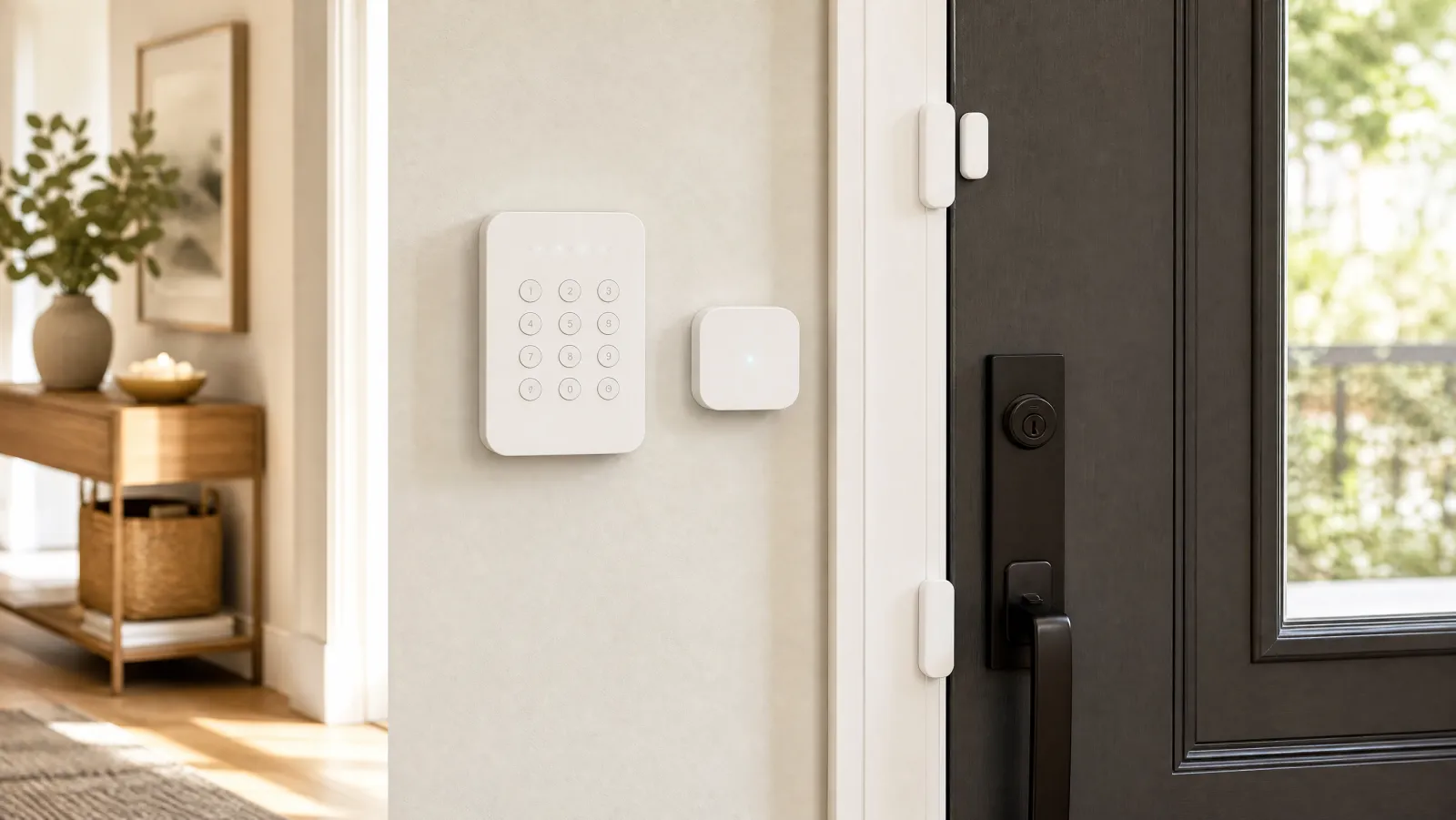
- Base station / hub — the brain. It connects to your Wi-Fi, talks to every sensor, and sounds the siren.
- Keypad — arms and disarms the system at the door with a PIN (most kits also arm from the app).
- Contact sensors — small two-piece sensors that detect when a door or window opens.
- Motion detector — covers an open room or hallway and triggers when someone moves through it.
- Range extender — keeps sensors at the edges of the house reliably connected.
Bigger kits simply include more contact sensors and motion detectors. Start with enough to cover your ground-floor doors and the windows a burglar could actually reach, then add sensors over time. Pairing your alarm with cameras strengthens the whole setup — our roundup of outdoor security cameras is a good place to start.
Installation: why DIY actually means DIY
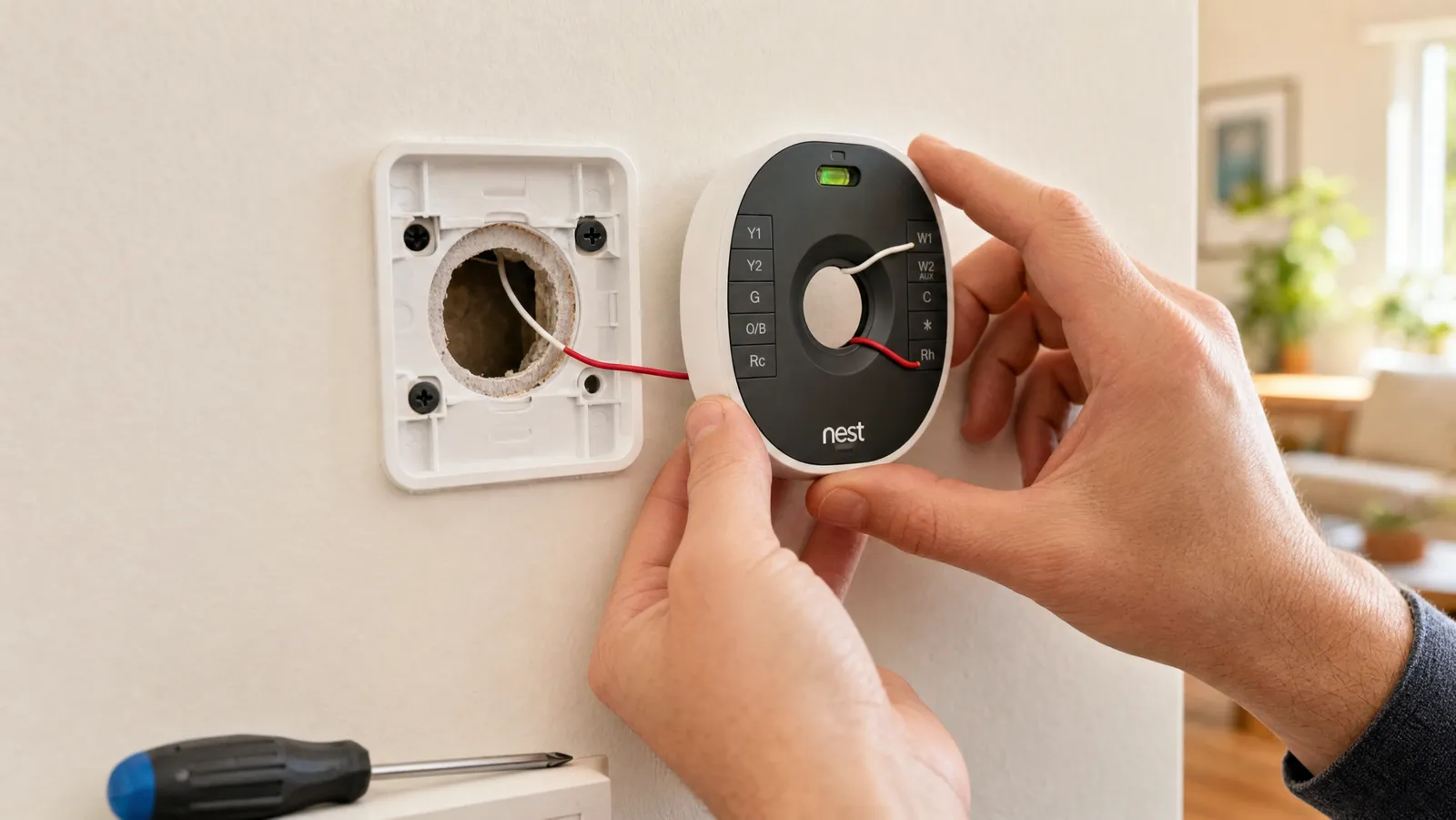
This is where these systems earn their name. There's no drilling into your walls and no electrician. Most contact sensors and keypads mount with peel-and-stick adhesive, and the base station just plugs into power and joins your Wi-Fi through the app. A typical first-time setup runs 20 to 45 minutes depending on how many sensors you're placing.
A few tips that make installation go smoothly:
- Place the base station centrally so it stays within range of every sensor, and use the included range extender for outbuildings or far rooms.
- Mount contact sensors with the two halves aligned and close together when the door or window is shut.
- Aim motion detectors across a room, not at a window or a heat source, to cut down on false alarms.
- Test every sensor in the app before you trust the system, then set a routine that arms automatically when you leave.
How to choose the right DIY alarm system
With the basics covered, narrow your pick by matching the system to your home and habits:
- Home size: A 5-piece kit suits an apartment or small home; a 14-piece kit makes sense for a multi-story house with many entry points.
- Budget and fees: Confirm both the upfront price and whether you'll pay for monitoring. Self-monitoring keeps ongoing cost at zero.
- Ecosystem: Pick a system that works with the assistant you already use — Alexa or Google Assistant — so your alarm lives in the same app as your other devices.
- Expandability: Make sure you can add sensors, cameras, and locks later without replacing the hub.
- Commitment: If you rent or move often, prioritize no-contract, peel-and-stick systems you can take with you.
Frequently asked questions
Do DIY alarm systems require a monthly fee? No. Every kit here self-monitors for free, sending alerts directly to your phone. A monthly fee only applies if you choose to add optional professional monitoring, and none of these require a contract to do so.
Can I really install one myself? Yes. These systems use peel-and-stick sensors and a plug-in base station that joins your Wi-Fi through an app. Most people finish a full setup in under an hour with no tools and no electrician.
Will the alarm still work if my Wi-Fi or power goes out? Most base stations include a backup battery, and many support a cellular backup connection (often tied to a monitoring plan) so the system keeps protecting your home during an outage.
Best Overall DIY Alarm Kit
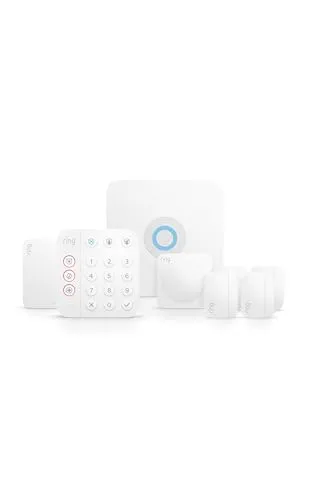
The Ring Alarm 8-Piece Kit hits the sweet spot for most homes: a base station, keypad, contact sensors, a motion detector, and a range extender that you install yourself in an afternoon.
The Ring Alarm 8-Piece Kit hits the sweet spot for most homes: a base station, keypad, contact sensors, a motion detector, and a range extender that you install yourself in an afternoon. You can self-monitor for free with instant phone alerts, or add optional professional monitoring whenever you want a 24/7 response. It expands easily and ties into the wider Alexa ecosystem, so it grows with you instead of locking you in.
An easy, expandable starter system with free self-monitoring and optional pro coverage make it the kit we recommend first.
Best No Contract System
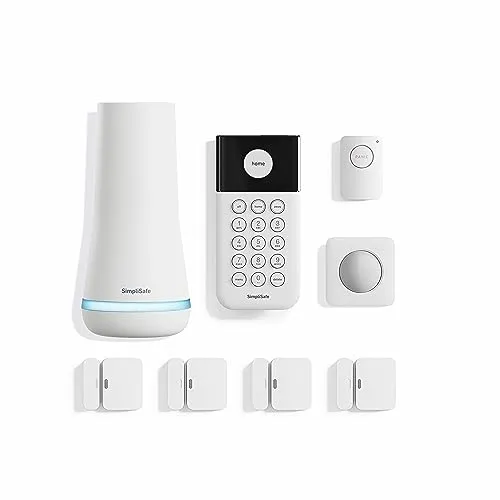
SimpliSafe built its name on contract-free, tool-free security, and this 8-piece kit delivers exactly that.
SimpliSafe built its name on contract-free, tool-free security, and this 8-piece kit delivers exactly that. Peel-and-stick sensors and a wireless base station mean setup takes minutes, and there's no installer and no long-term commitment. Self-monitor for free or add 24/7 professional monitoring with no contract, and control everything alongside Alexa or Google Assistant.
No contract, no installer, and tool-free setup make this the most flexible pick for renters and commitment-shy buyers.
Best Starter Kit
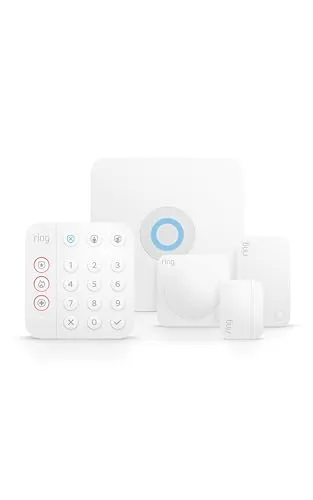
If you want a real alarm system without overspending, the Ring Alarm 5-Piece Kit covers the essentials: a base station, keypad, contact sensor, motion detector, and range extender.
If you want a real alarm system without overspending, the Ring Alarm 5-Piece Kit covers the essentials: a base station, keypad, contact sensor, motion detector, and range extender. It's the ideal first step for an apartment or a small home, and because it's fully expandable, you can add more sensors as you go. Mobile app control and Alexa compatibility come standard.
A budget-friendly entry point that still expands later, so you protect the basics now without boxing yourself in.
Best for Larger Homes
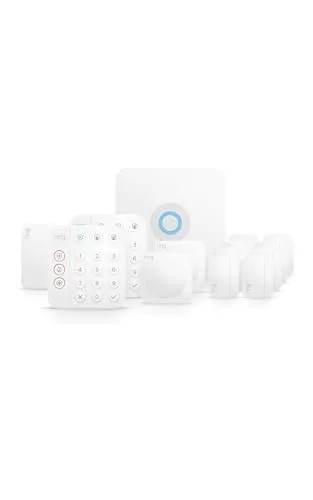
For multi-story homes with plenty of doors and windows, the Ring Alarm 14-Piece Kit comes with enough contact sensors and motion detectors to cover the whole footprint out of the box.
For multi-story homes with plenty of doors and windows, the Ring Alarm 14-Piece Kit comes with enough contact sensors and motion detectors to cover the whole footprint out of the box. You still get the same DIY-friendly setup and free self-monitoring, just with more coverage so you're not buying add-on sensors right away. Expandable, app-controlled, and Alexa compatible.
Enough sensors to cover a whole house on day one, with the same easy setup and free self-monitoring as the smaller kits.
Best Budget Add On
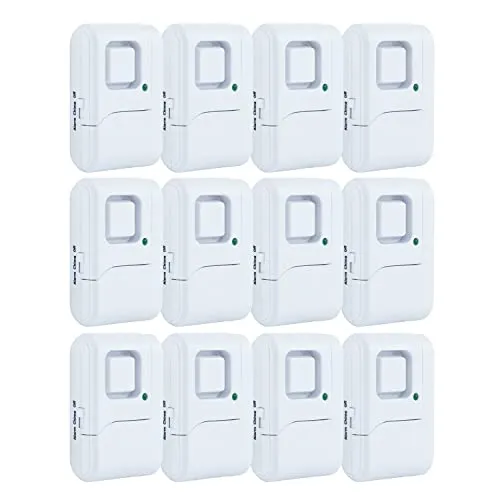
Not everyone needs a full hub-based system.
Not everyone needs a full hub-based system. This 12-pack of UltraPro window and door alarms is the simplest DIY protection there is: peel, stick, and each sensor sounds a loud local chime or alarm the moment the door or window opens. There's no app and no fee, just a quick deterrent for a garage, apartment, dorm, or as an extra layer alongside a larger system.
Dead-simple peel-and-stick install with a loud local alarm and no fees makes it the easiest way to cover extra entry points cheaply.
Review of Our Favorite 3
About the Author
Ilana Nevin
Ilana Nevin is a content creator and marketing professional who is passionate about new technology, home automation and the smart home revolution. She has been blogging about these topics for over five years and is excited to see how the industry continues to evolve.