Best Smart Thermostat (2026): The Complete Buyer's Guide

This post may contain affiliate links. Read our policy
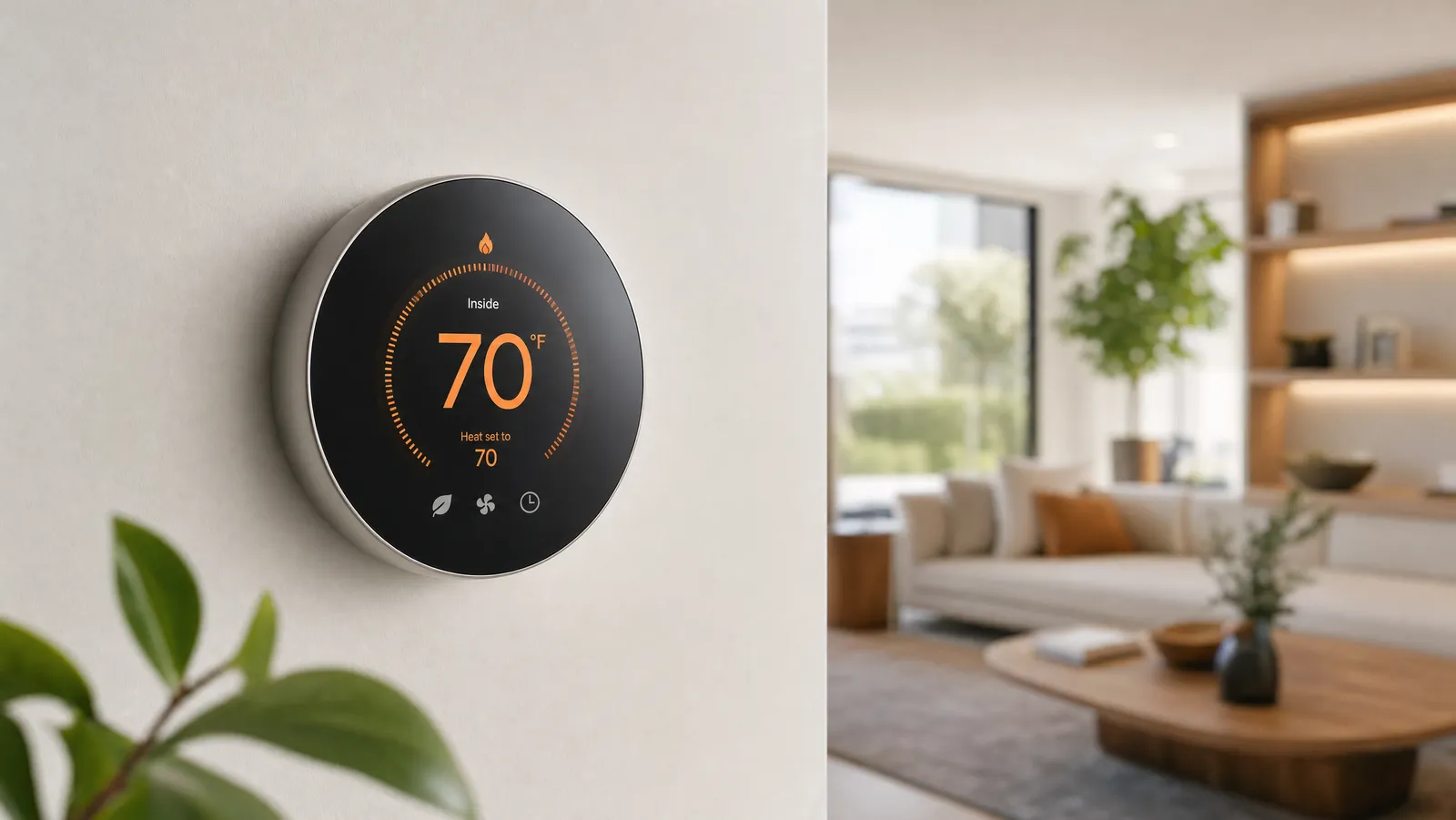
A smart thermostat is the rare home upgrade that pays you back. For somewhere between $90 and $250, it trims your heating and cooling bills, lets you change the temperature from your phone in bed, and ties your furnace and AC into the same app as the rest of your smart home. This guide is the hub for everything we've tested and researched on the topic — what to buy, how to install it, and how to actually save money once it's on the wall.
This article contains affiliate links. We may earn a commission if you make a purchase through our links, at no extra cost to you.
If you just want the short version: the ecobee SmartThermostat with Voice Control is the best all-around pick for most homes, the Google Nest Thermostat is the best value, and the Nest Learning Thermostat is the most hands-off premium option. The rest of this guide explains how to choose between them and points you to our deeper dives on each decision.
Top picks at a glance
| Pick | Best for | Price (live) | Why it wins | |------|----------|--------------|-------------| | ecobee SmartThermostat (Voice Control) | Most homes | $229.00 | Room sensor + Alexa built in, no C-wire needed on most systems | | Google Nest Thermostat | Value | $111.48 | Cheapest mainstream pick, dead-simple Google Home control | | Nest Learning Thermostat | Premium / hands-off | $242.00 | Programs itself, premium build, HVAC monitoring |
Prices are pulled live from Amazon and change often; treat them as a snapshot rather than a fixed figure.
How we picked
We approach thermostats the way a homeowner does, not a spec sheet. Our recommendations weigh four things: real-world compatibility (will it actually work with your wiring and HVAC system?), everyday usability (is the app pleasant and the scheduling flexible?), proven reliability (we favor models with long track records and strong owner reviews), and value (features that justify the price rather than just inflate it). Prices and stock in this guide are pulled live from Amazon at the time of writing, and we re-check our picks regularly so the list reflects what's genuinely available now — not what was best two years ago.
What is a smart thermostat?
A smart thermostat is a Wi-Fi-connected thermostat that you control from an app or your voice, and that uses scheduling, sensors, and automation to run your heating and cooling more efficiently than a manual dial ever could. Where a basic programmable thermostat just follows a fixed timetable, a smart one adapts — easing off when you leave, pre-conditioning the house before you get home, and learning the temperatures you prefer. If you want the full primer, see our explainer on what a smart thermostat is and how it works.
The category covers a wide range, from $90 budget models up to $250 flagships with built-in speakers and air-quality sensors. Almost all of them share the same core promise: lower bills and more comfort, with far less fiddling.
How a smart thermostat works
Under the hood, a smart thermostat combines a few simple ideas that add up to real savings:
- Scheduling. Instead of one rigid program, you set temperatures around your real routine — cooler while you sleep, warmer before you wake, eased back while everyone's at work.
- Geofencing. Using your phone's location, the thermostat knows when the last person leaves and the first person returns, so it stops conditioning an empty house without you lifting a finger.
- Learning. Some models — notably the Nest Learning Thermostat — watch your manual adjustments for a week or two and build the schedule for you automatically.
- Remote sensors. Because a thermostat only reads the temperature where it's mounted (often a hallway), add-on room sensors let it prioritize the rooms you actually use.
- Remote control and reporting. From the app you can change the temperature from anywhere, and monthly energy reports show you where the savings — and the waste — are coming from.
You don't have to use all of these. Even basic scheduling and away-detection typically deliver the bulk of the savings; the rest is convenience.
How much can a smart thermostat actually save?
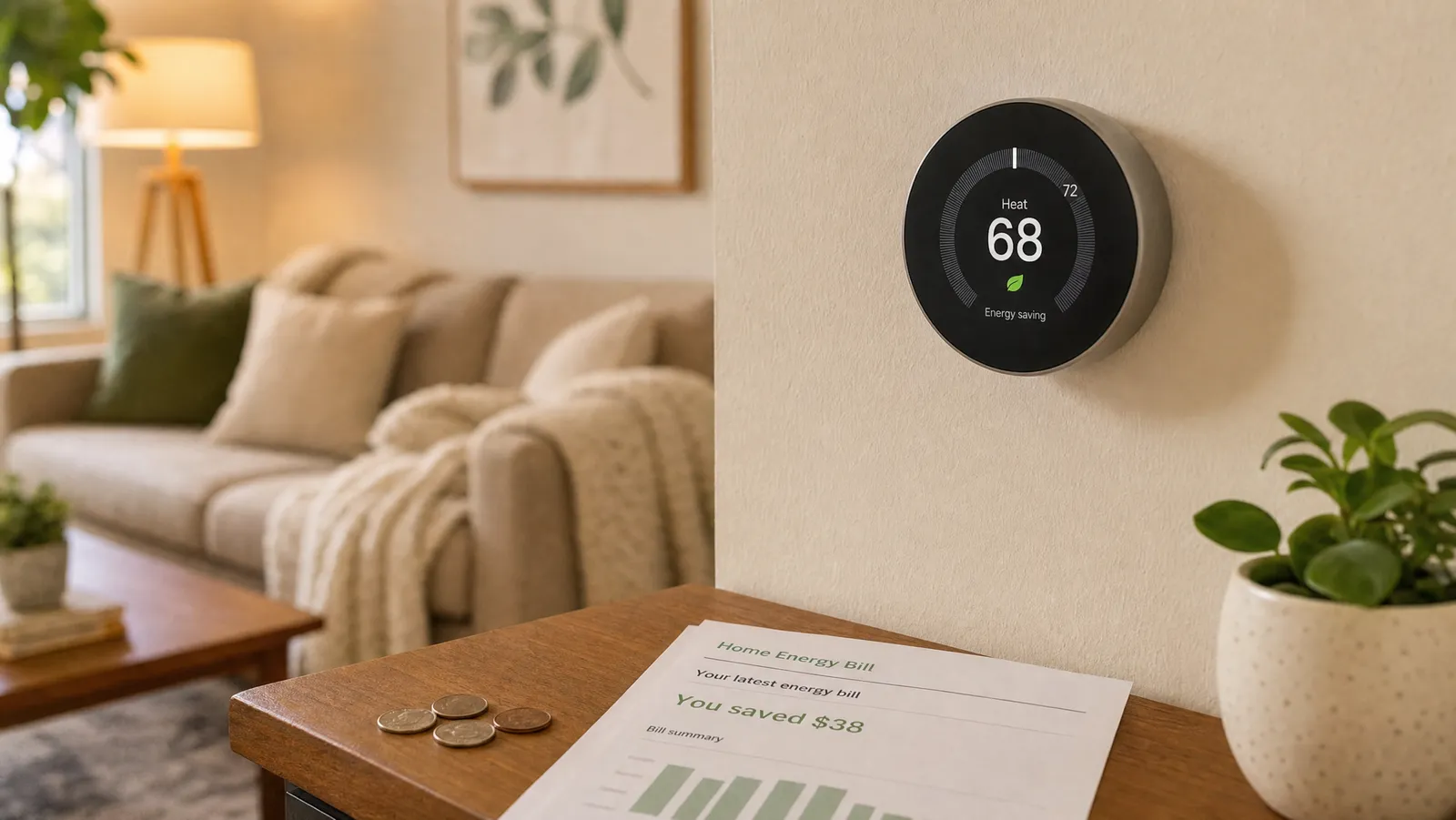
This is the number everyone wants, and it's worth being honest about. According to ENERGY STAR and the U.S. Department of Energy, a certified smart thermostat saves around 8% on heating and cooling costs — roughly $50 a year on average. To earn the ENERGY STAR label at all, a model has to demonstrate at least an 8% reduction in heating runtime and 10% in cooling across a large pool of real homes.
Manufacturers often quote higher figures based on the assumption that you're upgrading from leaving the system at a constant temperature — ecobee advertises up to 23% and Nest cites numbers in a similar range. Both can be true: your real savings depend on your climate, your schedule, and how wasteful your old habits were. Someone who currently holds 72°F around the clock has far more to gain than someone who already sets back the temperature by hand every night.
For a full breakdown of the math — including utility rebates and federal tax credits that can knock $50–$100 off the purchase — see do smart thermostats really save money? and our seasonal guide to easy ways to save energy with a smart thermostat.
How to choose a smart thermostat
Five questions decide which model is right for you. Work through them in order.
1. Do you have a C-wire?
This is the single most common installation snag, so handle it first. The "C-wire" (common wire) provides continuous power to the thermostat. Many older homes — especially heat-only systems — don't have one. The good news is that you have options:
- Models that don't need one. The battery-powered Emerson Sensi ST55 runs on two AA batteries and needs no C-wire on most systems, and ecobee thermostats include a Power Extender Kit that creates one from your existing wiring.
- Models that include an adapter. The Honeywell Home X7S and the Amazon Smart Thermostat bundle solve it with an add-on adapter.
- Models that really want one. Most Nest installations are happiest with a C-wire.
We rounded up every option in our guide to the best smart thermostats that need no C-wire, and explained the wiring itself in plain English in smart thermostat C-wire explained. Not sure what you've got behind the wall? Our HVAC compatibility guide walks you through checking.
2. Which voice assistant and smart home platform do you use?
Buy for the ecosystem you already live in. Nest models integrate most tightly with Google Home/Assistant; ecobee has Alexa built right in and also supports Apple HomeKit and Siri; Honeywell's newer models are Matter certified, which makes them friendly to nearly everything. If you're invested in Apple Home, prioritize HomeKit/Matter support specifically — it's the one area where compatibility still varies.
3. Do you need room sensors or multi-zone control?
A thermostat only measures the temperature where it's mounted, which is often a drafty hallway. Remote room sensors fix that by letting the thermostat average — or prioritize — the rooms you actually occupy, like a nursery or home office. ecobee includes a sensor in the box; Nest sells them separately. If your house has hot and cold spots or multiple zones, this matters a lot, and we cover it in depth in our room sensors and multi-zone guide.
4. Will it work with your HVAC system?
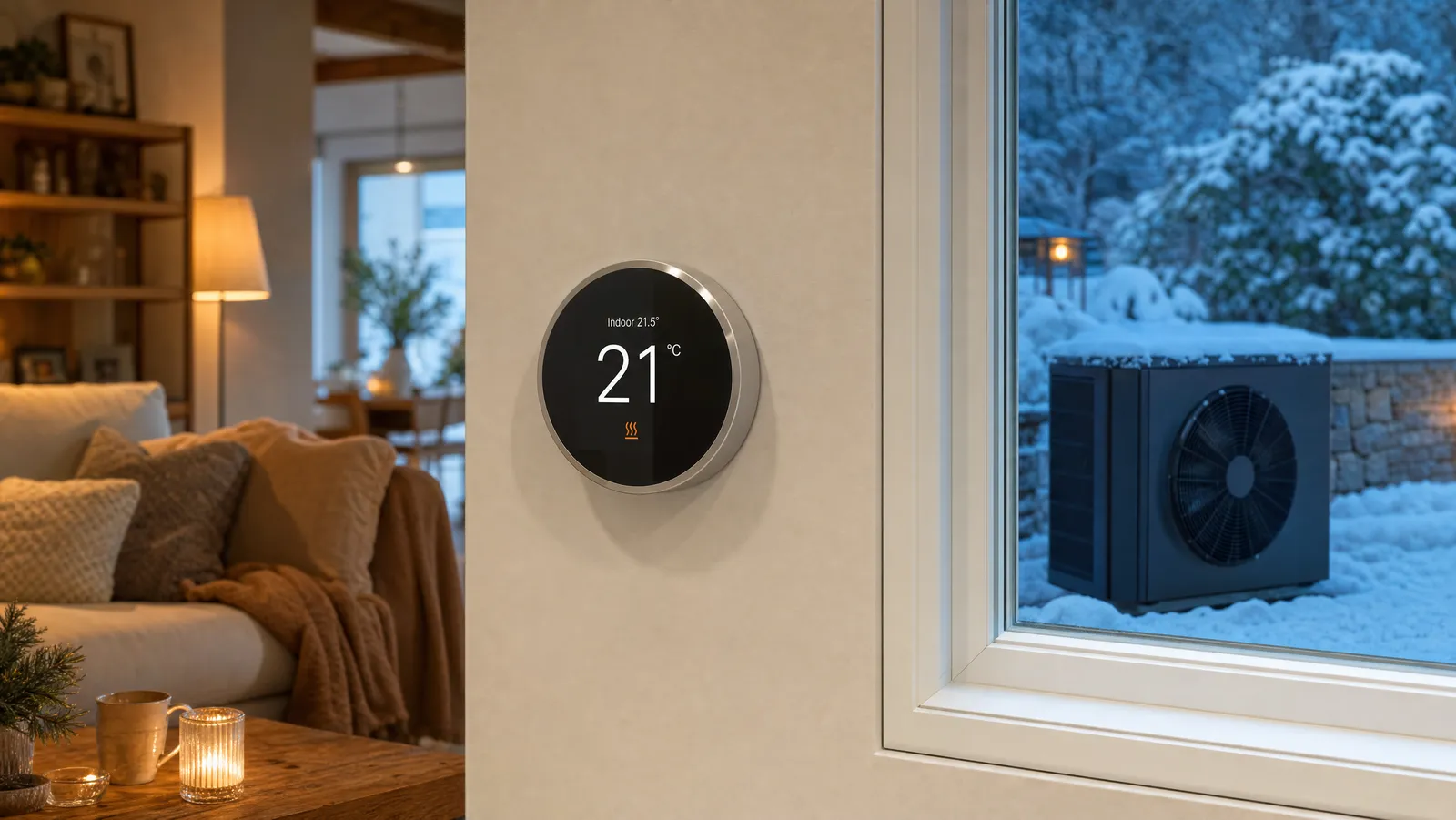
Most smart thermostats handle standard forced-air gas, electric, and oil systems plus central AC. The exceptions are worth flagging: heat pumps (especially with auxiliary heat), mini-splits, and electric baseboard heat all have special requirements. Heat-pump owners should start with our best smart thermostats for heat pumps; ductless and baseboard owners have dedicated needs too.
5. Do you want to avoid subscriptions?
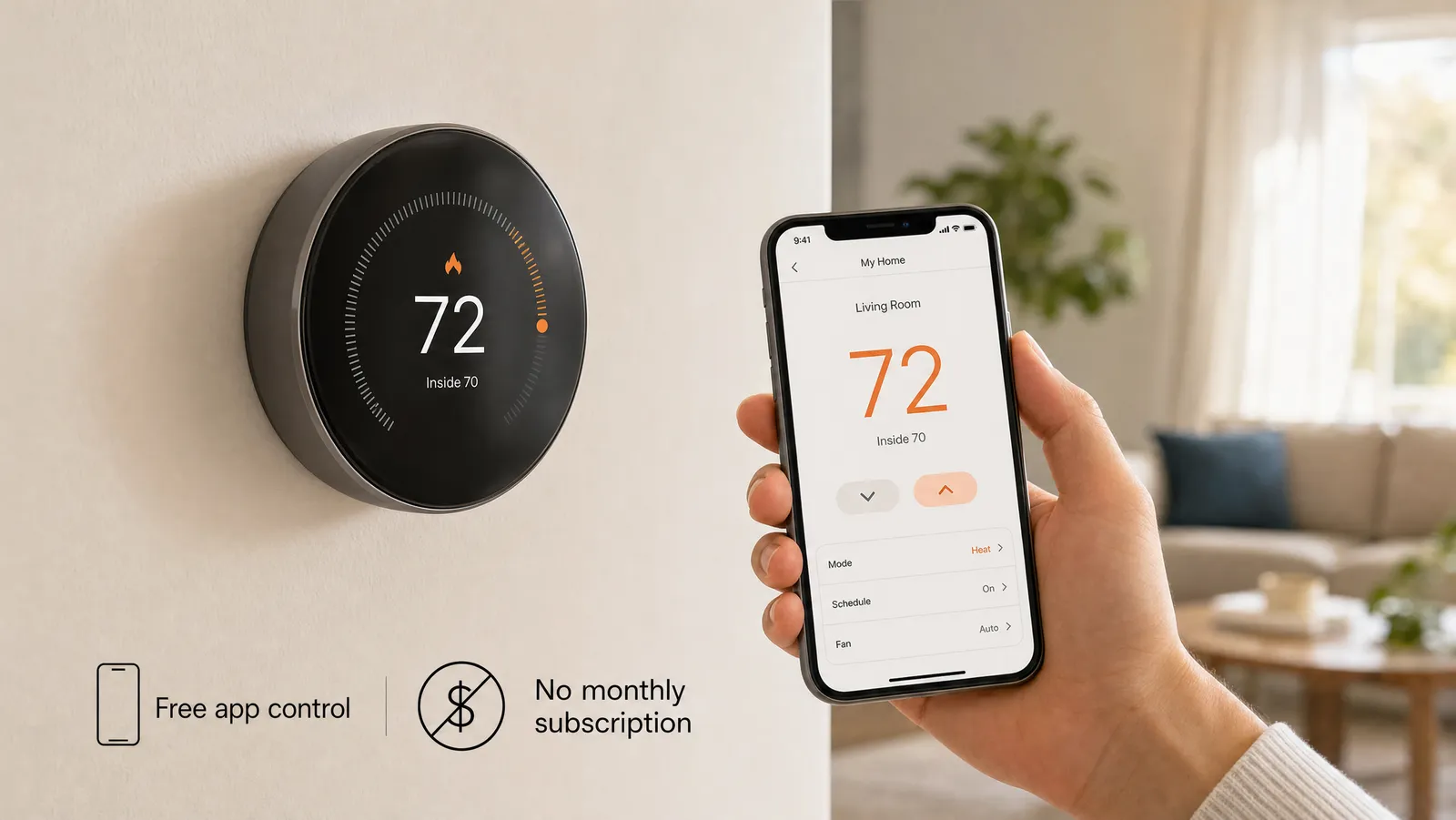
Here's the reassuring part: the core features of every thermostat on this page — scheduling, remote control, and energy savings — are free, with no subscription required. Paid plans exist only for extras like ecobee's professional monitoring. If avoiding recurring fees is a priority, see the best no-subscription smart thermostats.
Features worth paying for (and ones you can skip)
Not every spec on the box matters equally. These genuinely change your day-to-day experience:
- Included room sensor — the single biggest comfort upgrade for homes with hot or cold rooms.
- Matter / HomeKit support — important specifically for Apple Home users and anyone who wants future-proof compatibility.
- Auto-scheduling or learning — worth it if you'd otherwise never set up a schedule at all.
- HVAC monitoring — early warnings about furnace or AC trouble can save an expensive emergency call.
And the ones most people can ignore: a built-in speaker if you already have smart speakers nearby, air-quality monitoring (pleasant but rarely decisive), and designer color screens unless aesthetics genuinely matter to you. Spend where it improves comfort or savings, not on novelty.
The best smart thermostats in 2026
Best overall: ecobee SmartThermostat with Voice Control
For most homes, the ecobee is the one to get. It's the only mainstream model that bundles a remote room sensor and a built-in Alexa speaker, so you get better whole-home temperature balancing and a voice assistant in one device. The included Power Extender Kit sidesteps the C-wire problem on most systems, and ecobee's app is mature and reliable. At $229 it isn't cheap, but it's the most capable thermostat here. We pit it directly against its biggest rival in Nest vs. ecobee.
Best value: Google Nest Thermostat
If the ecobee is more than you need, the $111 Nest Thermostat is the pragmatic choice. It does the important things — scheduling, away detection, app control, energy history — through the clean Google Home app, and it looks far more expensive than it is. The only caveat is wiring: this is the Nest most likely to need a C-wire, so confirm compatibility before you buy. It also anchors our roundup of the best budget smart thermostats.
Best premium: Nest Learning Thermostat
The Learning Thermostat earns its price by doing the programming for you. Adjust it manually for a week or so and it builds a schedule automatically; after that you can mostly forget it exists. The polished metal design and walk-up Farsight display remain the nicest-looking in the category, and built-in HVAC monitoring warns you about furnace or AC trouble early. Our full Nest Learning Thermostat review digs into whether the premium is worth it for you.
Which smart thermostat fits your home?
The "best" model depends as much on your home as on the thermostat itself:
- Older home with two wires? Start with our no-C-wire guide — the battery-powered Sensi ST55 or a Power-Extender-equipped ecobee are your friends.
- Renting an apartment? You'll want something easy to install and remove without modifying the unit; see smart thermostats for apartments and renters.
- Large house with hot and cold spots? Prioritize remote room sensors and multi-zone support — details in our room sensors and multi-zone guide.
- Heat pump or mini-split? These have special wiring needs; read best smart thermostats for heat pumps first.
- All-in on Apple Home? Focus on HomeKit and Matter compatibility — ecobee and the Honeywell X7S are the safe bets.
Matching the thermostat to your situation up front avoids the most common return-and-rebuy cycle in the category.
Installing a smart thermostat
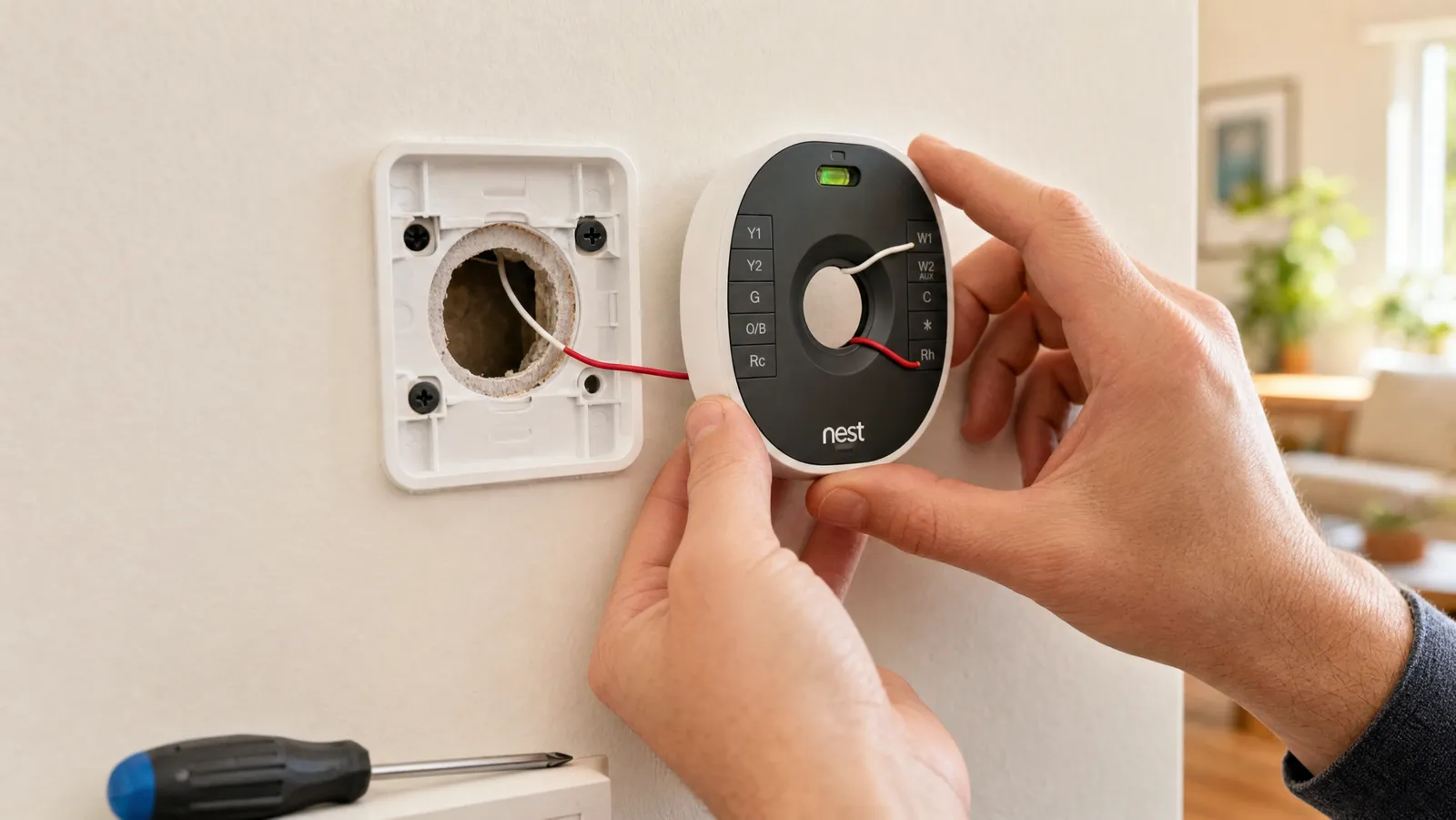
The installation itself is genuinely DIY-friendly — most models take 30 to 45 minutes with a single screwdriver, and the app walks you through it photo by photo. The two things that trip people up are (1) failing to turn off power at the breaker before touching wires and (2) the C-wire question from earlier. Take a photo of your existing wiring before you disconnect anything; it's the best insurance you have.
Our step-by-step installation guide covers the whole process, and if you hit a wall, C-wire explained untangles the most common wiring confusion.
Common installation mistakes to avoid
A few avoidable errors account for most failed installs:
- Skipping the breaker. Turning the system "off" at the old thermostat isn't enough — cut power at the breaker before touching any wires.
- Not photographing the old wiring. That photo is your map for reconnecting, and your evidence for warranty support.
- Ignoring the C-wire question. Confirm what you have before you buy, not mid-install.
- Mislabeling wires. Use the included stickers; the R, W, Y, G, and C terminals each do a specific job.
- Buying for the wrong HVAC type. Heat pumps, mini-splits, and electric baseboard all have special requirements.
A note on privacy and security
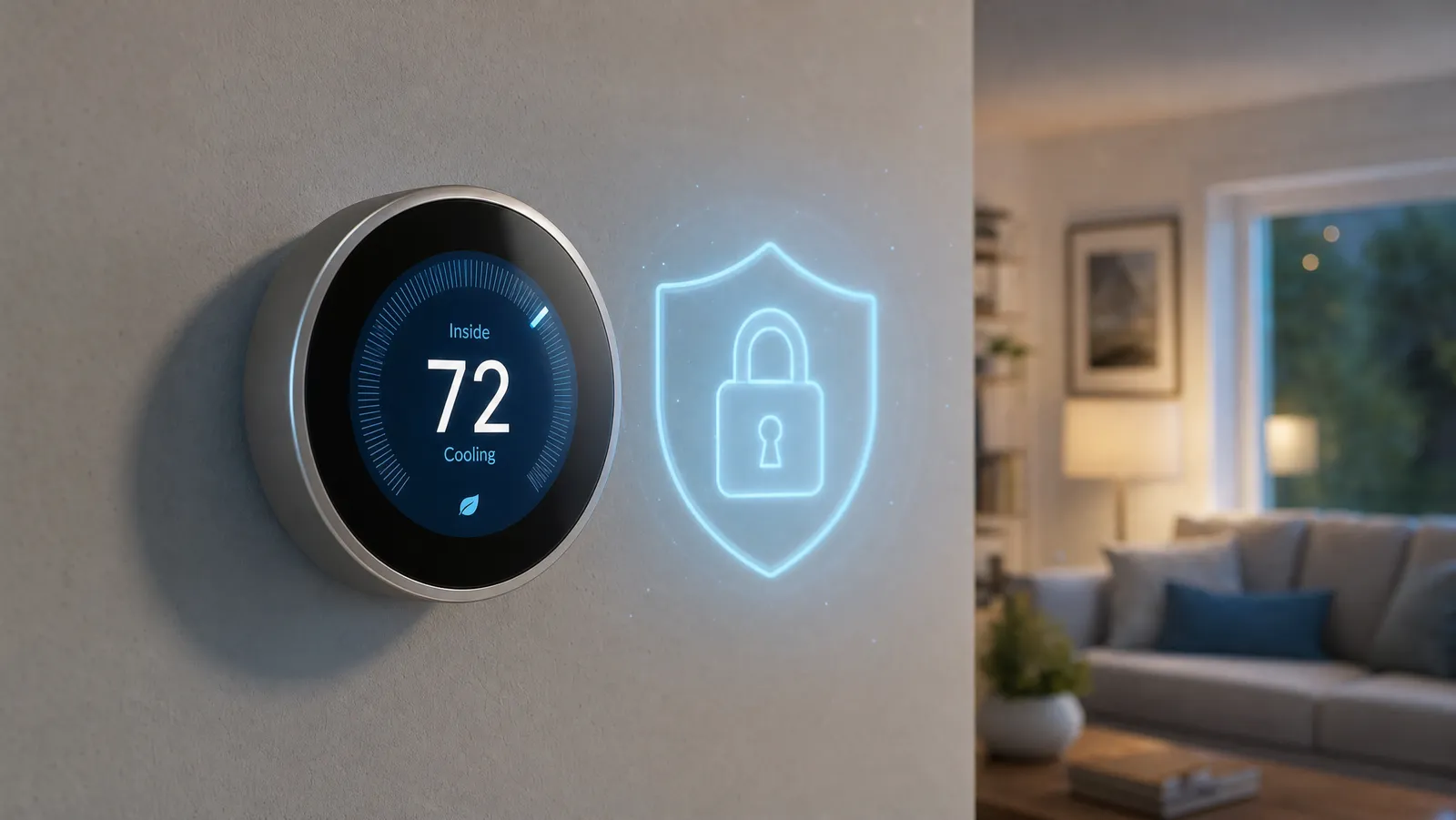
A smart thermostat knows when you're home — useful for saving energy, but also data worth protecting. Reputable brands let you keep that data private (Sensi, for instance, advertises that it won't sell your information), and the basics of good smart-home hygiene apply: a strong, unique password and two-factor authentication on your account. We cover the topic fully in are smart thermostats safe?, and if you're building out a broader connected home, our smart home security guide is the companion piece.
Frequently asked questions
Do smart thermostats really save money? Yes, modestly and reliably. ENERGY STAR puts the average savings at about 8% of heating and cooling costs, or roughly $50 a year, with bigger gains if you're replacing wasteful habits. Many homeowners also qualify for utility rebates that shorten the payback further.
Do I need a C-wire? Not always. Battery-powered models like the Sensi ST55 need none, ecobee thermostats include a kit that creates one, and several others bundle an adapter. Only some installations — most often Nest — truly require a C-wire. See our no-C-wire guide.
Do smart thermostats work without Wi-Fi? They still control your heating and cooling locally if the internet drops, but you lose the smart features — remote control, scheduling changes, and voice control — until it returns. We cover this in do smart thermostats work without Wi-Fi?
Are they hard to install? No. Most take under 45 minutes with one screwdriver and an app that guides you step by step. Just kill the power at the breaker first and photograph your old wiring.
Which is better, Nest or ecobee? Both are excellent. ecobee edges ahead on room sensing and built-in Alexa; Nest wins on simplicity and design. Our full Nest vs. ecobee comparison breaks it down by use case.
Do smart thermostats work with Apple HomeKit? Some do, not all. ecobee supports HomeKit and Siri, and Matter-certified models like the Honeywell X7S work with Apple Home too. Nest does not natively support HomeKit, so if you're an Apple household, make compatibility your first filter.
How long does a smart thermostat last? Quality models are built to live on the wall for a decade or more. Hardwired thermostats avoid battery replacement entirely; battery-powered ones like the Sensi ST55 just need fresh AAs every several months.
Can I control it when I'm away from home? Yes — that's a core feature. As long as the thermostat has Wi-Fi, you can adjust the temperature, change schedules, and check energy reports from the app anywhere in the world.
The bottom line
A smart thermostat is one of the highest-value upgrades in the smart home: a modest, dependable cut to your energy bills wrapped in real day-to-day convenience. For most people the ecobee SmartThermostat with Voice Control is the best balance of features and ease, the Google Nest Thermostat is the smart-money value pick, and the Nest Learning Thermostat is the premium, hands-off choice. Whichever you choose, start by checking your wiring — then enjoy never getting out of a warm bed to turn up the heat again.
Best Overall

The ecobee SmartThermostat with Voice Control is the most complete package in the category.
The ecobee SmartThermostat with Voice Control is the most complete package in the category. It ships with a remote SmartSensor so it can balance the temperature in the rooms you actually use instead of just the hallway it's mounted in, it has Alexa built in so it doubles as a smart speaker, and it works with Siri, Google Assistant, and SmartThings alike. Crucially for older homes, it includes ecobee's Power Extender Kit, so it can run without a dedicated C-wire on most 24-volt systems. ecobee estimates savings of up to 23% a year on heating and cooling.
The best all-rounder: room sensing, built-in voice control, broad ecosystem support, and no C-wire headaches for most homes.
Best Value

The Google Nest Thermostat is the easiest smart thermostat to recommend to most households.
The Google Nest Thermostat is the easiest smart thermostat to recommend to most households. It's ENERGY STAR certified, controlled entirely from the Google Home app, and uses a soft-touch side strip instead of the original Nest's spinning dial. It automatically eases off when you leave so you're not conditioning an empty house, and it usually includes the trim plate that hides marks left by your old thermostat. Just confirm your system's compatibility first, since this is the one Nest model most likely to want a C-wire.
Affordable, attractive, and genuinely simple to use through Google Home — the right pick for most people.
Best Premium

The Nest Learning Thermostat is the model that made "smart thermostat" a household phrase, and it remains the most hands-off option.
The Nest Learning Thermostat is the model that made "smart thermostat" a household phrase, and it remains the most hands-off option. It watches how you adjust the temperature for the first week or two and then builds a schedule for you automatically, so you can largely forget it's there. The polished metal ring and Farsight display that lights up as you walk by still look the part on a wall, and HVAC monitoring flags problems with your furnace or AC before they become emergencies.
The set-it-and-forget-it option: it programs itself, looks fantastic, and keeps an eye on your HVAC system.
Review of What We Liked
About the Author
Ilana Nevin
Ilana Nevin is a content creator and marketing professional who is passionate about new technology, home automation and the smart home revolution. She has been blogging about these topics for over five years and is excited to see how the industry continues to evolve.