Best Smart Home Security: The Complete Buyer's Guide

This post may contain affiliate links. Read our policy
A smart home security system is no longer a luxury reserved for sprawling estates. Today, a few well-chosen, self-installed devices can give you professional-grade protection — live video, instant alerts, and remote control — for a fraction of what a traditional monitored system costs. This guide breaks down how to build a smart home security setup that actually fits your home, your budget, and your daily routine.
The layers of a smart home security system
The best smart home security isn't a single gadget — it's a few layers working together:
- Cameras — your eyes on the property, indoors and out. Start with the entry points and high-traffic areas. See our hands-on roundup of outdoor security cameras.
- Video doorbell — covers your most-used entry point and deters package theft. Our full video doorbell guide compares the top models.
- Smart locks — keyless entry, auto-locking, and the ability to grant access remotely.
- Sensors and alarms — door/window contacts, motion sensors, and a siren tie the system together and trigger alerts the moment something is wrong.
- A hub or app — the brain that ties every device into one dashboard and powers automations.
How to choose a smart home security system
When comparing systems and devices, weigh these factors:
- Monitoring: Do you want self-monitoring (free, alerts to your phone) or professional monitoring (a monthly fee, but a real response)?
- Power and connectivity: Battery devices install anywhere; wired devices never need recharging. Confirm everything works on your home Wi-Fi.
- Ecosystem: Pick devices that work with the assistant you already use — Amazon Alexa, Google Assistant, or Apple HomeKit — so everything lives in one app.
- Storage: Local storage keeps footage private and fee-free; cloud storage adds convenience and off-site backup, usually for a subscription.
- Expandability: Start small and make sure you can add cameras, sensors, and locks later without replacing the hub.
Do you need professional monitoring?
Not necessarily. Self-monitored systems send alerts straight to your phone and let you respond yourself — ideal if you're cost-conscious and usually reachable. Professional monitoring adds a 24/7 response service for a monthly fee, which is worth it for larger homes or anyone who wants a guaranteed human in the loop. Many modern systems let you switch between the two.
Where to start
If you're building from scratch, start with the two highest-impact upgrades — a video doorbell and a single outdoor camera — then add smart locks, sensors, and indoor cameras over time. The picks below are the exact devices we recommend first, and each links to a deeper guide.
Explore our smart home security guides
This guide is the hub for everything we cover on smart home security. Dive deeper with our category-by-category buying guides:
Systems & kits
- Best Smart Home Security Systems (2026)
- Best All-in-One Smart Home Security Kits
- Best DIY Smart Home Alarm Systems
- Best Smart Home Security Devices for Beginners
Cameras
Doorbells, locks & sensors
- Best Video Doorbells
- Best Smart Locks for Your Front Door
- Best Smart Door and Window Sensors
- Best Motion Sensors and Detectors
Cost & monitoring
- How Much Does a Smart Home Security System Cost?
- Smart Home Security on a Budget
- Self-Monitored vs Professionally Monitored Security
Frequently asked questions
Is smart home security worth it? Yes — even a basic setup of a doorbell and one camera meaningfully deters intrusion and gives you eyes on your home from anywhere.
Can I install it myself? Almost always. Battery-powered cameras and most doorbells are DIY-friendly and take minutes; only hardwired devices may need an electrician.
Will the devices work together? They will if you choose products that share an ecosystem (Alexa, Google Assistant, or HomeKit). Decide on your ecosystem first, then buy to match.
Best Security Camera
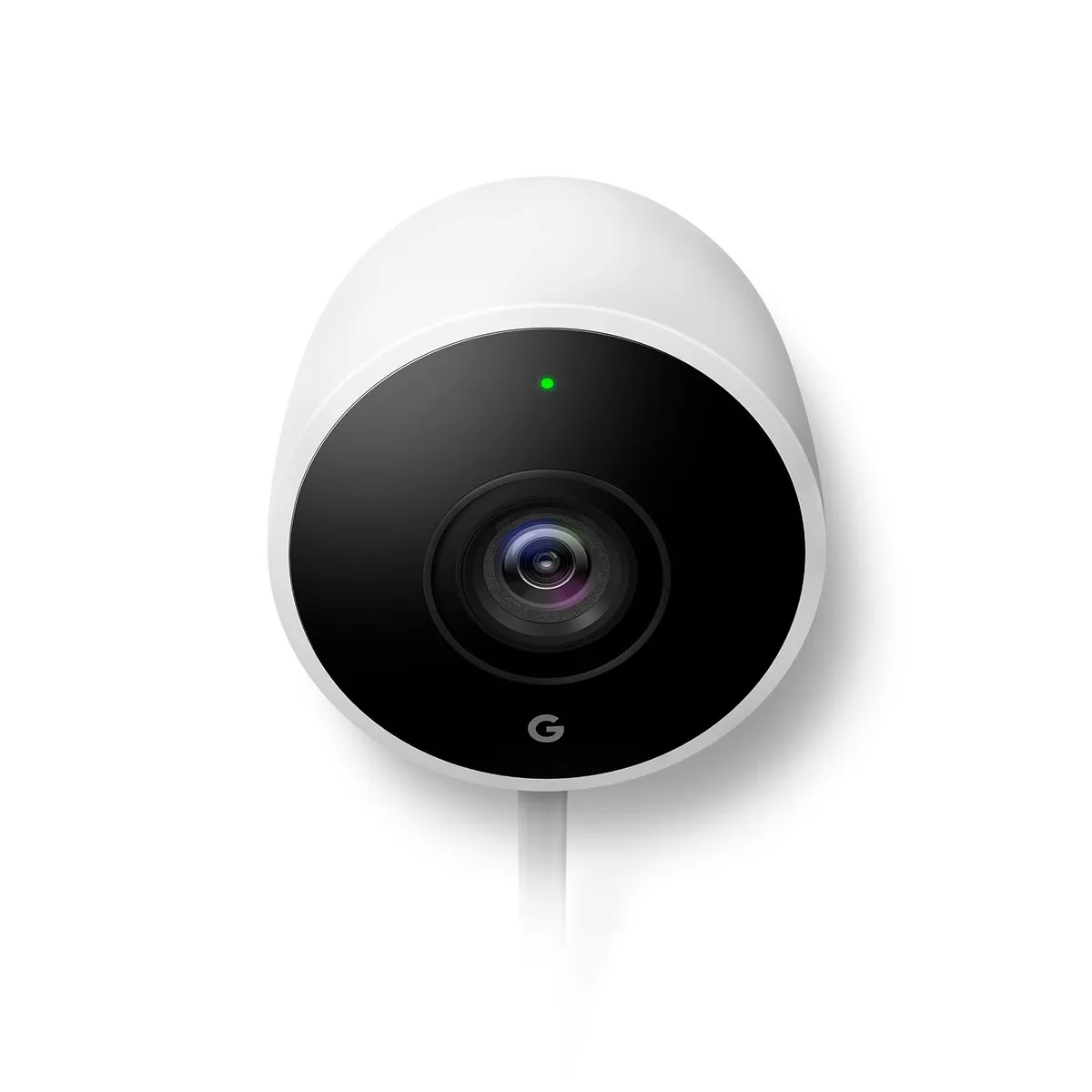
A weatherproof, battery-powered camera you can install yourself in minutes.
A weatherproof, battery-powered camera you can install yourself in minutes. Night vision and smart phone alerts let you keep an eye on your home day or night, and it integrates cleanly with the rest of the Google Home ecosystem. It's our top pick for a first security camera — see our full outdoor camera comparison for runners-up.
Simple installation, clear night vision, and reliable activity alerts make this the easiest camera to recommend to first-time buyers.
Best Video Doorbell
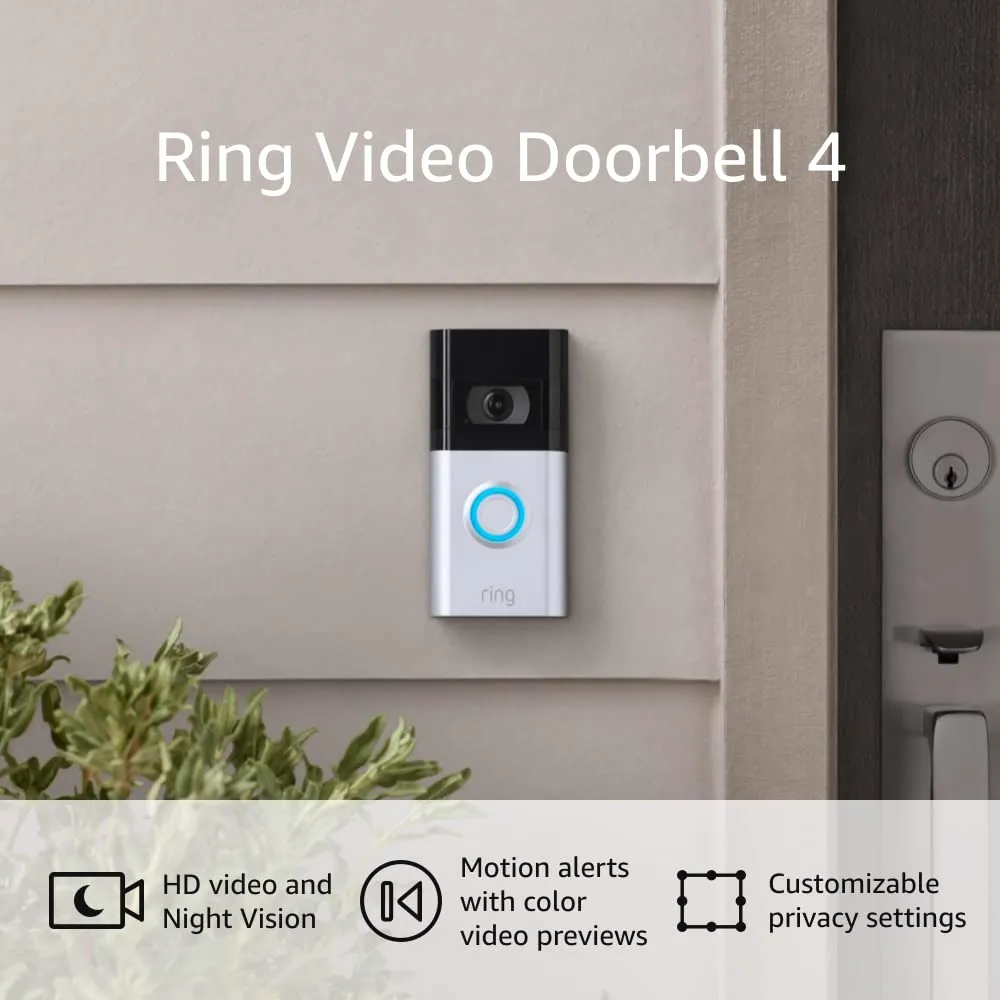
See and speak to whoever is at your door from anywhere with HD video, head-to-toe view, and two-way talk.
See and speak to whoever is at your door from anywhere with HD video, head-to-toe view, and two-way talk. It installs wire-free in minutes and covers your most-used entry point, which is why it's the cornerstone of most smart security setups. Read our full video doorbell guide for wired and privacy-first alternatives.
Wire-free install and two-way talk make it the single most useful security upgrade for the average home.
Review of What We Liked
About the Author
Ilana Nevin
Ilana Nevin is a content creator and marketing professional who is passionate about new technology, home automation and the smart home revolution. She has been blogging about these topics for over five years and is excited to see how the industry continues to evolve.