How Much Does a Smart Home Security System Cost?

This post may contain affiliate links. Read our policy
The smart home security system cost is one of the few home-upgrade price tags that genuinely ranges from pocket change to several hundred dollars — and where the device cost is often the smallest part of what you'll spend over time. Before you buy anything, it helps to understand the three buckets your money falls into: upfront hardware, ongoing subscriptions, and installation. This guide breaks down each one so you can plan a system that fits your budget instead of surprising it.
If you're still deciding which devices belong in your setup, start with our smart home security guide for the full lay of the land, then come back here to budget for it.
Upfront hardware costs
This is the number most people fixate on, and it's the widest-ranging. A single indoor camera can cost as little as $15, while a premium floodlight camera with a built-in siren runs closer to $200. Where you land depends on how much of your home you want to watch and how nice you want the hardware to be.
Here's a rough map of the tiers, based on the systems above:
- Bare-bones (under $35): one indoor or no-Wi-Fi camera to cover a single room, entry, or remote spot.
- Starter system ($50–$80): a two-camera kit that covers the front and back of a typical home.
- Premium devices ($150–$300+): floodlight cameras, video doorbells, and multi-device bundles with sirens and lights.
A full setup usually means combining a few of these — say, a doorbell up front, a couple of outdoor cameras, and an indoor camera. Most people end up spending somewhere between $100 and $400 on hardware for a complete starter system. The good news: nearly all of these devices are DIY, so what you pay on the box is often what you pay, period.
Monitoring and subscription costs
This is the cost that sneaks up on people. Many cameras work perfectly well for free — they send motion alerts to your phone and record to a local SD card. But the moment you want cloud video storage, you're usually looking at a subscription, and those add up faster than the hardware ever did.
- Self-monitoring: $0 per month. Alerts come to your phone, you respond yourself, and footage lives on a local card. Cameras like the budget and solar picks above are built for this.
- Cloud video plans: roughly $3–$15 per month per brand, depending on how many cameras and how much history you want. A Ring or similar premium device leans on a plan to unlock recorded clips.
- Professional monitoring: typically $10–$60 per month for a 24/7 response service. Worth it for larger homes or anyone who wants a guaranteed human in the loop, but far from required for a basic setup.
- Cellular data plans: any 4G/LTE camera that works without Wi-Fi needs a paid SIM/data plan to stay online — usually a few dollars a month per camera. It's easy to overlook, but it's a genuine recurring cost, so factor it in before choosing a cellular model to skip subscriptions.
Run the math over a few years and the pattern is clear: a $50 system on free self-monitoring can easily cost less than a "cheap" camera on a $10-a-month plan. Choosing devices that allow free local storage is the single biggest lever on your long-term cost.
Installation costs
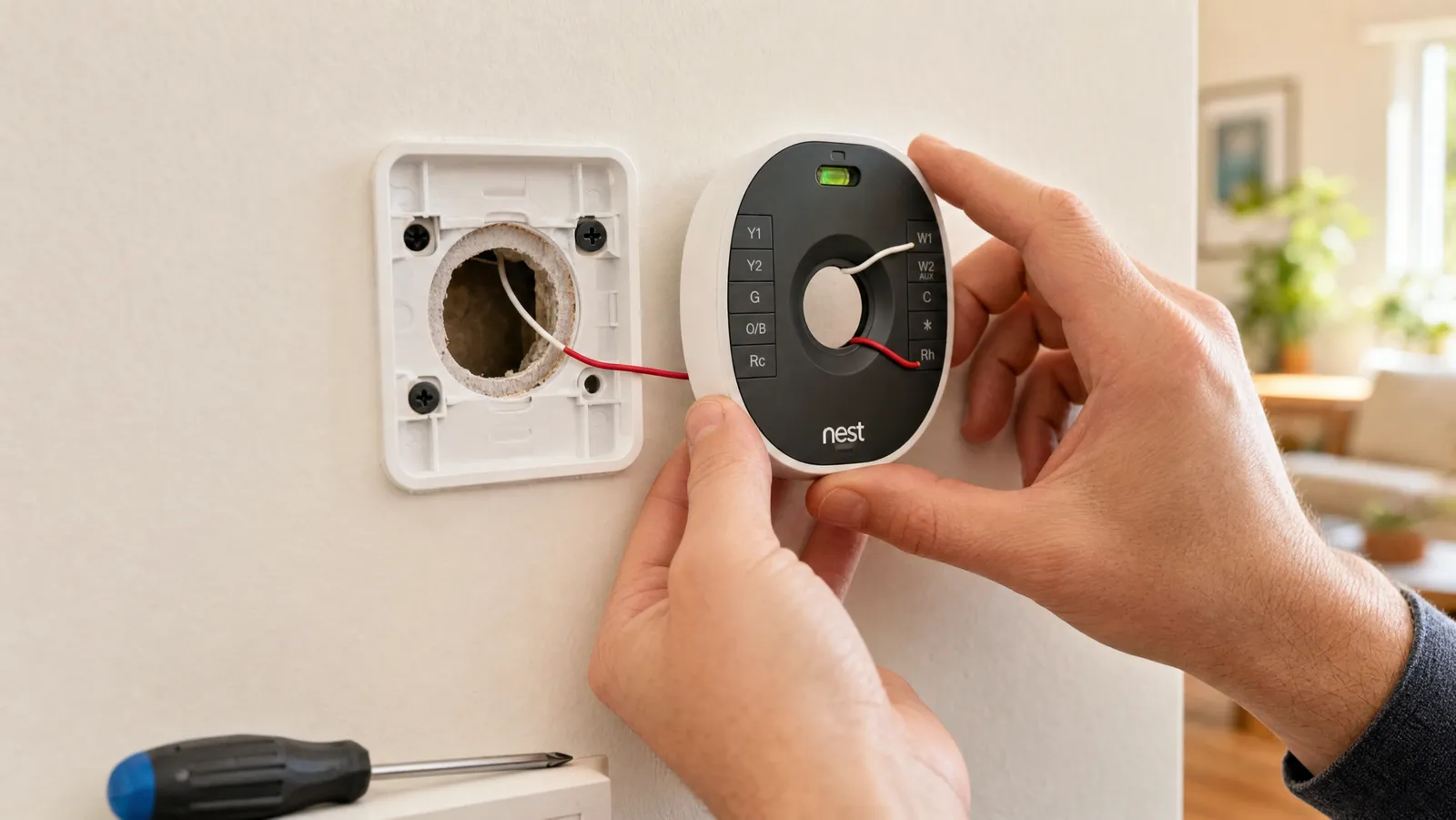
Here's where smart home security shines. The overwhelming majority of modern devices are designed to be installed by you, in minutes, with nothing more than the screws in the box. Battery, solar, and plug-in cameras need no wiring at all — you mount the bracket, charge or plug in the camera, and pair it with an app.
You'll only run into real installation costs if you choose hardwired devices that tap into existing electrical or doorbell wiring. Hiring an electrician for that typically runs $50–$200 depending on the job. If you'd rather not touch wiring, the wire-free cameras above sidestep the expense entirely. For a real-world look at putting wire-free cameras up yourself, see why I installed outdoor security cameras and how little it actually took.
Ways to save money
A capable system doesn't have to be expensive if you shop deliberately:
- Start small and expand. Buy one or two cameras for your highest-risk entry points now, and add more later. There's no rule that says you need full coverage on day one.
- Choose free local storage. Cameras with SD-card recording skip the monthly cloud fee — that single choice can save you more than the camera cost over a few years.
- Buy multi-camera kits. Two- and four-packs almost always cost less per camera than buying them one at a time.
- Skip professional monitoring unless you need it. Self-monitoring is free and fine for most homes.
- Watch for bundle and seasonal deals. Security gear is often discounted during major sales events.
Frequently asked questions
What's the cheapest a real security setup can cost? Under $35 gets you a legitimate single-camera setup on free self-monitoring. A two-camera kit covering most of a home lands around $50–$80, still with no monthly fee if you use local storage.
Are the monthly fees worth it? It depends. Cloud storage adds off-site backup, and professional monitoring buys you a real response — but neither is required, since many cameras record locally and alert your phone for free. Decide whether you value the convenience before committing to a recurring charge.
Cheapest Way to Start
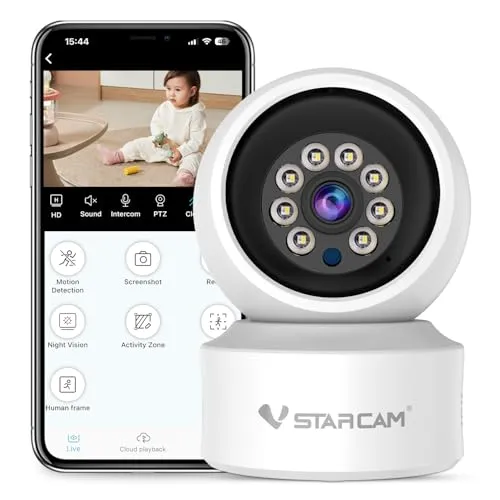
If you want to dip a toe into home security without spending much, a single indoor camera is the lowest-cost entry point there is.
If you want to dip a toe into home security without spending much, a single indoor camera is the lowest-cost entry point there is. It covers 360 degrees with pan and tilt, sends real-time alerts to your phone, and works with voice assistants. Because it records to an SD card, you can keep an eye on a room with zero ongoing fees.
An incredibly affordable way to get live video and motion alerts without committing to a whole system or a subscription.
No WiFi Option
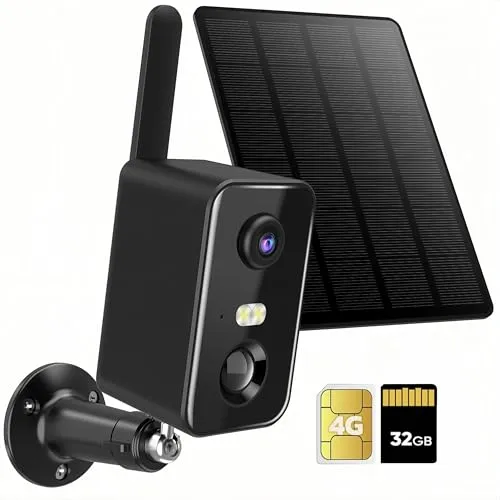
Not every spot you want to watch has Wi-Fi reach — think a detached garage, a barn, or a rural driveway.
Not every spot you want to watch has Wi-Fi reach — think a detached garage, a barn, or a rural driveway. This battery-powered camera runs on a cellular connection, so it works where your router can't. Solar charging keeps it topped up, and it records locally, so the hardware cost is most of what you'll pay. Just remember the cellular link needs a paid SIM/data plan — a real ongoing cost to factor in.
Covers places Wi-Fi cameras simply can't, with solar charging that keeps hardware-related recurring costs to a minimum.
Best Value Multi Camera Kit
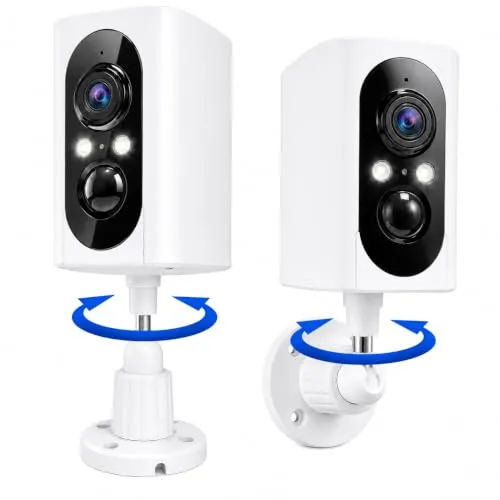
Two cameras for the price most brands charge for one makes this the sweet spot for a first real system.
Two cameras for the price most brands charge for one makes this the sweet spot for a first real system. The 355-degree pan, color night vision, and AI motion detection cover the front and back of a typical home, and you can choose free SD storage instead of a cloud plan. It's the kit we point most budget-minded buyers toward.
Two weatherproof cameras with night vision and a free local-storage option deliver the best coverage-per-dollar of anything we tested.
Off Grid Two Camera Pack
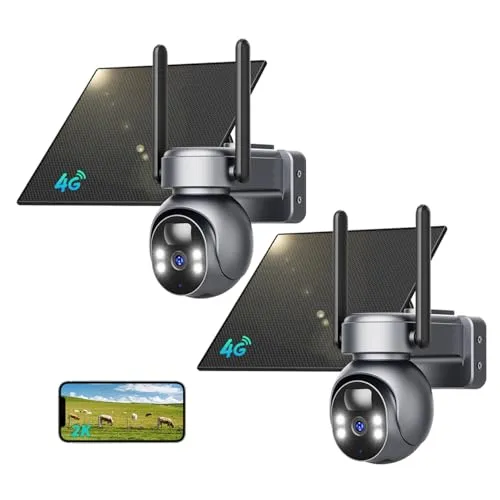
For a property with no Wi-Fi and no easy power, this two-camera solar-and-cellular pack handles both problems at once.
For a property with no Wi-Fi and no easy power, this two-camera solar-and-cellular pack handles both problems at once. Each camera charges from the sun and connects over its own SIM, with 2K color night vision, motion alerts, and two-way talk. You pay for the hardware up front and skip wiring entirely — but budget for the paid SIM/data plan each cellular camera needs, which is an ongoing cost.
A fully wire-free, off-grid pair of cameras — solar power and built-in cellular mean you can mount them almost anywhere.
Premium All in One Camera
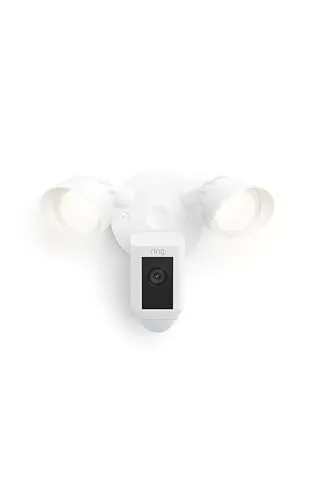
At the top of the range, this Ring camera bundles a bright floodlight, a loud siren, two-way talk, and color night vision into one device that deters intruders before they get close.
At the top of the range, this Ring camera bundles a bright floodlight, a loud siren, two-way talk, and color night vision into one device that deters intruders before they get close. It plugs into existing power and folds neatly into an Alexa-based smart home. A Ring subscription unlocks recorded video, so plan for a monthly fee on top.
The floodlight, siren, and crisp color night vision make it a genuine deterrent, not just a camera that watches things happen.
Review of Our Favorite 3
About the Author
Ilana Nevin
Ilana Nevin is a content creator and marketing professional who is passionate about new technology, home automation and the smart home revolution. She has been blogging about these topics for over five years and is excited to see how the industry continues to evolve.