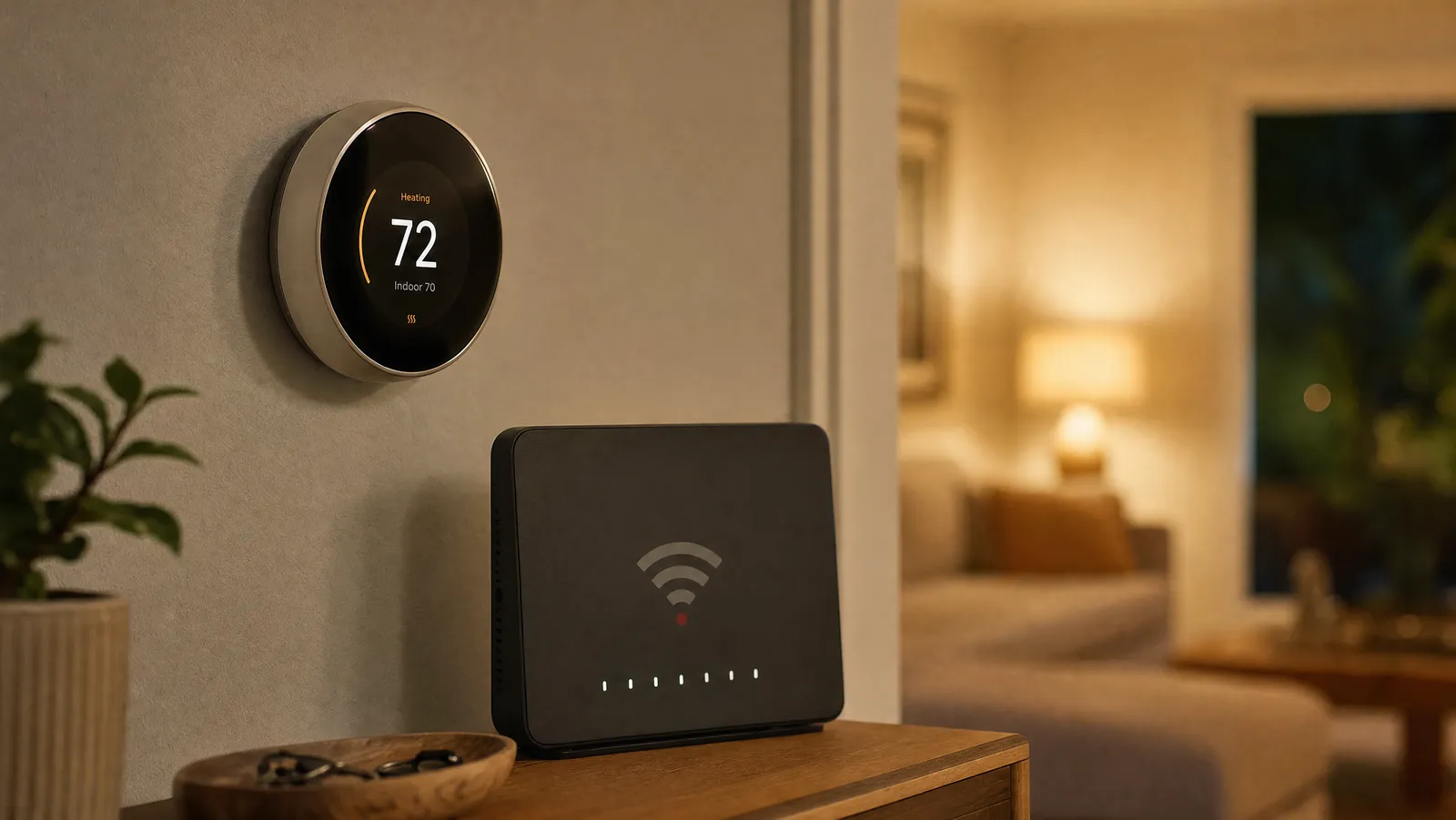
I Tried Smart Switches and Now I'm Never Going Back to Regular Ones

This post may contain affiliate links. Read our policy
- 01Wi Fi Enabled Smart Dimmer Switch with Brightness Control
- 02Leviton Decora Smart Wi Fi Switch
- 03Z Wave In Wall Smart Switch Professional Quality DIY Ease
- 04Caseta Smart Switch Kit
- 05Single Pole Smart Switch from Amazon Basics
- 06Treatlife Smart Light Switch
- 07Z Wave Plus Smart Switch for a Connected Home
- 08SONOFF Touch Wall Switch
- 09Cync Smart Dimmer Switch No Neutral Wire Needed
- 10Meross Smart Switch 4 Pack
I put off smart switches for years, assuming they meant rewiring my whole house or living in an app. Then I swapped one ordinary switch for a smart one, and the small daily wins added up fast: porch lights that turn on at dusk on their own, bedroom lamps I dim from bed, and no more walking back downstairs to flip a switch I forgot. This guide covers what a smart switch actually does, the wiring questions to settle before you buy, and ten switches worth considering, from no-hub Wi-Fi models to pro-grade Z-Wave.
What a smart switch does (and how it differs from a smart bulb)
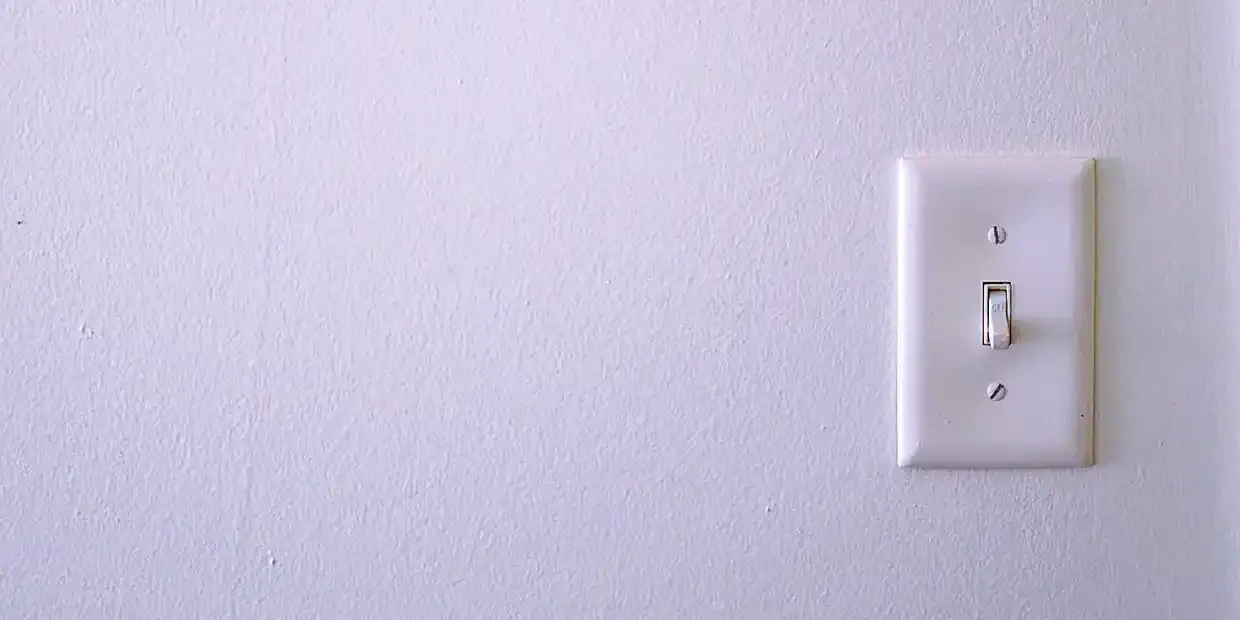
A smart switch replaces the switch on your wall and adds remote control, scheduling, and voice commands to whatever is wired to it, usually ceiling lights but sometimes fans or outlets. Because it controls the circuit itself, every bulb on that fixture becomes "smart" without swapping any bulbs.
That's the key difference from smart bulbs, which put the intelligence in each bulb instead. Smart bulbs are great for color and per-bulb control, but they stop working the moment someone flips the wall switch off. A smart switch keeps the wall control natural for guests and house-sitters while still giving you app and voice control. Many people use both: smart bulbs in a few lamps, smart switches for everything overhead.
The neutral wire question (settle this first)
This is the one detail that trips up most first-time buyers. Many smart switches need a neutral wire, the white bundle in the back of the box, to stay powered while the lights are off. Homes built in roughly the last 40 years usually have one; older homes often don't.
Before you order anything, turn off the breaker, pull the switch plate, and look for a bundle of white wires tucked in the back of the box. If you see one, you can use almost any switch here. If you don't, look for a model that says "no neutral required," like the GE Cync dimmer in our list. Don't guess: a no-neutral switch is the difference between a 20-minute upgrade and a stalled project.
Single-pole vs. 3-way, and dimmer vs. on/off
A single-pole switch is the most common kind: one switch controls one light. A 3-way setup is when two switches control the same light, like the top and bottom of a staircase. If you have a 3-way circuit, you need a switch that explicitly supports it, sometimes with a matching add-on switch for the second location. Several picks here are "3-way ready."
You'll also choose between an on/off switch and a dimmer. A dimmer lets you set brightness for movie night or morning coffee and can extend bulb life, but make sure your bulbs are dimmable, since not all LEDs are. On/off switches are cheaper and a fine choice for closets, hallways, and outdoor fixtures where you don't need to fine-tune the light.
Wi-Fi vs. Z-Wave, and whether you need a hub
How a switch connects shapes how it behaves day to day. Wi-Fi switches (Kasa, Leviton, Amazon Basics, Treatlife, meross, SONOFF here) talk straight to your router with no extra hardware, so they're the simplest place to start. Just note that nearly all use the 2.4GHz band, so confirm your router broadcasts it. The trade-off is that a houseful of Wi-Fi switches can crowd your network.
Z-Wave switches (UltraPro and Enbrighten here) need a separate hub, but in exchange they form their own low-power mesh network that's fast, reliable, and doesn't lean on your Wi-Fi. Each switch also relays signals for the others, so coverage actually improves as you add devices. If you're building a large or serious smart home, the hub pays off. If you just want a few switches working tonight, Wi-Fi is the easier road. The same logic applies to other automations, like motorized shades that can join the same system.
Ecosystem compatibility: Alexa, Google, and Apple Home
Match the switch to the assistant you already use so everything lives in one app. Most switches here work with Amazon Alexa and Google Assistant. Fewer support Apple Home and Siri, so if you're an Apple household, look closely: the Leviton Decora and the meross four-pack both cover it, and the Leviton even supports Matter, the newer standard meant to let devices from different brands work together. If you're tying lighting into a broader setup, our smart home security guide covers how to keep all of it in one ecosystem.
How to install a smart switch safely
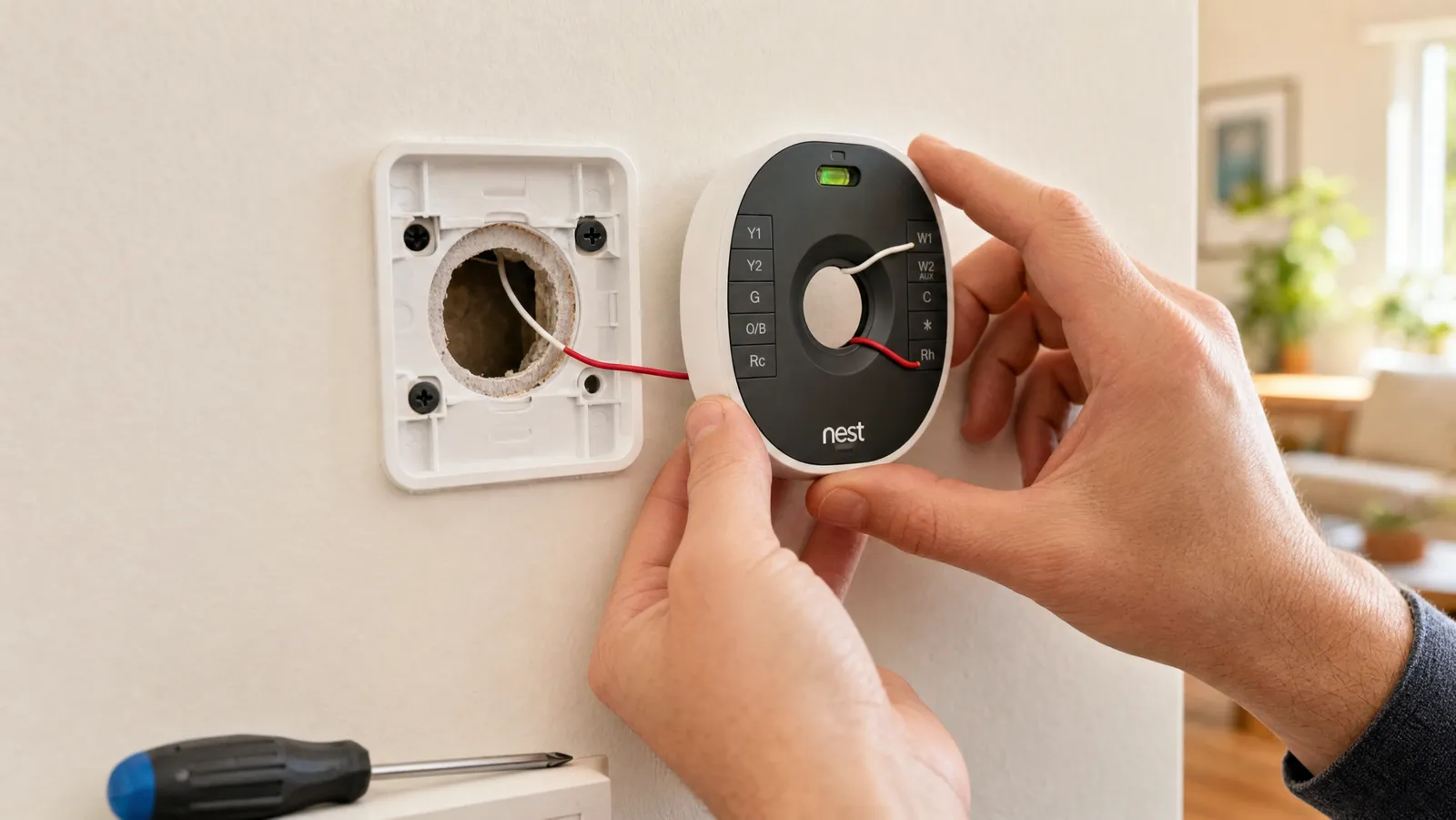
Most switches install in about 20 minutes with a screwdriver, but electricity deserves respect. Work carefully:
- Turn off power at the circuit breaker, not just the wall switch.
- Confirm the power is off with a non-contact voltage tester before you touch any wires.
- Remove the old switch and take a photo of how it's wired before disconnecting anything.
- Connect the new switch: line, load, ground, and the neutral if required.
- Gently fold the wires back, screw the switch into the box, and attach the plate.
- Restore power and follow the brand's steps to connect to Wi-Fi or a hub.
If you find aluminum wiring, a crowded box, or anything you don't recognize, stop and call an electrician. The cost of a service call is far less than the cost of a mistake.
Frequently asked questions
Do all smart switches need a neutral wire? No, but most do. The neutral keeps the switch powered while the lights are off. If your box doesn't have a neutral, choose a model that's specifically labeled "no neutral required," like the GE Cync dimmer, and you can still go smart.
Will my regular wall switch still work? Yes. A smart switch behaves like a normal switch when you press it, so guests and family don't need an app to turn on the lights. The app, schedules, and voice control are simply added on top of the everyday button.
Can I control smart switches when I'm away from home? Yes. As long as the switch is connected, by Wi-Fi or through a hub, and you have internet, you can turn lights on and off, check their status, and run schedules from anywhere through the brand's app.
Wi Fi Enabled Smart Dimmer Switch with Brightness Control
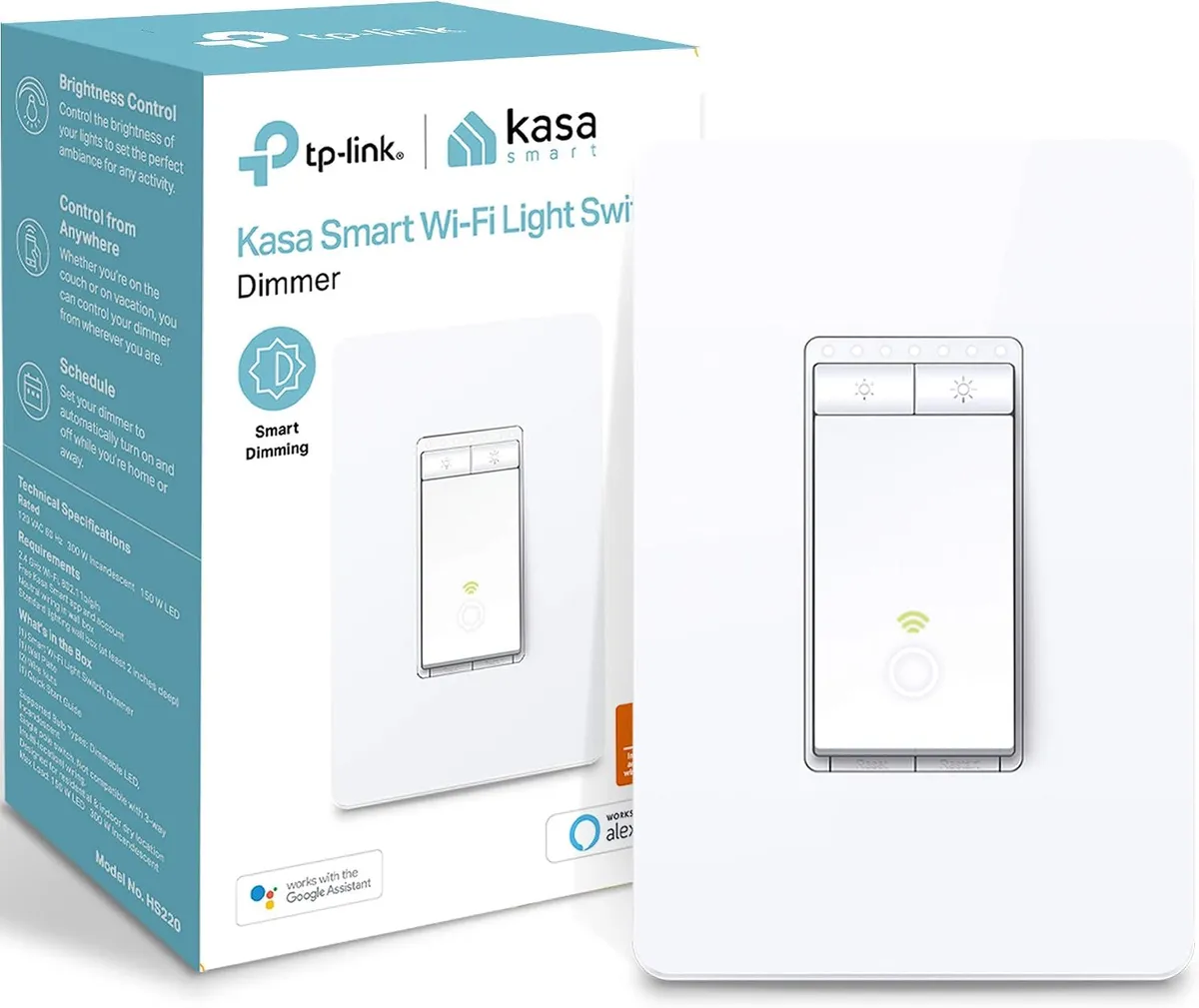
The Kasa HS220 replaces a single-pole switch and adds full dimming, so you can set the right brightness from the wall, the Kasa app, or your voice.
The Kasa HS220 replaces a single-pole switch and adds full dimming, so you can set the right brightness from the wall, the Kasa app, or your voice. Schedules turn lights on and off on their own whether you're home or away, and it connects straight to 2.4GHz Wi-Fi with no hub to buy. It does need a neutral wire, which most homes built in the last few decades have.
Easy single-pole install, smooth dimming, and reliable app and voice control without needing a hub.
Leviton Decora Smart Wi Fi Switch
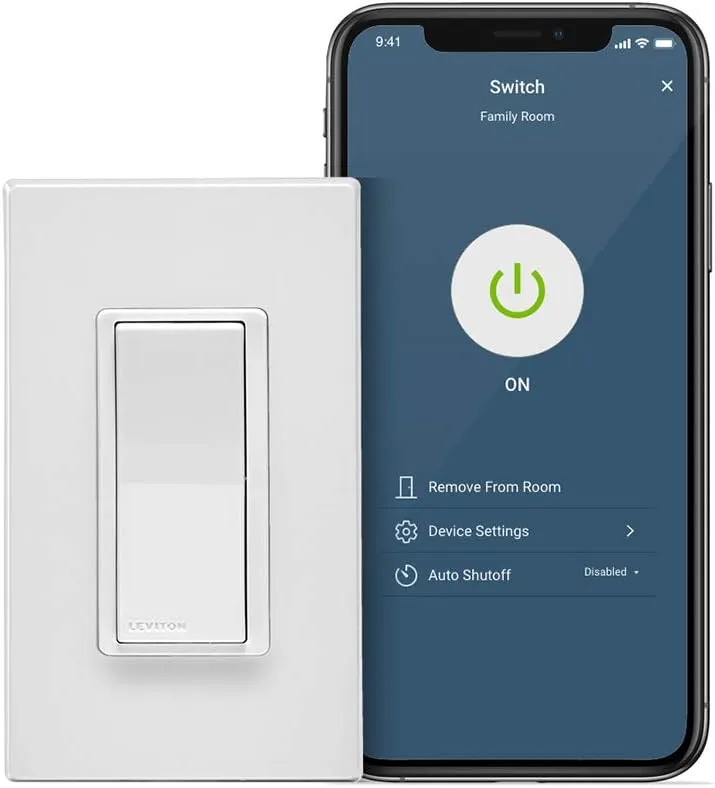
This Leviton Decora switch is the rare one that works with every major ecosystem, including Matter, Alexa, Google Assistant, and Apple Home, with no hub required.
This Leviton Decora switch is the rare one that works with every major ecosystem, including Matter, Alexa, Google Assistant, and Apple Home, with no hub required. It handles standard on/off loads and supports wired or wire-free 3-way setups, so it fits hallways and stairwells as easily as a single switch. A neutral wire is required.
Broad compatibility across Matter, Alexa, Google, and Apple Home makes it the easiest pick for mixed smart homes.
Z Wave In Wall Smart Switch Professional Quality DIY Ease
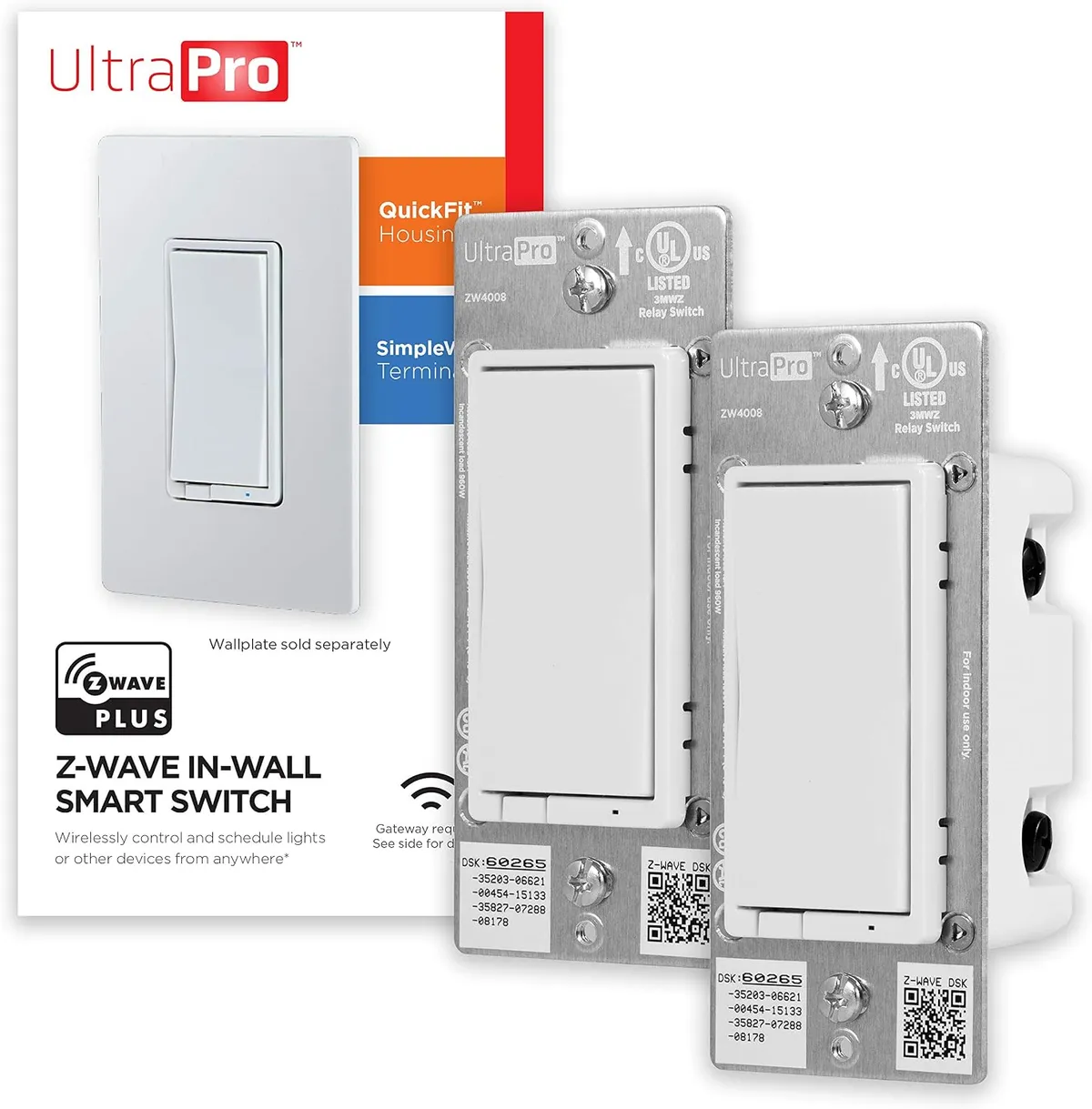
Paired with a Z-Wave hub, this two-pack of UltraPro in-wall switches controls accent, wall, and ceiling lighting through scenes, schedules, and voice commands.
Paired with a Z-Wave hub, this two-pack of UltraPro in-wall switches controls accent, wall, and ceiling lighting through scenes, schedules, and voice commands. Z-Wave forms its own mesh network separate from your Wi-Fi, which keeps response times fast and reliable as you add more devices. Each switch supports single-pole or 3-way wiring for multi-switch rooms.
Rock-solid Z-Wave performance with simple wiring and 3-way support, at a fair price for a two-pack.
Caseta Smart Switch Kit
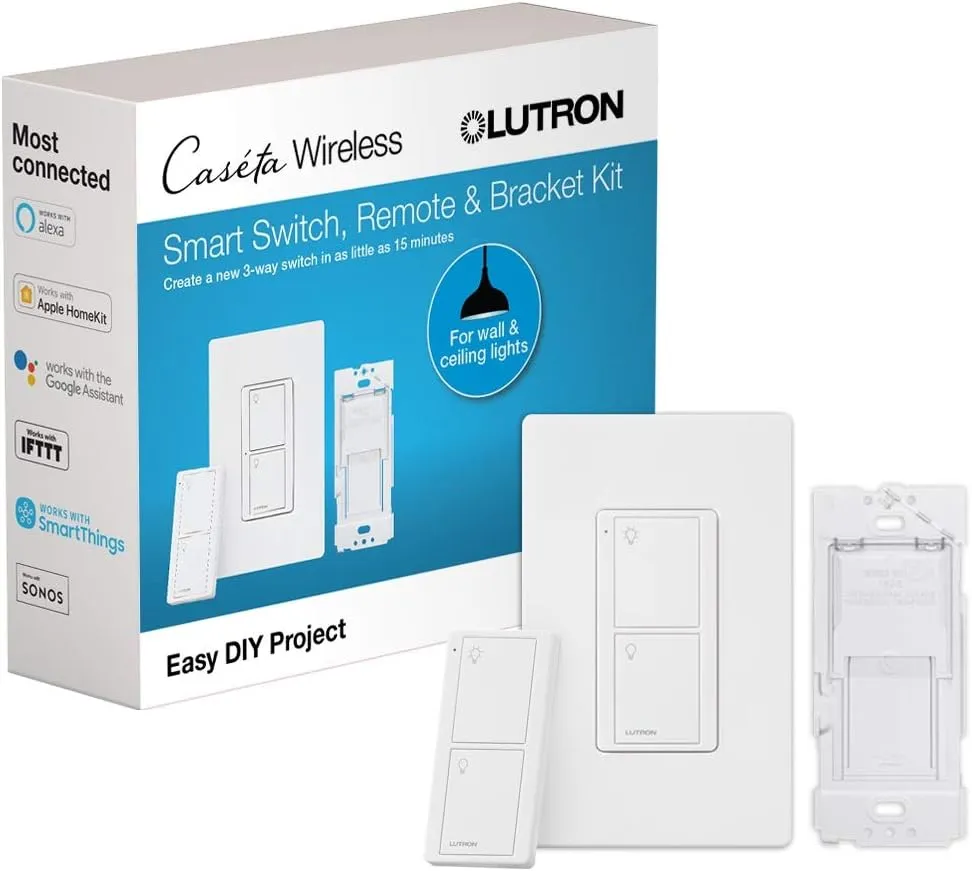
Lutron Caseta is the system to beat for reliability, and this kit pairs an on/off switch with the wireless Pico remote so you get two points of control out of the box.
Lutron Caseta is the system to beat for reliability, and this kit pairs an on/off switch with the wireless Pico remote so you get two points of control out of the box. The Pico sticks anywhere, letting you add a second switch to a room without running new wiring. With the Lutron Smart Hub it works with Alexa, Apple Home, Google Assistant, and Ring.
The included Pico remote adds a second control point anywhere, and Lutron's rock-solid reliability is the best in the category.
Single Pole Smart Switch from Amazon Basics
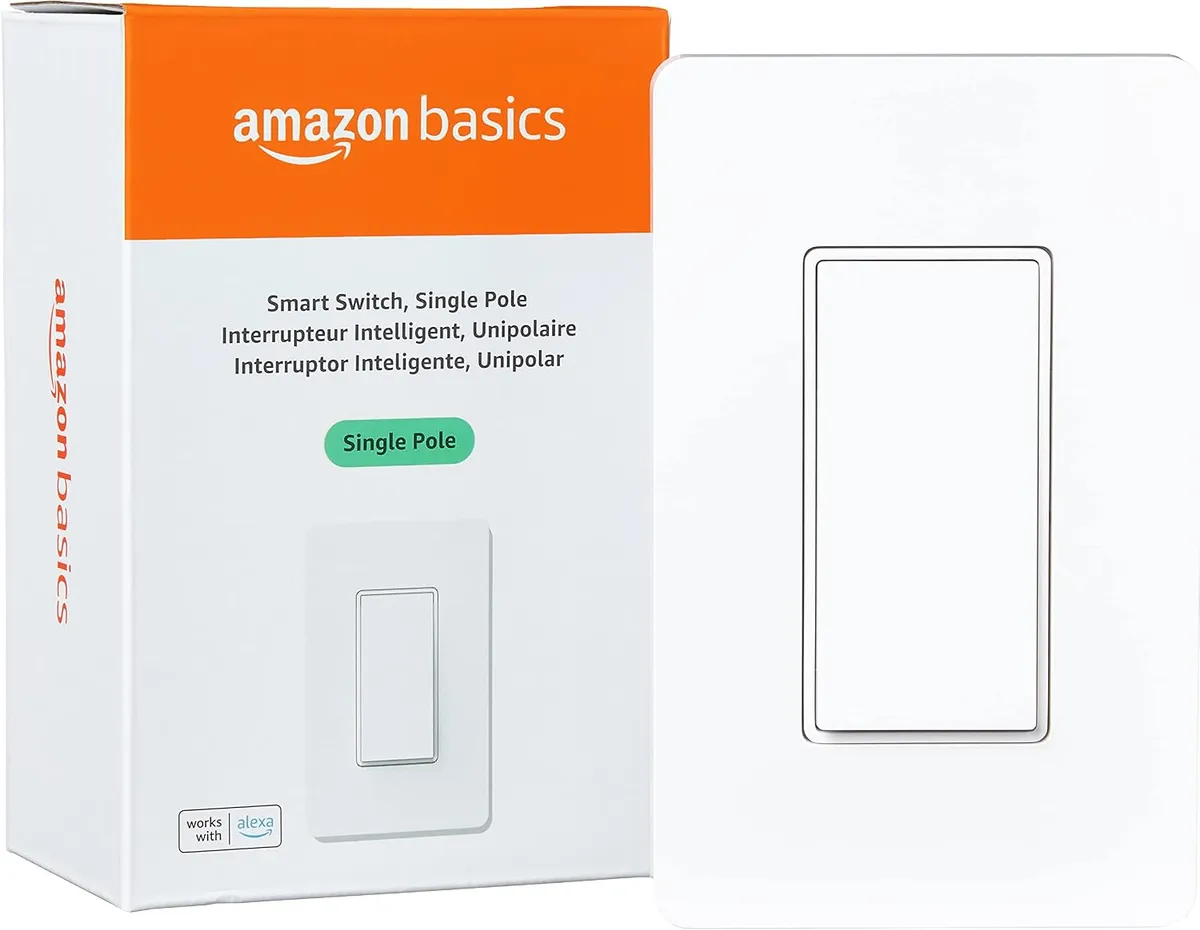
The Amazon Basics smart switch is about as cheap as smart lighting gets, and it does the core job well.
The Amazon Basics smart switch is about as cheap as smart lighting gets, and it does the core job well. It connects to 2.4GHz Wi-Fi with no hub, and you can set schedules or control lights with Alexa voice commands and routines. Note that it works with Alexa only, so it's best for households already in that ecosystem, and it needs a neutral wire.
Hard to beat the price for a no-hub Wi-Fi switch, with a guided setup that makes the install genuinely easy.
Treatlife Smart Light Switch
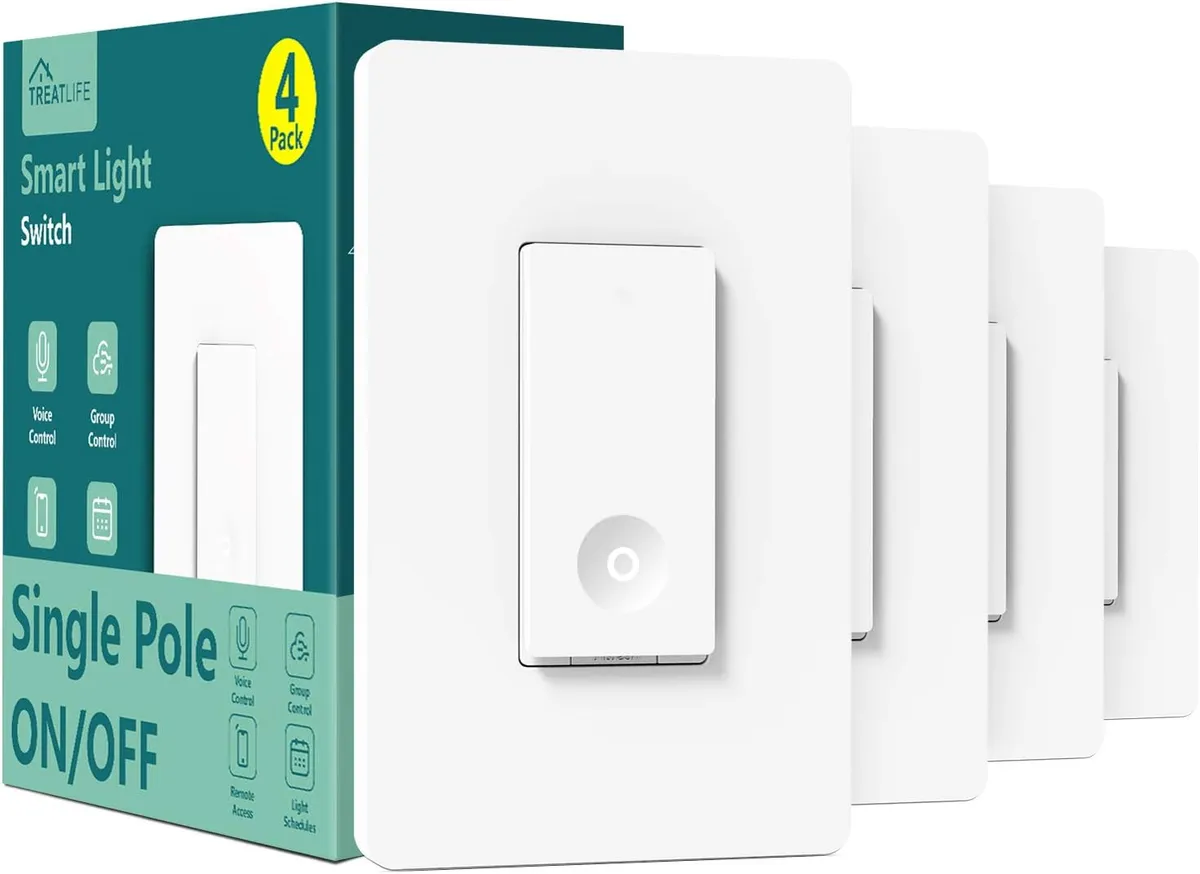
Buying smart switches in bulk is the cheapest way to convert a whole house, and this Treatlife four-pack brings the per-switch cost way down.
Buying smart switches in bulk is the cheapest way to convert a whole house, and this Treatlife four-pack brings the per-switch cost way down. Each switch connects to 2.4GHz Wi-Fi with no hub and works with Alexa, Google Home, and SmartThings for app, voice, and scheduled control. A neutral wire is required, and a screwless snap-on wall plate keeps the install tidy.
A four-pack at a great per-switch price, with no hub needed and broad voice-assistant support.
Z Wave Plus Smart Switch for a Connected Home
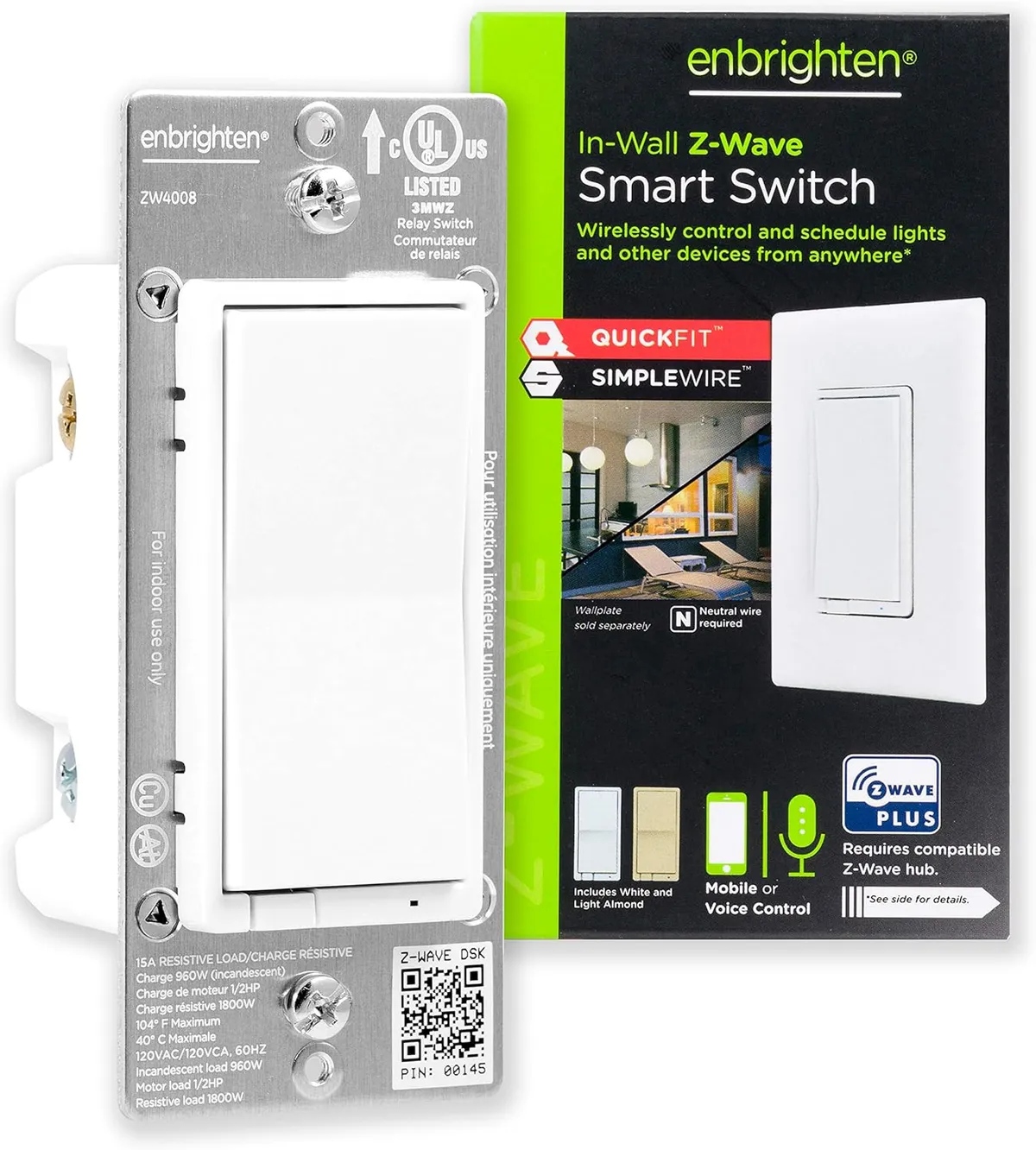
When paired with a compatible Z-Wave hub, this Enbrighten paddle switch lets you control indoor or outdoor lighting from your phone or by voice, with custom scenes and flexible schedules.
When paired with a compatible Z-Wave hub, this Enbrighten paddle switch lets you control indoor or outdoor lighting from your phone or by voice, with custom scenes and flexible schedules. The 800 Series adds long-range radio for stronger, more dependable connections across a larger home. It supports direct 3-way wiring, so you don't need a separate add-on switch for multi-switch fixtures.
Long-range Z-Wave reach and direct 3-way support make it a clean, reliable choice for whole-home automation.
SONOFF Touch Wall Switch
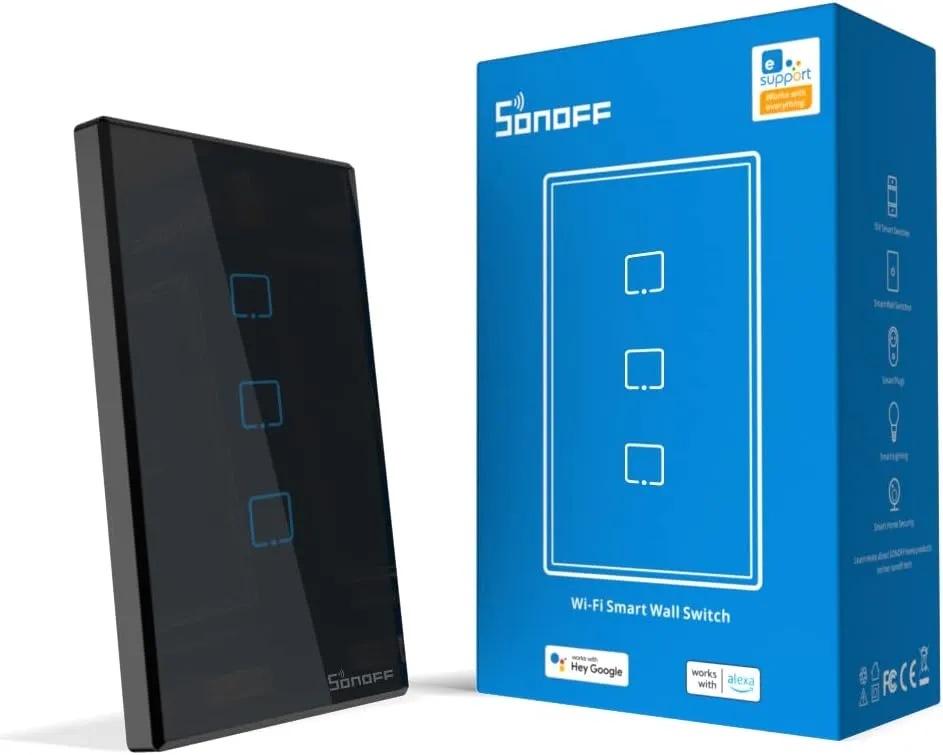
This SONOFF touch switch controls up to three lighting circuits from one elegant glass panel, managed through the easy eWeLink app on Android or iOS.
This SONOFF touch switch controls up to three lighting circuits from one elegant glass panel, managed through the easy eWeLink app on Android or iOS. It's Matter enabled and works with Apple Home, Google Home, and Alexa for hands-free voice control, plus timers and schedules. The touch interface and three channels make it a smart fit for a busy room with several lights.
A single touch panel controls three circuits, and Matter support means it plays nicely with whatever ecosystem you use.
Cync Smart Dimmer Switch No Neutral Wire Needed
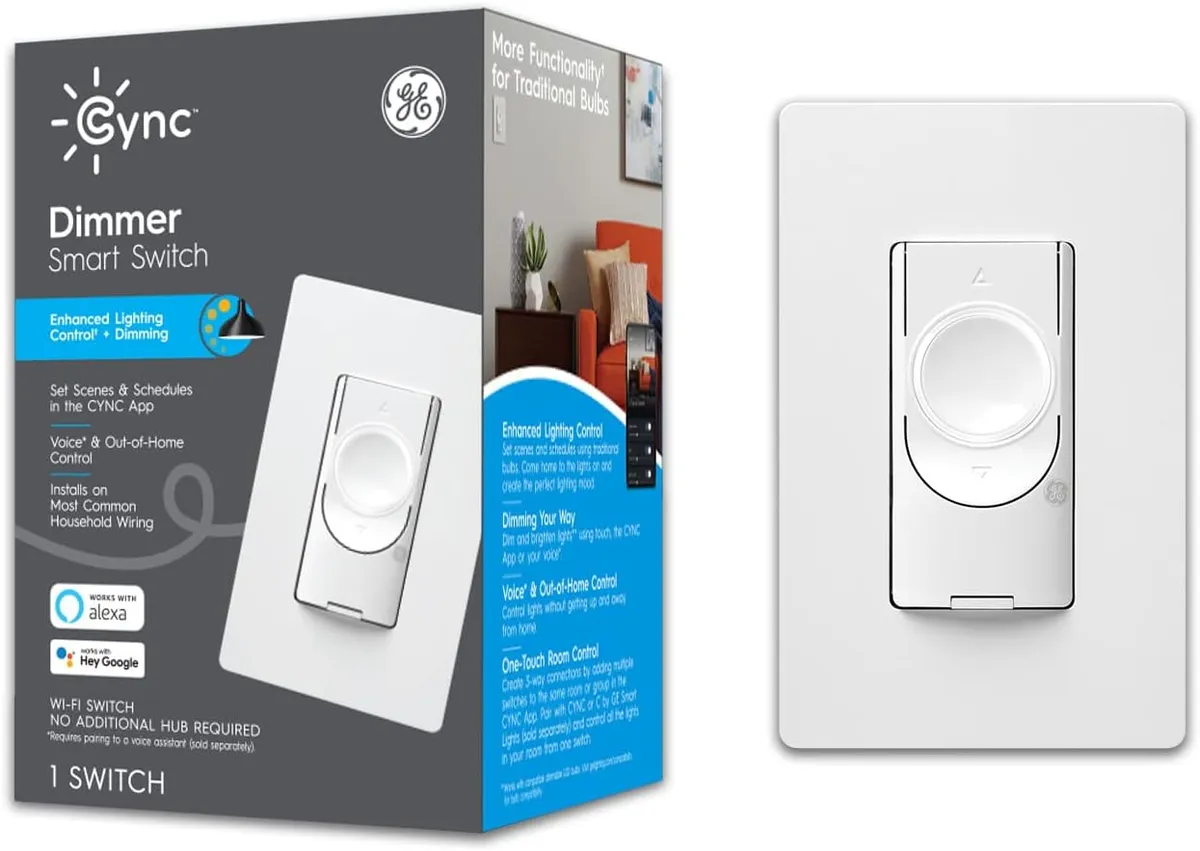
The standout feature of the GE Cync dimmer is right in the name: no neutral wire required, which makes it one of the few smart switches that works in older homes without one.
The standout feature of the GE Cync dimmer is right in the name: no neutral wire required, which makes it one of the few smart switches that works in older homes without one. It dims conventional bulbs and supports scenes, schedules, and away control through Bluetooth and 2.4GHz Wi-Fi. Alexa and Google Home handle the voice commands.
No neutral wire needed makes this the go-to dimmer for older homes, with smooth dimming and voice control built in.
Meross Smart Switch 4 Pack
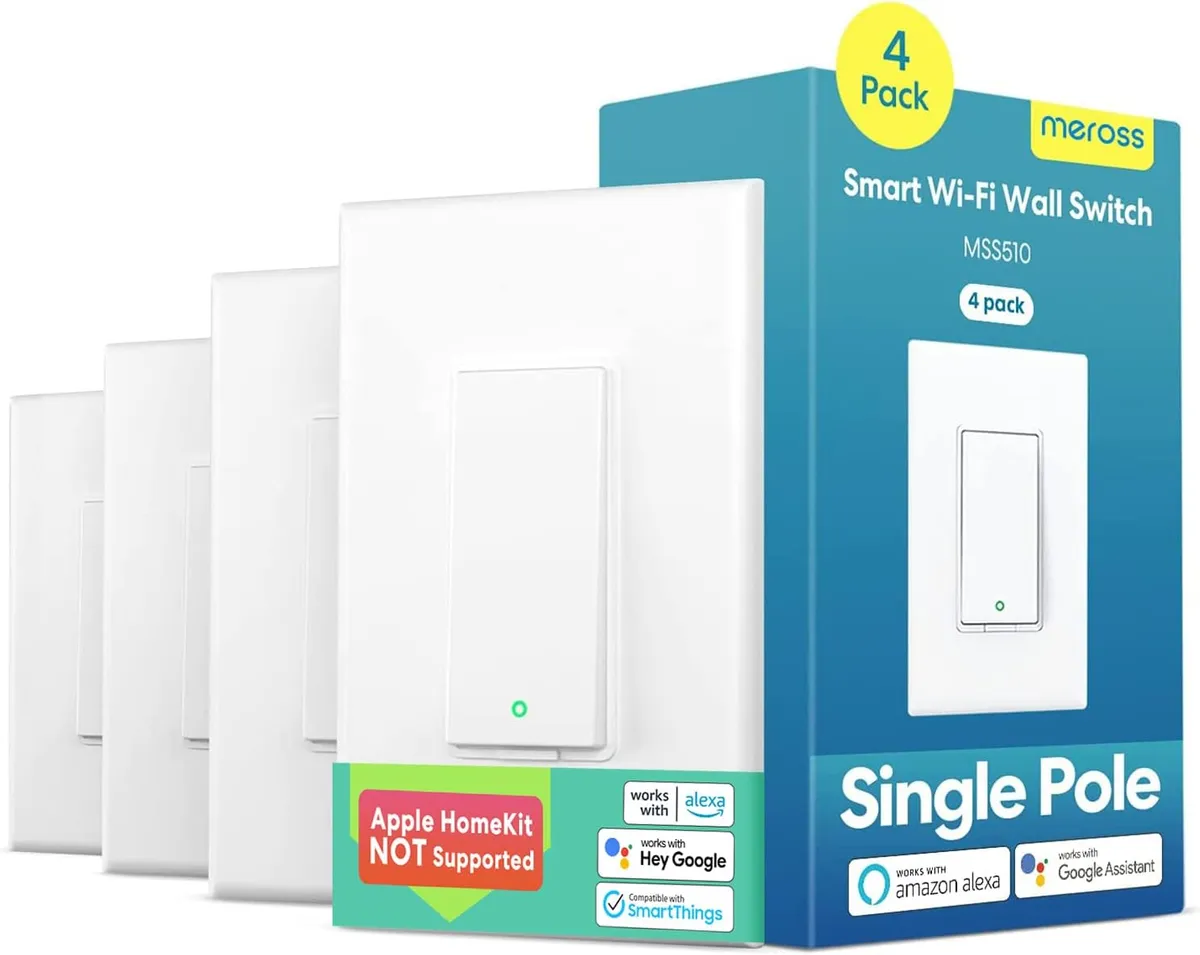
This meross four-pack is a strong value for anyone wiring up several rooms, and it's one of the few budget bundles that works with Apple Home and Siri alongside Alexa, Google Assistant, and SmartThings.
This meross four-pack is a strong value for anyone wiring up several rooms, and it's one of the few budget bundles that works with Apple Home and Siri alongside Alexa, Google Assistant, and SmartThings. Each switch connects to 2.4GHz Wi-Fi with no hub and fits a standard Decora-style faceplate. A neutral wire is required, and you can schedule lights around your routine.
Apple Home support in a budget four-pack is rare, and the no-hub Wi-Fi setup drops into a standard faceplate easily.
Review of Our Favorite 3
About the Author
Ilana Nevin
Ilana Nevin is a content creator and marketing professional who is passionate about new technology, home automation and the smart home revolution. She has been blogging about these topics for over five years and is excited to see how the industry continues to evolve.