9 easy ways to save energy this winter with a smart thermostat

This post may contain affiliate links. Read our policy
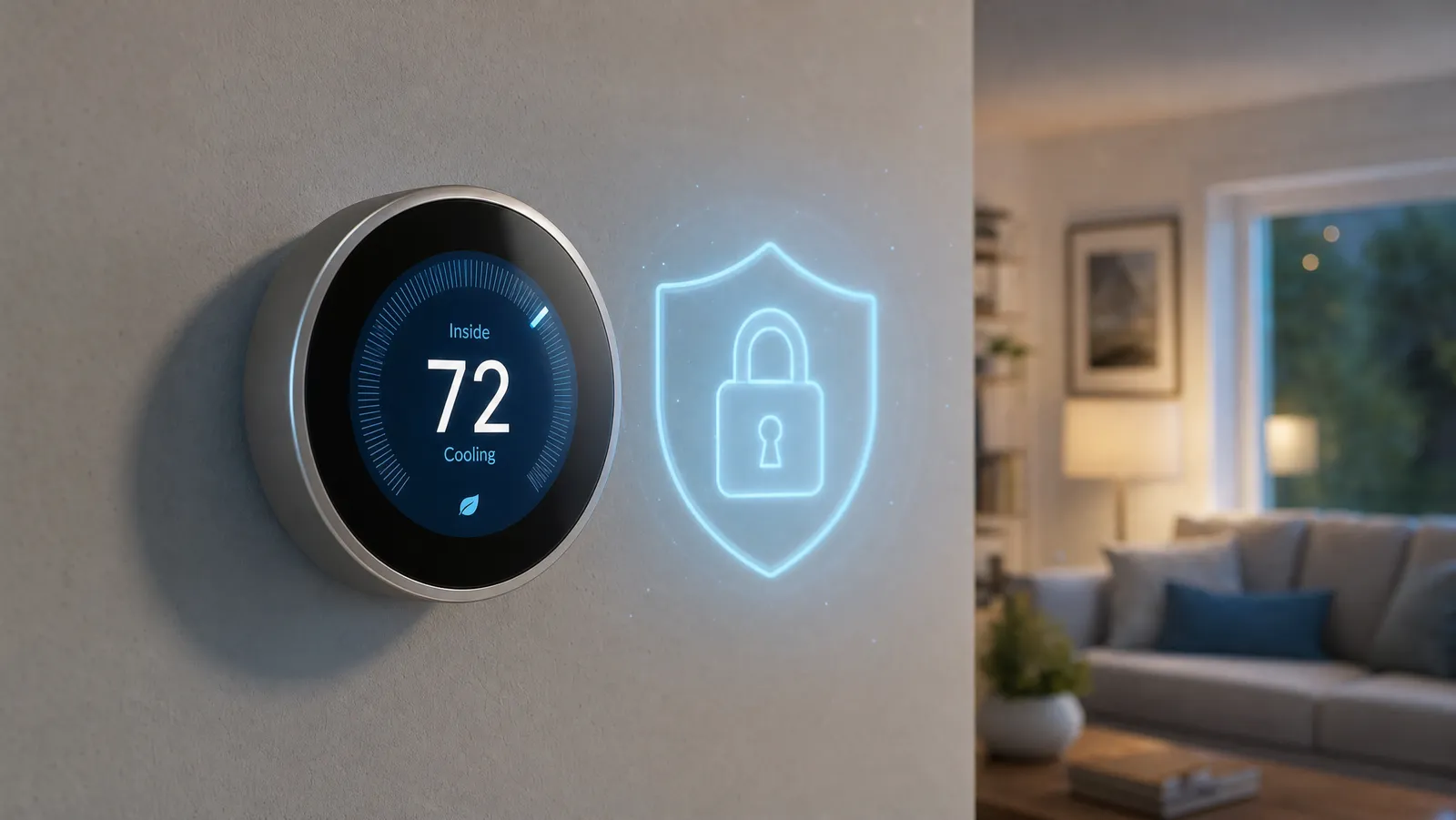
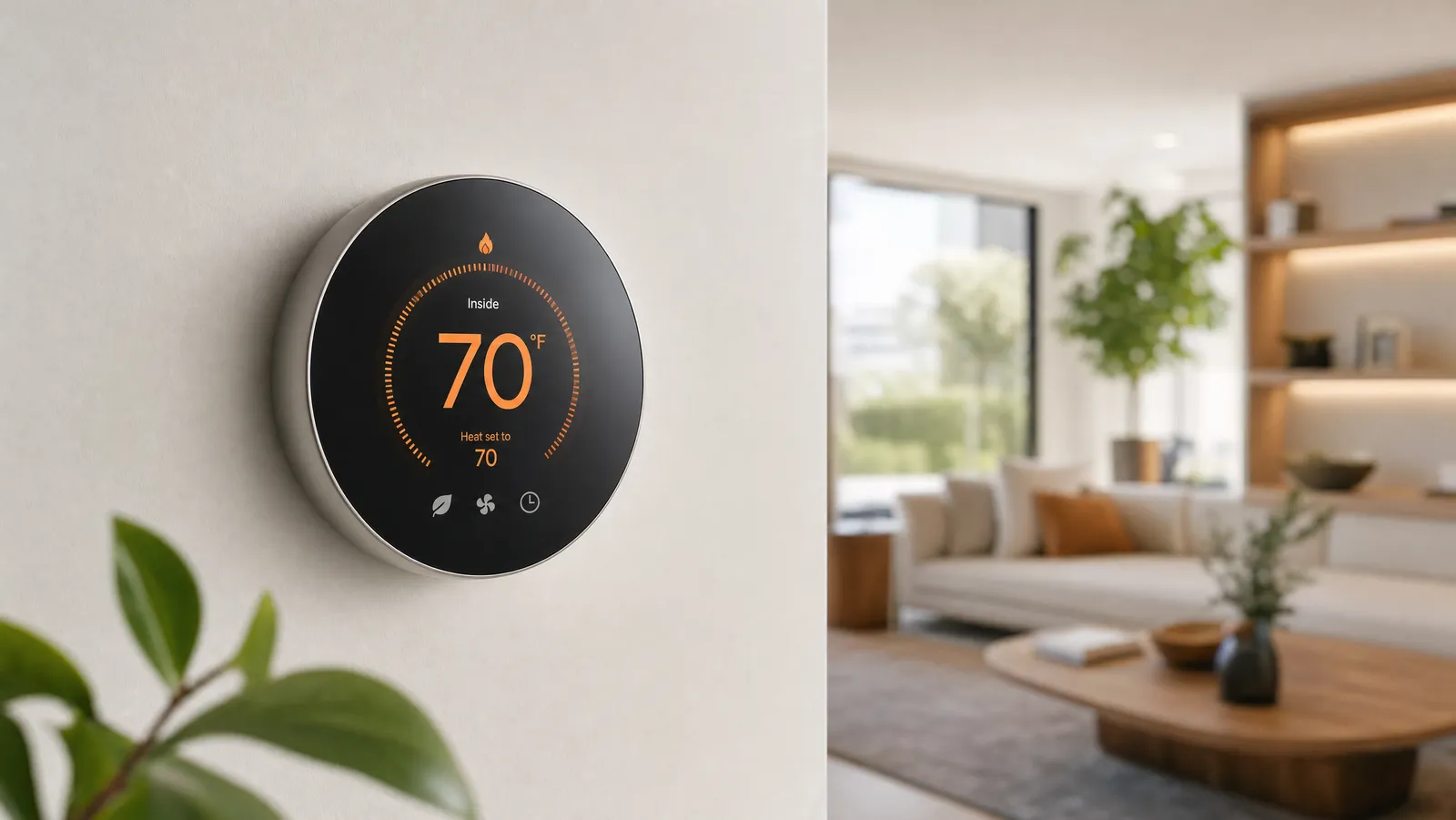
A smart thermostat is one of the few upgrades that can pay for itself, because it stops you from heating and cooling an empty house. Instead of remembering to turn things down before bed or before you leave, the thermostat handles it for you and lets you nudge the temperature from your phone or a voice command. This guide walks through how these thermostats actually save energy, how to tell if one will work with your system, and the five we'd recommend right now. For the full rundown of models and how to choose, see our complete smart thermostat buyer's guide.
Learning vs. programmable: which one fits you
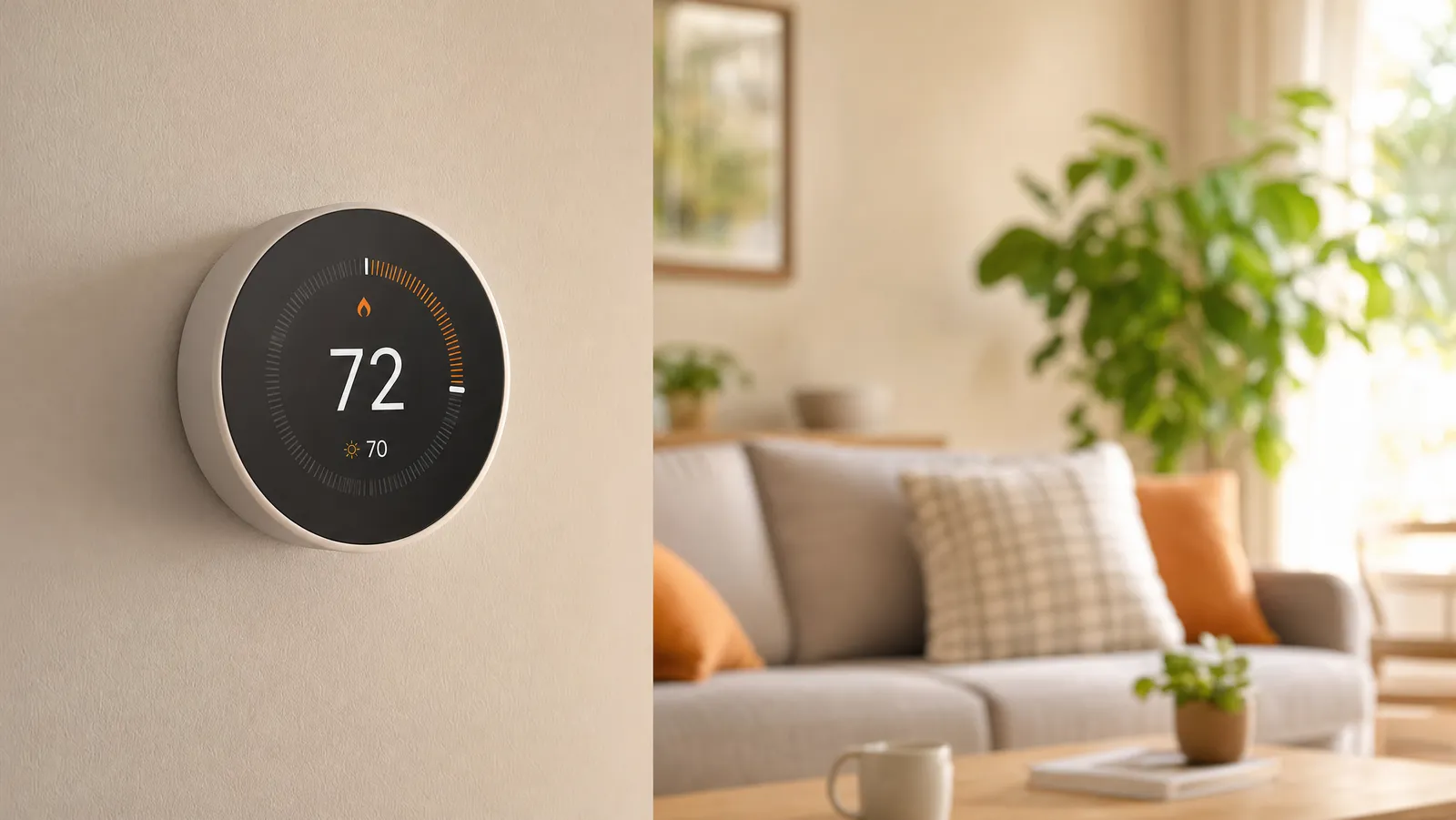
There are two broad styles. A learning thermostat, like our top pick, watches how you set the temperature for the first week or so and then builds a schedule on its own, adjusting over time as your habits change. A programmable thermostat asks you to set a weekly schedule once, then sticks to it until you change it.
Learning models are the most hands-off, but a good programmable model saves just as much energy if you're willing to spend five minutes setting it up. If you have a fairly steady routine, programmable is plenty. If your days are unpredictable, the self-learning approach earns its higher price.
Check HVAC and C-wire compatibility first
Before you buy anything, confirm the thermostat works with your heating and cooling system. Most manufacturers have a free online compatibility checker where you enter the wires behind your current thermostat. The big one to look for is the C-wire (common wire), which delivers steady power. Some smart thermostats require it, others include a workaround like a power adapter, and a few are built to run on the wiring most homes already have.
If you're unsure, snap a photo of your existing wiring before you order. It takes two minutes and saves you the headache of returning a thermostat that won't power on. Once you've confirmed compatibility, the rest of the setup is straightforward.
Remote control, voice, and your smart home
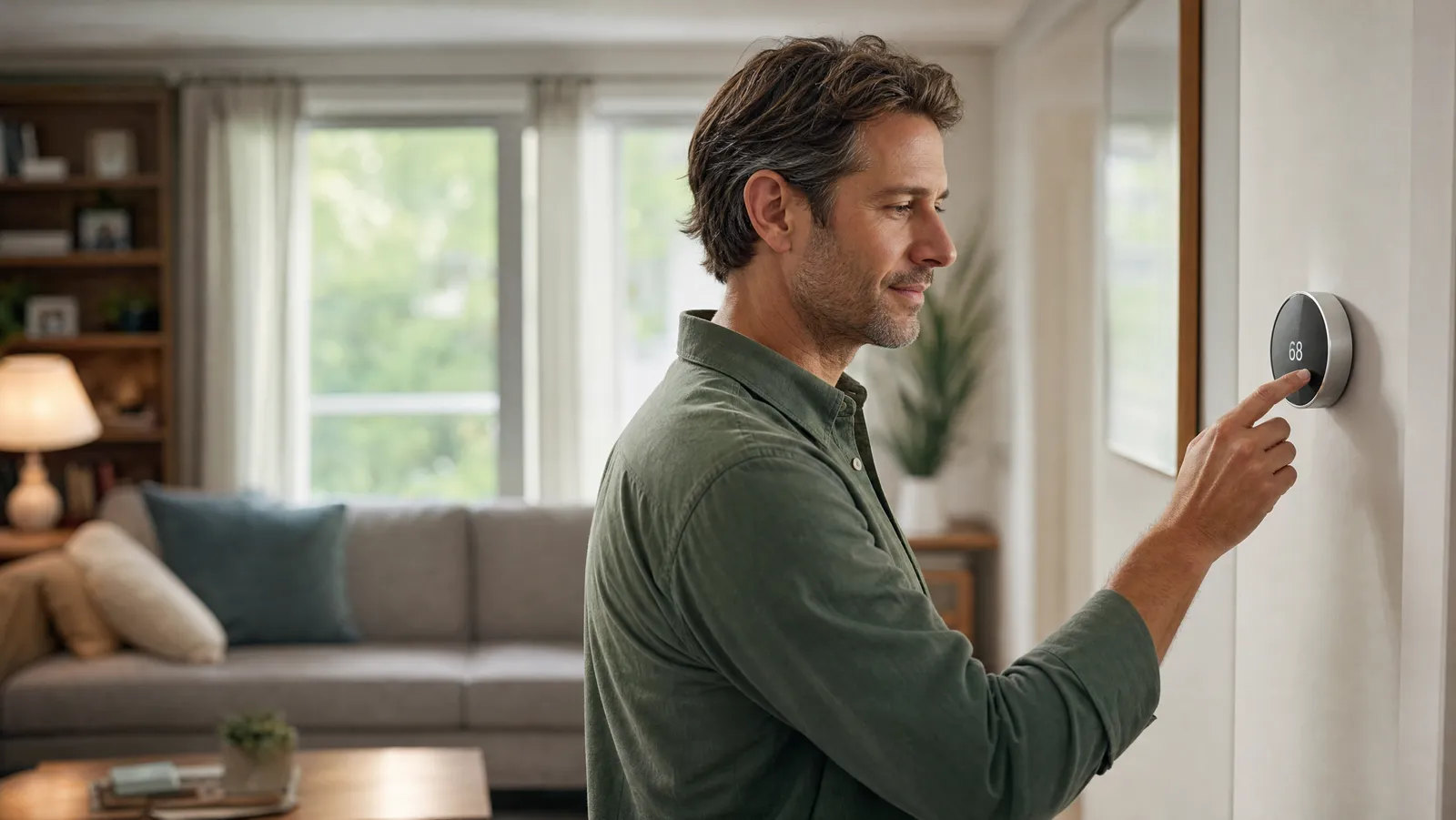
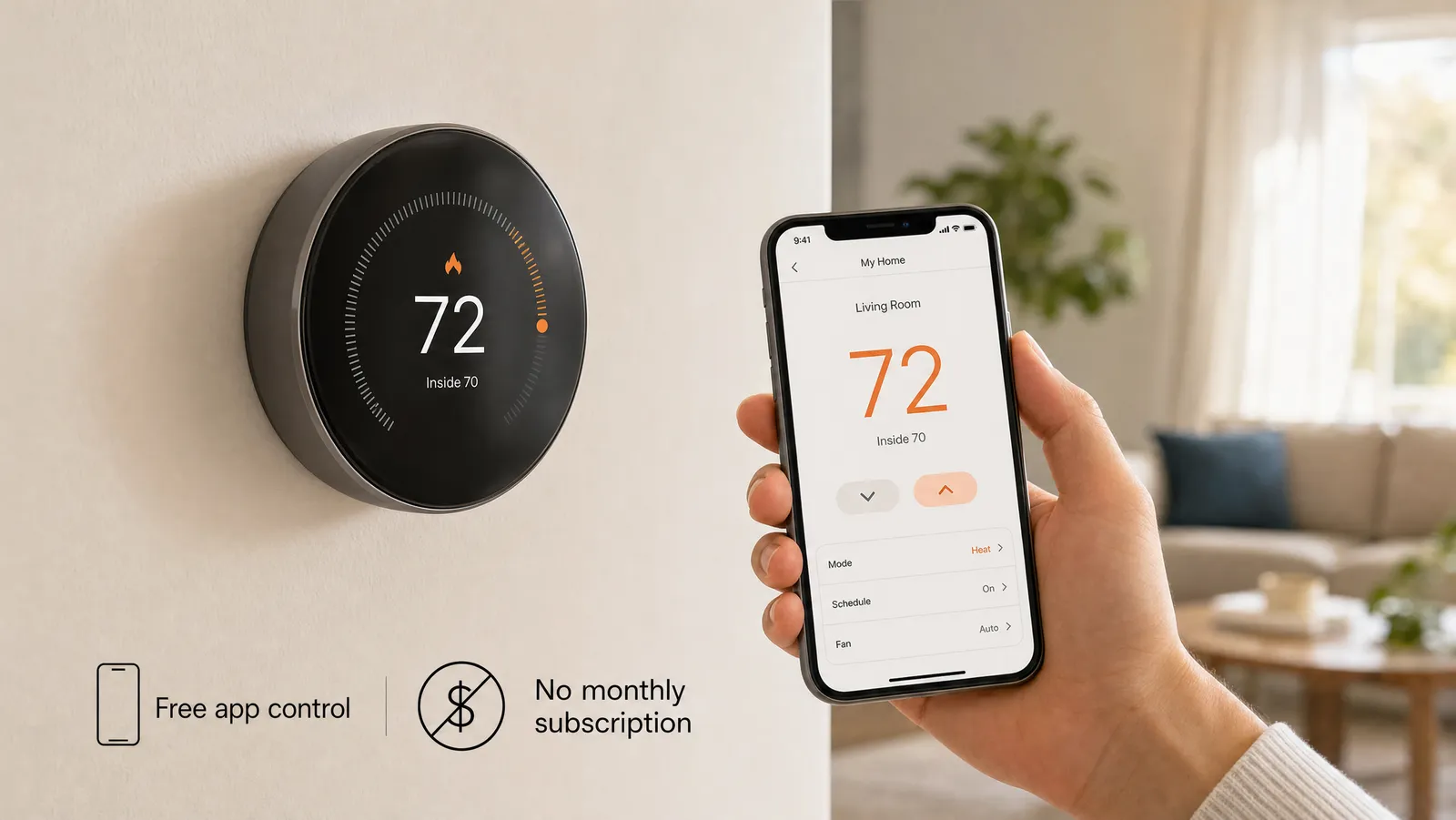
The everyday convenience of a smart thermostat comes from controlling it without walking to the wall. Every pick here has a phone app, so you can warm the house on the drive home or turn the heat down after you've already left for the weekend. Most also work with Alexa, Google Assistant, or Apple HomeKit, so a quick voice command sets the temperature.
Buying a thermostat that matches the ecosystem you already use keeps everything in one app alongside the rest of your gear. If you're building out a connected home, it pairs naturally with smart bulbs for automated lighting and smart switches that let you control fixtures you can't easily swap a bulb in.
How a smart thermostat actually saves energy
The savings come from a few simple behaviors working in the background:
- Setbacks when you're away — the thermostat eases the temperature back automatically when the house is empty, so you stop paying to heat or cool rooms no one is in.
- Smart scheduling — it warms the house before you wake up and lets it drift while you sleep, instead of running the same temperature around the clock.
- Remote correction — left the heat blasting? Turn it down from your phone from anywhere.
- Usage reports — most apps show where your energy is going, which makes it easy to spot habits worth changing.
None of this requires you to think about it day to day. You set your comfort preferences once, and the thermostat handles the small adjustments that add up over a heating season.
How to choose, and installing it yourself
Start with compatibility, since a thermostat that won't run on your system is a non-starter. From there, weigh how hands-off you want to be (learning vs. programmable), which voice assistant you use, and your budget — the picks here run from around $90 to $150. If you want even temperatures in a far bedroom or a sunny room, look at a model that supports separate room sensors.
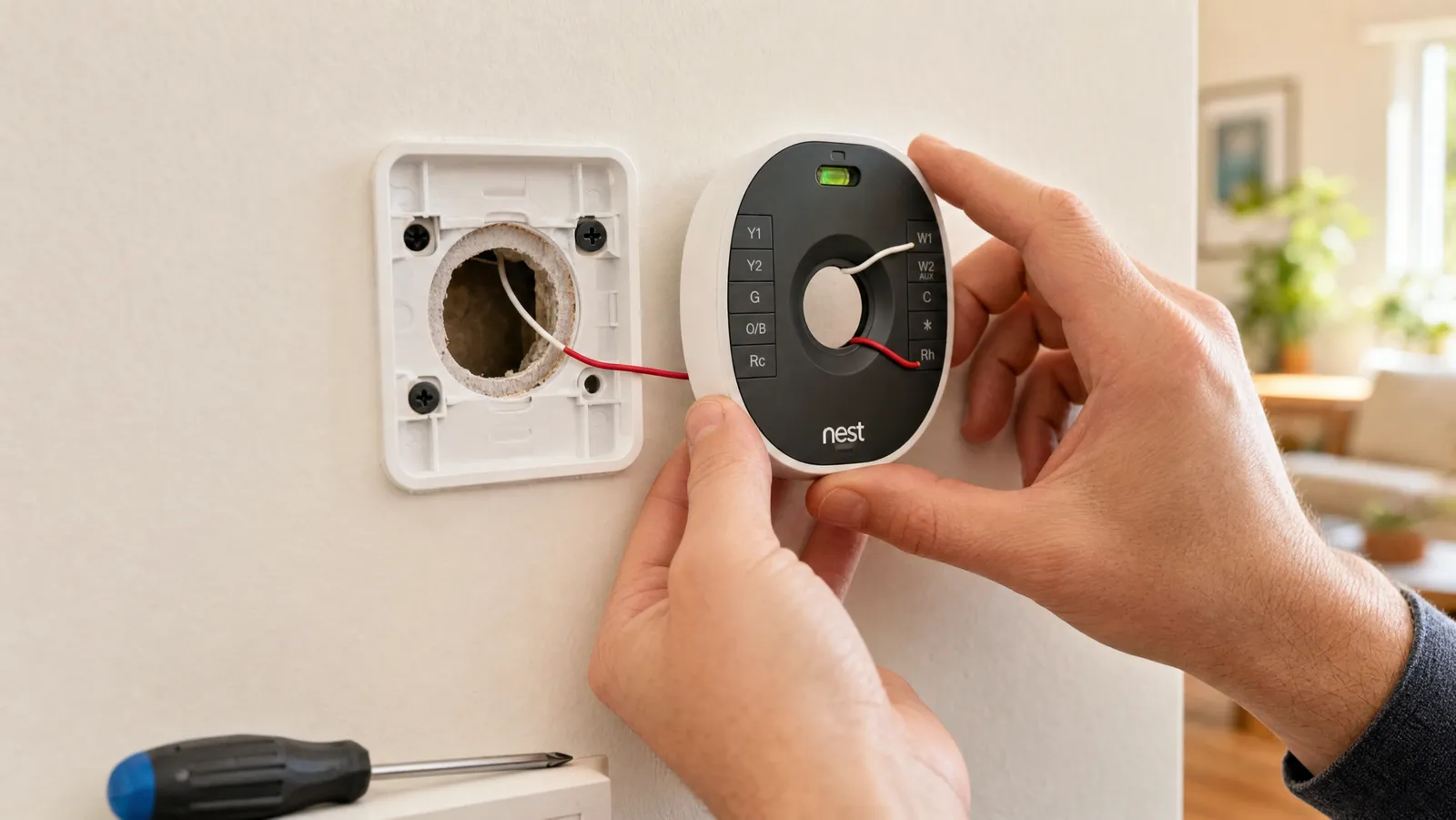
As for installation, most people can do it themselves in about 30 minutes with a screwdriver. You'll turn off power at the breaker, label and disconnect the old wires, mount the new base, reconnect the same wires to the matching terminals, and finish setup in the app. A smart thermostat is a natural companion to the rest of a connected home — see our smart home security guide for how the pieces fit together.
Frequently asked questions
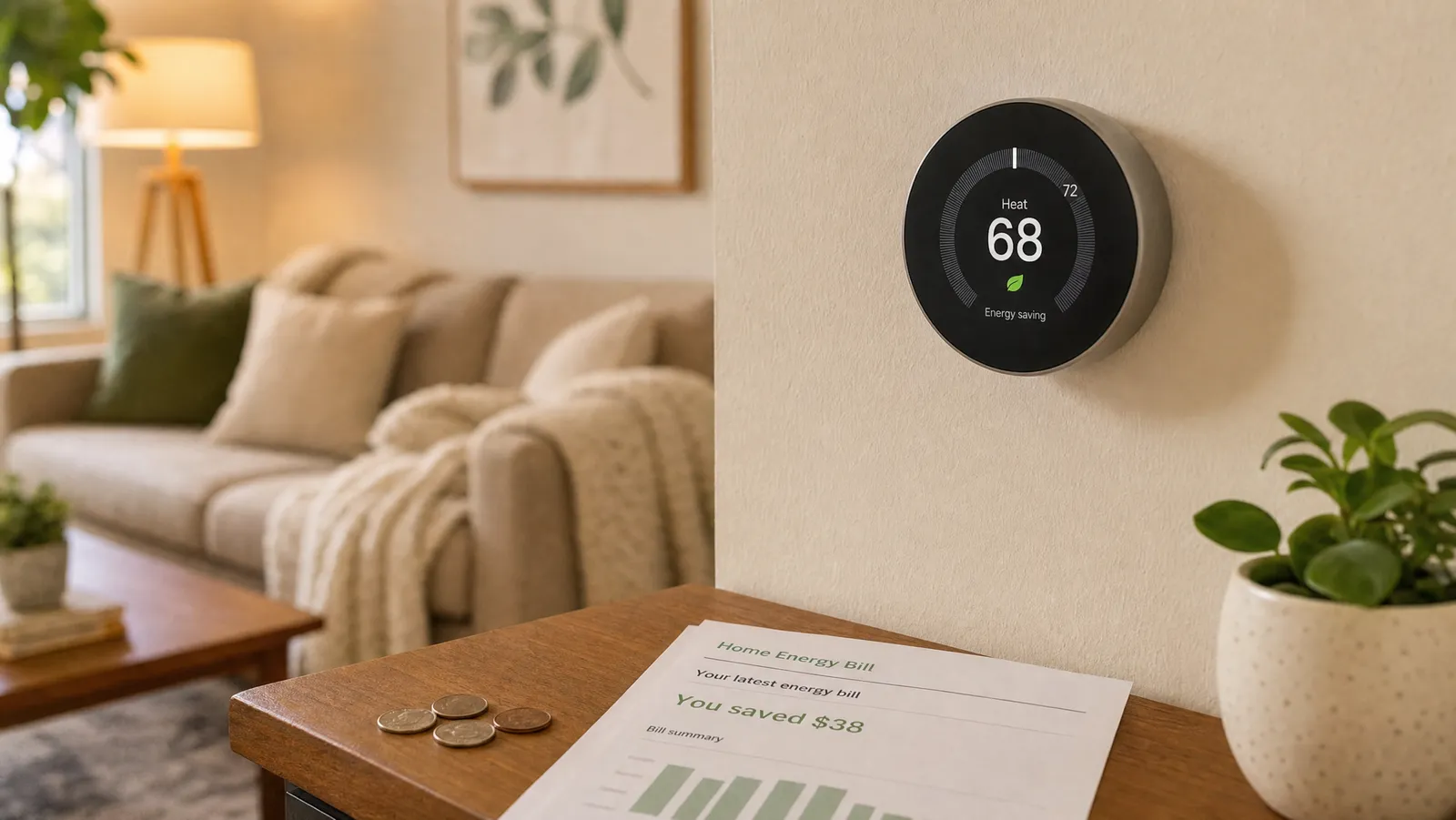
Will a smart thermostat really lower my energy bill? It can, mainly by not heating or cooling your home when no one is there. The exact amount depends on your climate, your system, and your habits, but the automatic setbacks and smarter scheduling are what drive the savings over a season.
Do I need a C-wire? It depends on the model. Some smart thermostats require a C-wire for steady power, while others include an adapter or are designed to run on common home wiring. Check the manufacturer's compatibility tool with a photo of your current wiring before you buy — our C-wire explained guide and no-C-wire roundup cover your options if you don't have one.
Can I install one myself? For most homes, yes. Installation usually takes around 30 minutes and needs only a screwdriver and your phone. Just turn off the power at the breaker first, and label your wires as you disconnect them so reconnecting is simple.
Best Overall
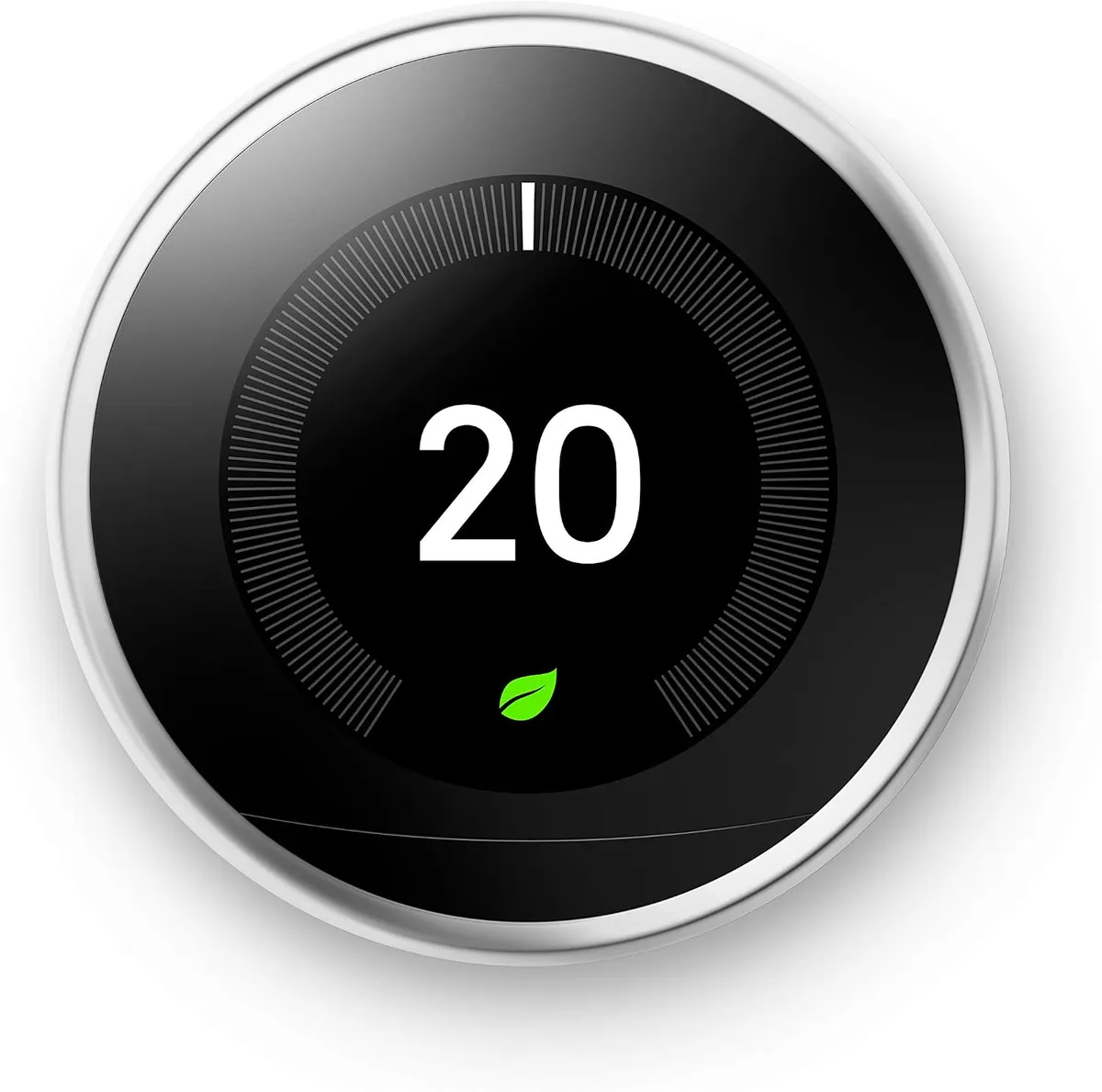
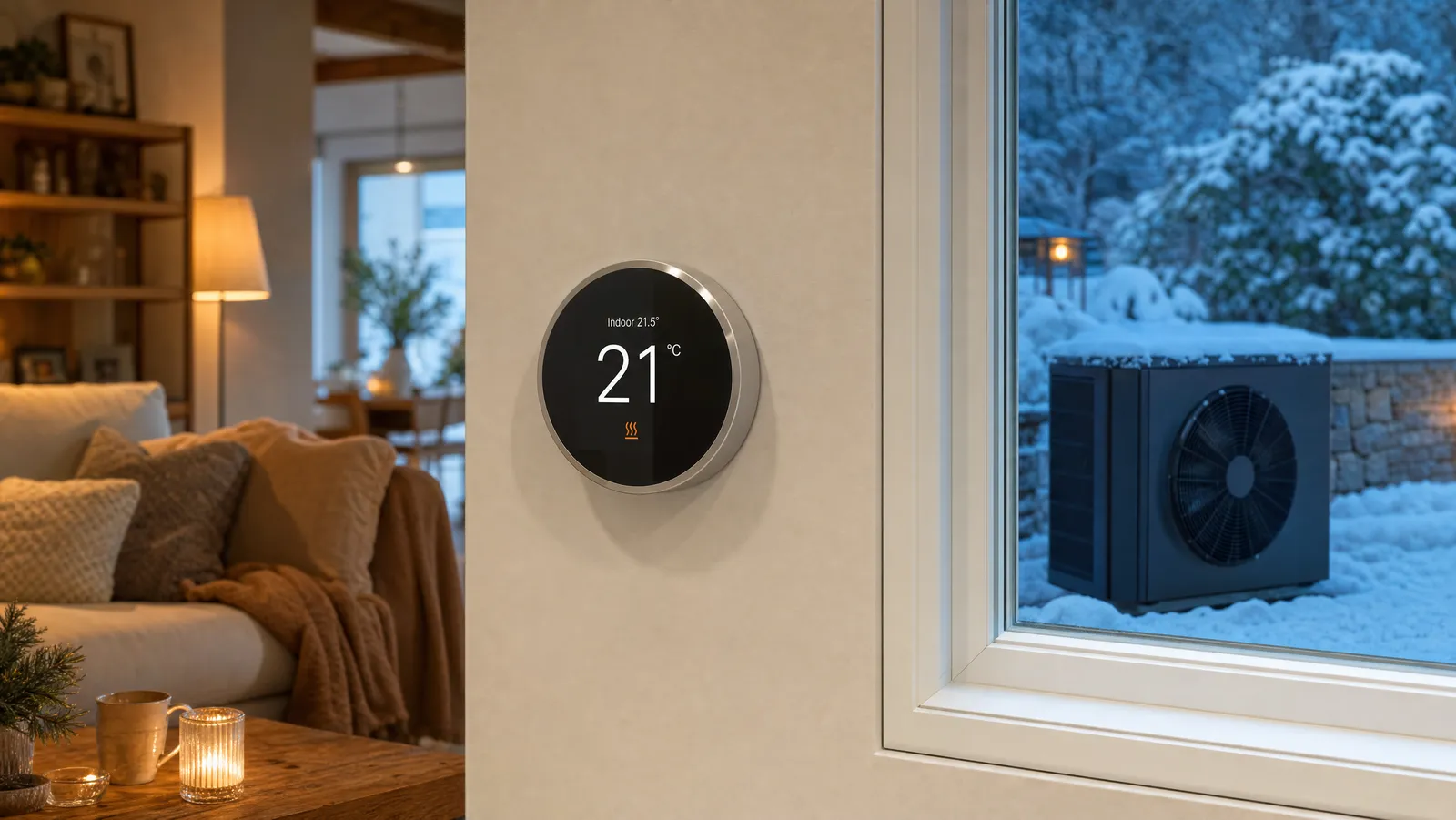
The Nest Learning Thermostat watches how you adjust the temperature for about a week, then builds a schedule on its own so you stop heating an empty house.
The Nest Learning Thermostat watches how you adjust the temperature for about a week, then builds a schedule on its own so you stop heating an empty house. Home/Away Assist eases back when everyone leaves, and you can change the temperature from your phone, laptop, or a voice command through Alexa or Google Assistant. The polished metal finish and bright display make it the one most people are happy to mount on a visible wall.
It learns your routine in about a week and programs itself to trim wasted heating and cooling without any fuss.
Best Value
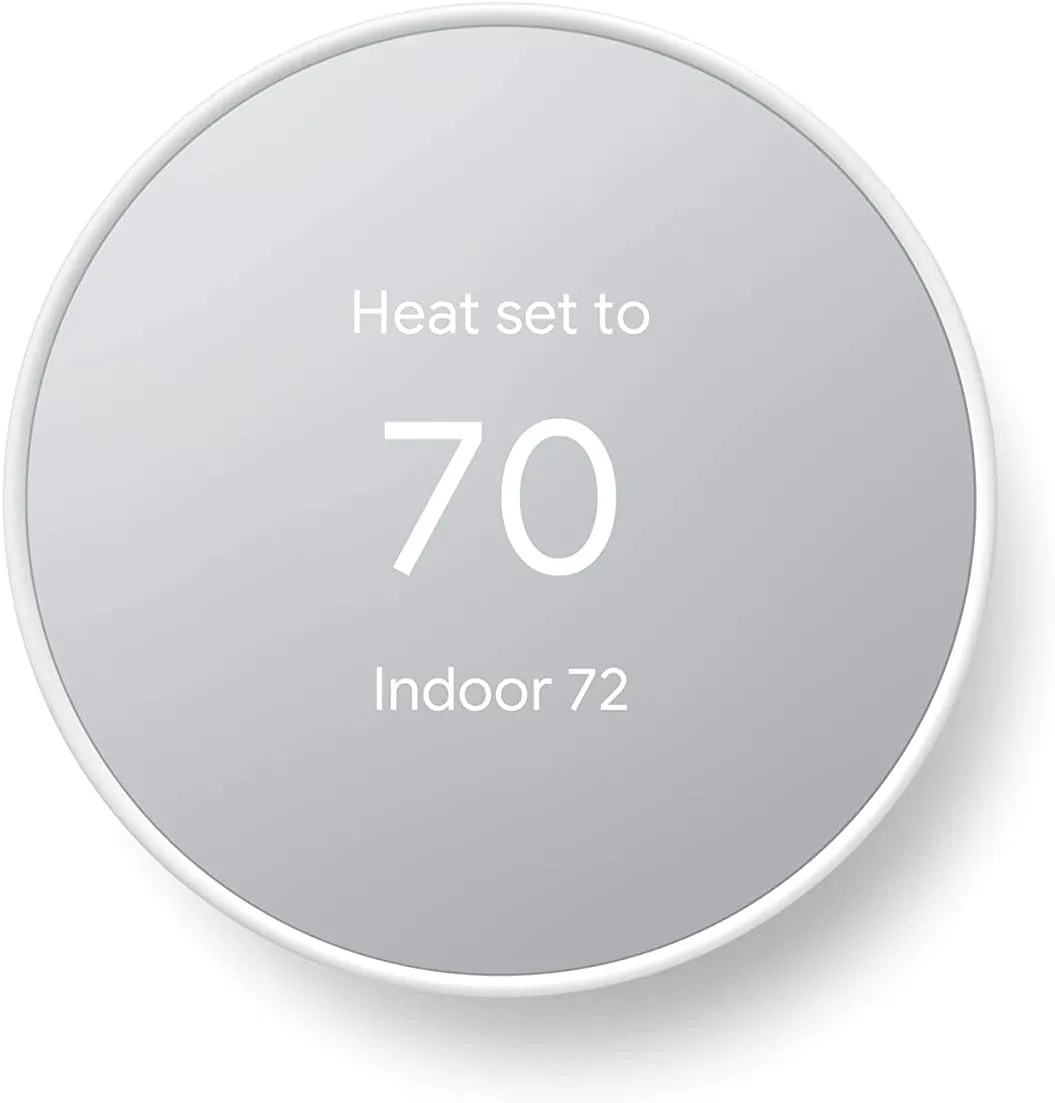
The standard Nest Thermostat drops the self-learning feature of its pricier sibling but keeps the parts that matter most: a clean app, phone and voice control, and a simple weekly schedule you set once.
The standard Nest Thermostat drops the self-learning feature of its pricier sibling but keeps the parts that matter most: a clean app, phone and voice control, and a simple weekly schedule you set once. It can ease the temperature back on its own while you're out, and it's ENERGY STAR certified. For a first smart thermostat, this is the easiest and most affordable way in.
ENERGY STAR certified, easy to schedule, and quick to install in about half an hour for most homes.
Best for DIY Install
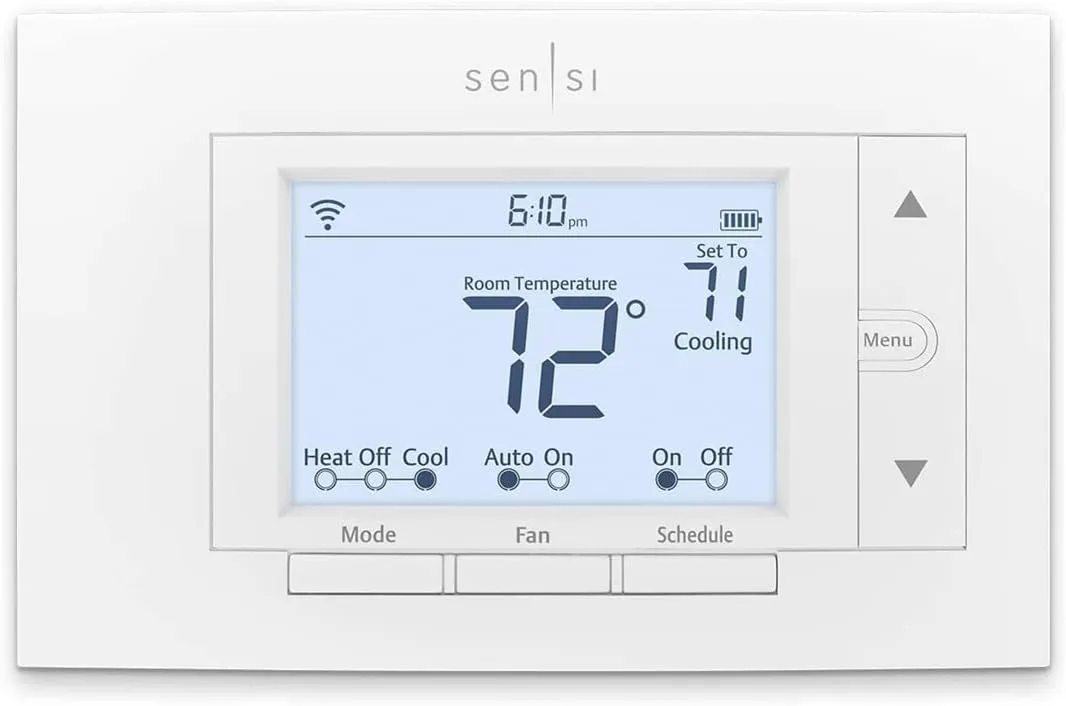
The Sensi is built to work with the wiring most U.
The Sensi is built to work with the wiring most U.S. and Canadian homes already have, so many people install it in under half an hour without adding a C-wire. From the app you can set flexible schedules, adjust the temperature from anywhere, and check your usage history. It pairs with Apple HomeKit, Amazon Alexa, and Google Assistant, making it an easy fit for an existing smart home.
Custom schedules, remote control, and usage reports come in a thermostat that's genuinely simple to wire yourself.
Best Touchscreen
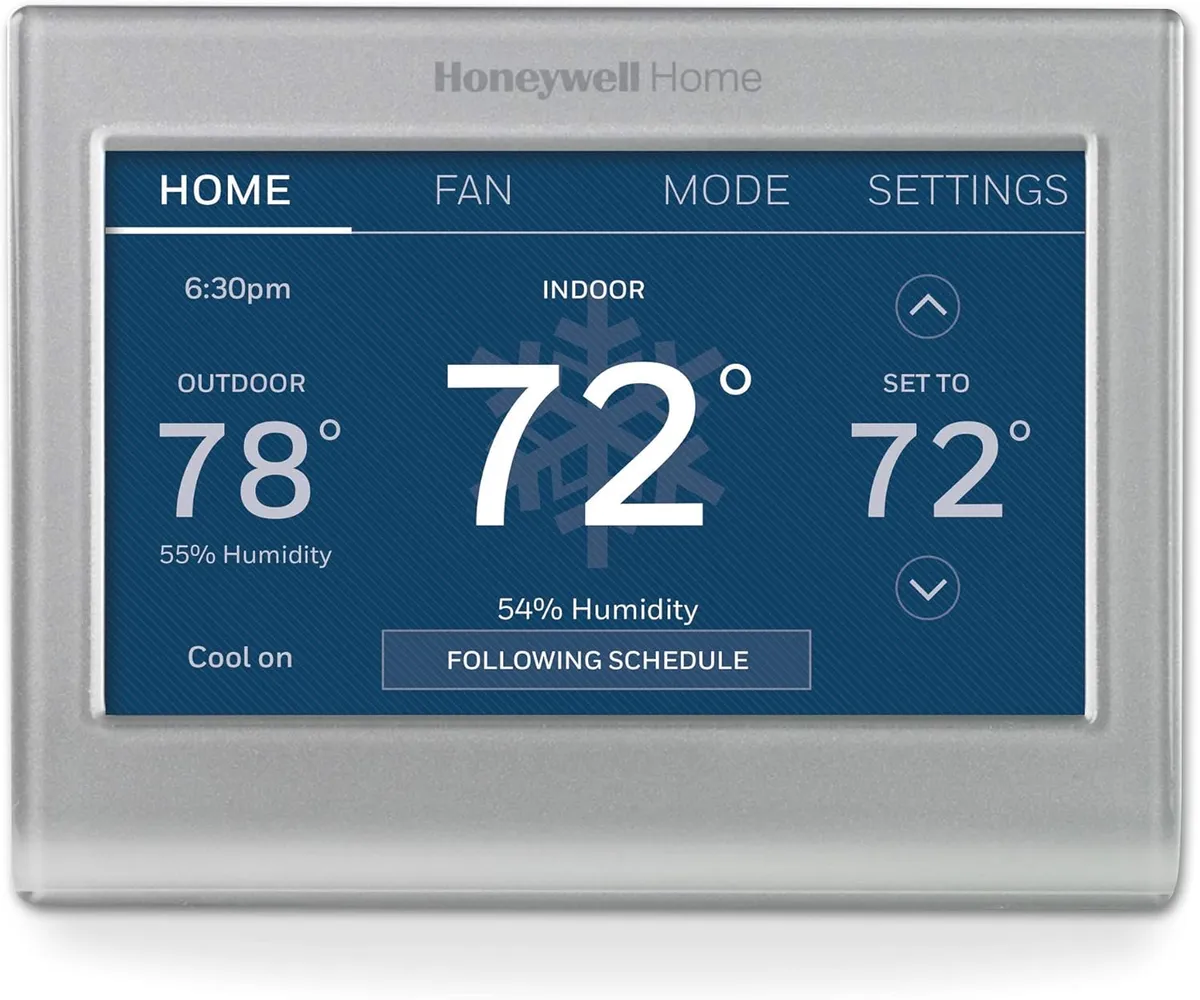
Honeywell's color touchscreen thermostat is the pick if you like setting things by hand on a clear, full-color display.
Honeywell's color touchscreen thermostat is the pick if you like setting things by hand on a clear, full-color display. You can build a 7-day program, adjust the background color to suit your wall, and control everything remotely from a phone, tablet, or computer. It's ENERGY STAR certified and works with a wide range of heating and cooling systems.
A bright color touchscreen plus full 7-day programming and remote control make day-to-day adjustments effortless.
Best Room Sensing Option
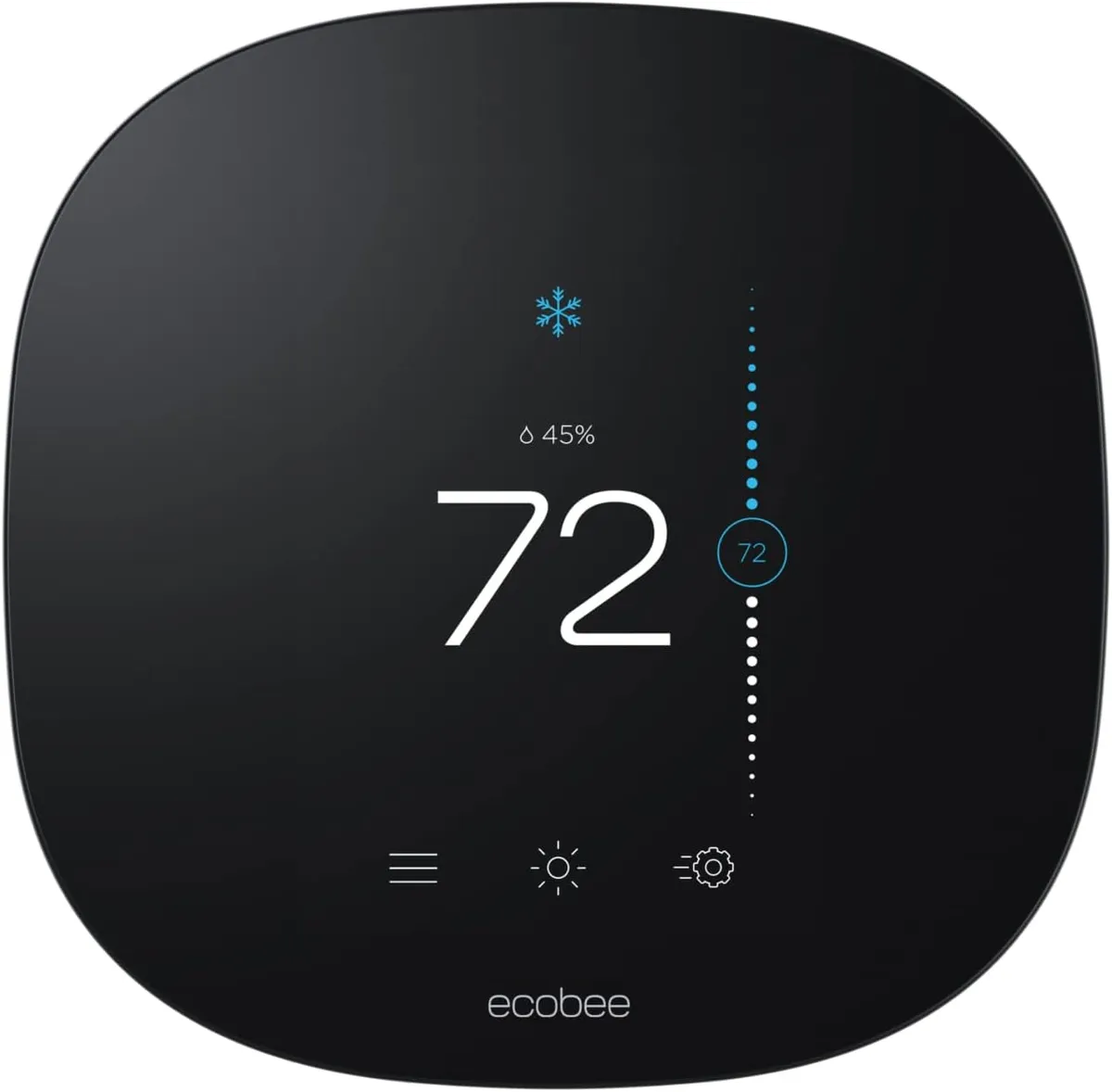
ecobee's entry-level smart thermostat follows your schedule to ease back heating and cooling when you're away and bring the house to comfort before you return.
ecobee's entry-level smart thermostat follows your schedule to ease back heating and cooling when you're away and bring the house to comfort before you return. You control it from the color touchscreen or the app, and you can add ecobee SmartSensors later to balance the temperature in the rooms you use most. It works with Apple HomeKit, Alexa, and Google Assistant and installs yourself, even on homes without a C-wire.
Schedule-based savings, a tidy touchscreen, and optional room sensors let you fine-tune comfort where it matters most.
Review of Our Favorite 3
About the Author
Ilana Nevin
Ilana Nevin is a content creator and marketing professional who is passionate about new technology, home automation and the smart home revolution. She has been blogging about these topics for over five years and is excited to see how the industry continues to evolve.