Smart Thermostat Geofencing & Occupancy Detection Explained (2026)

This post may contain affiliate links. Read our policy
The feature that quietly delivers most of a smart thermostat's savings isn't scheduling — it's geofencing. It's what lets your thermostat know the house is empty and stop heating or cooling it, then warm things back up before you walk in the door. Here's how geofencing and occupancy detection work, and how to get the most from them. For model picks, see our complete smart thermostat buyer's guide.
What is geofencing?
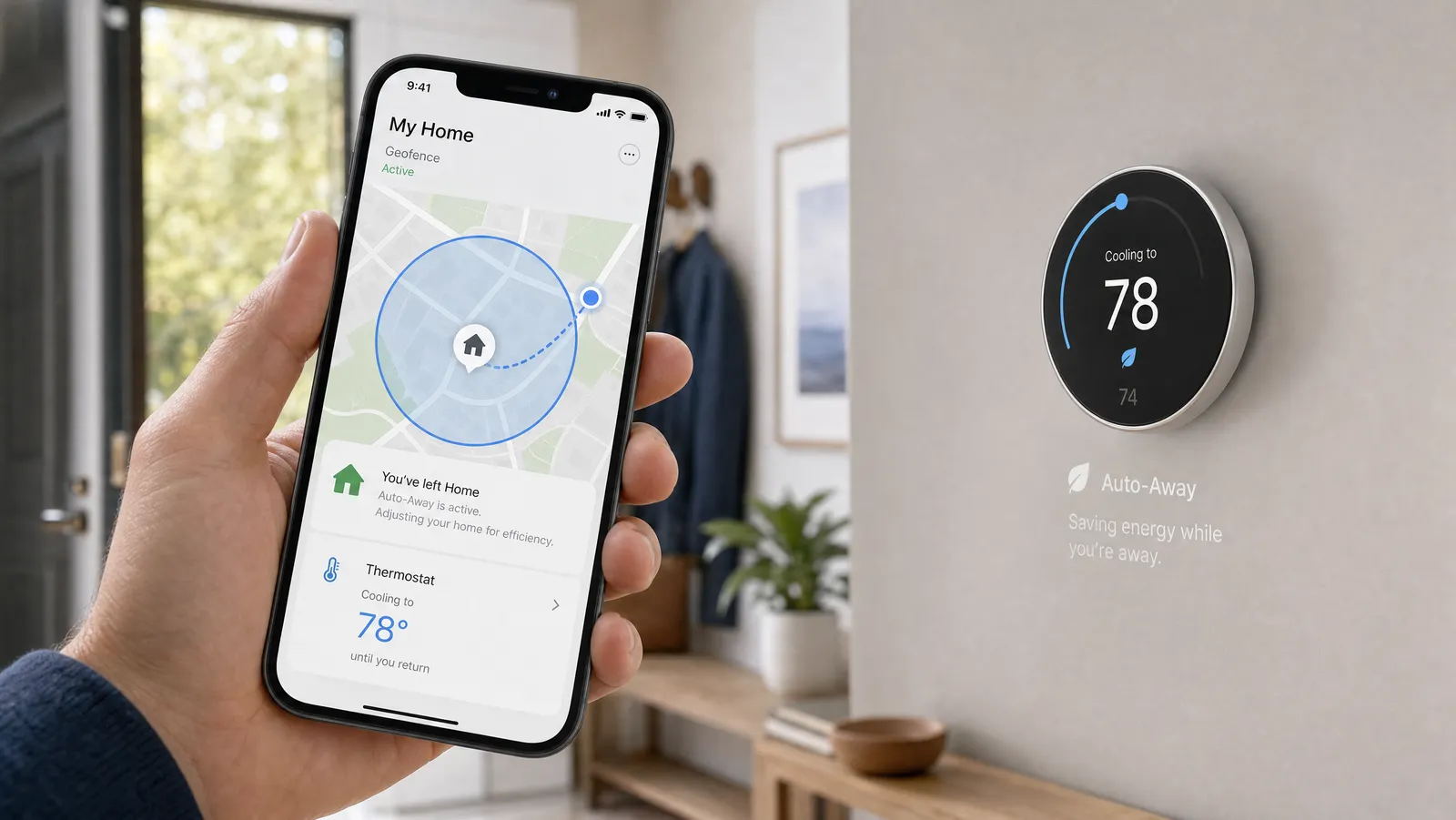
Geofencing uses your phone's location to create an invisible boundary around your home. When the last phone leaves that boundary, the thermostat switches to an energy-saving "away" mode; when a phone comes back inside it, the thermostat returns to your comfortable settings. It's automation based on where you are rather than a fixed clock — which is exactly why it captures savings a rigid schedule misses.
This is the single biggest reason a smart thermostat outperforms an old programmable one: it never heats or cools an empty house, even when your day doesn't follow a routine.
Geofencing vs. occupancy detection
They solve the same problem from different angles:
- Geofencing tracks phones leaving and entering a location boundary. Great for knowing when everyone has left the house.
- Occupancy detection uses motion/presence sensors in the thermostat or room sensors to tell whether people are actually in specific rooms. ecobee's SmartSensor does this, which also feeds its room-sensing features.
Many systems combine both: geofencing for whole-home away/home status, occupancy sensing for room-level decisions. Nest's "Home/Away Assist" blends phone location with its built-in sensor.
How the major brands handle it
- Nest — Home/Away Assist combines phone location and the thermostat's own activity sensor to switch to Eco temperature automatically. Covered more in our Nest Learning review.
- ecobee — uses geofencing in its app plus occupancy from its SmartSensor; see Nest vs. ecobee.
- Others (Sensi, Amazon, Honeywell) — offer geofencing/away features through their apps too.
Getting the most from geofencing
- Turn it on. It's often optional in setup — enable it, or you leave savings on the table.
- Add every household member's phone. Geofencing only triggers "away" when all tracked phones have left; missing a phone means it never goes away.
- Tune the radius. A larger boundary gives the system more lead time to pre-condition the house before you arrive; a smaller one saves more but cuts it closer.
- Combine with a light schedule. Use geofencing for occupancy and a gentle schedule as a backup for predictable times like sleep.
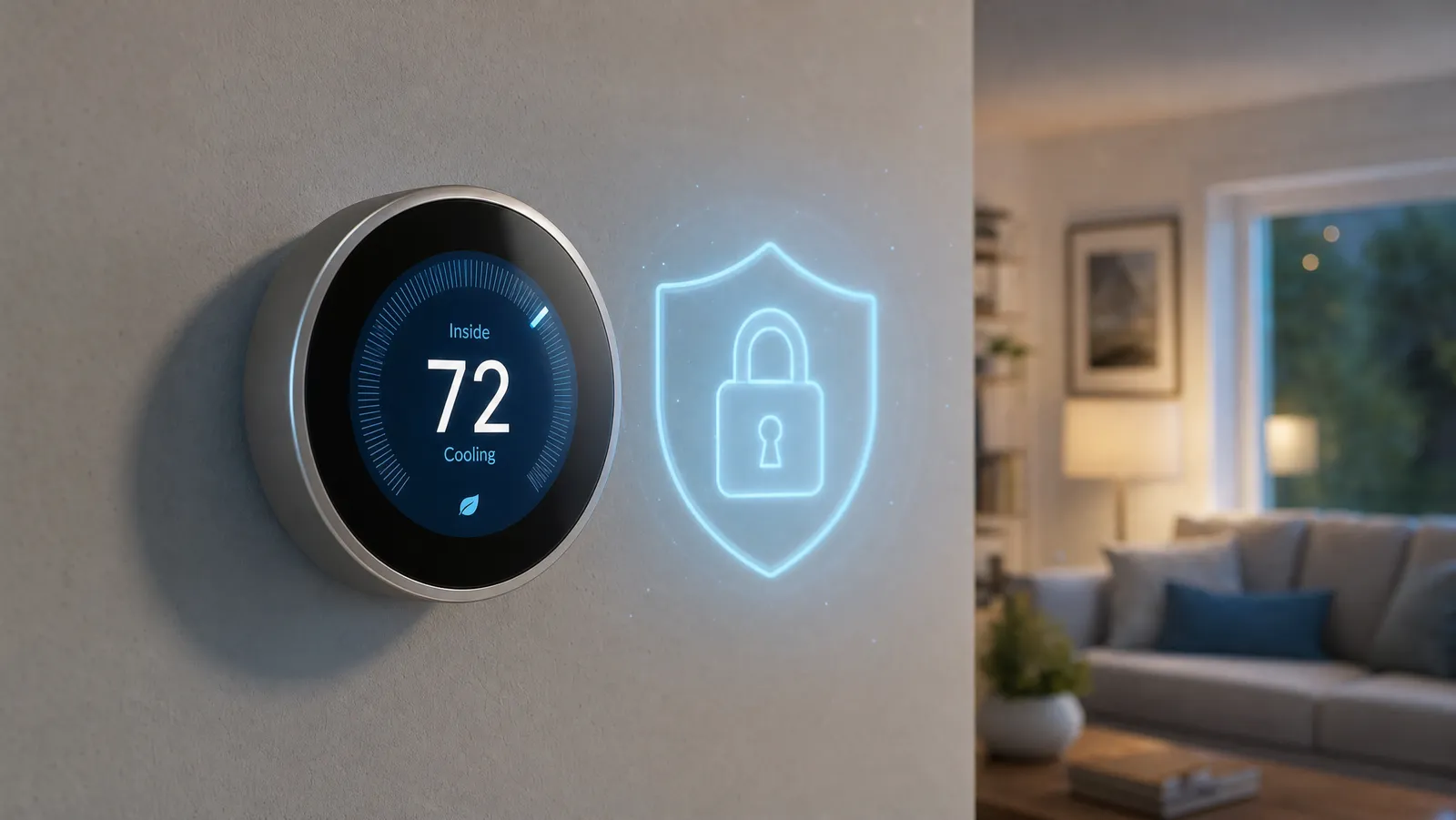
- Mind your privacy. Location-based features rely on sharing your phone's location with the app — reasonable for most people, but worth understanding; see are smart thermostats safe?
Does geofencing really save money?
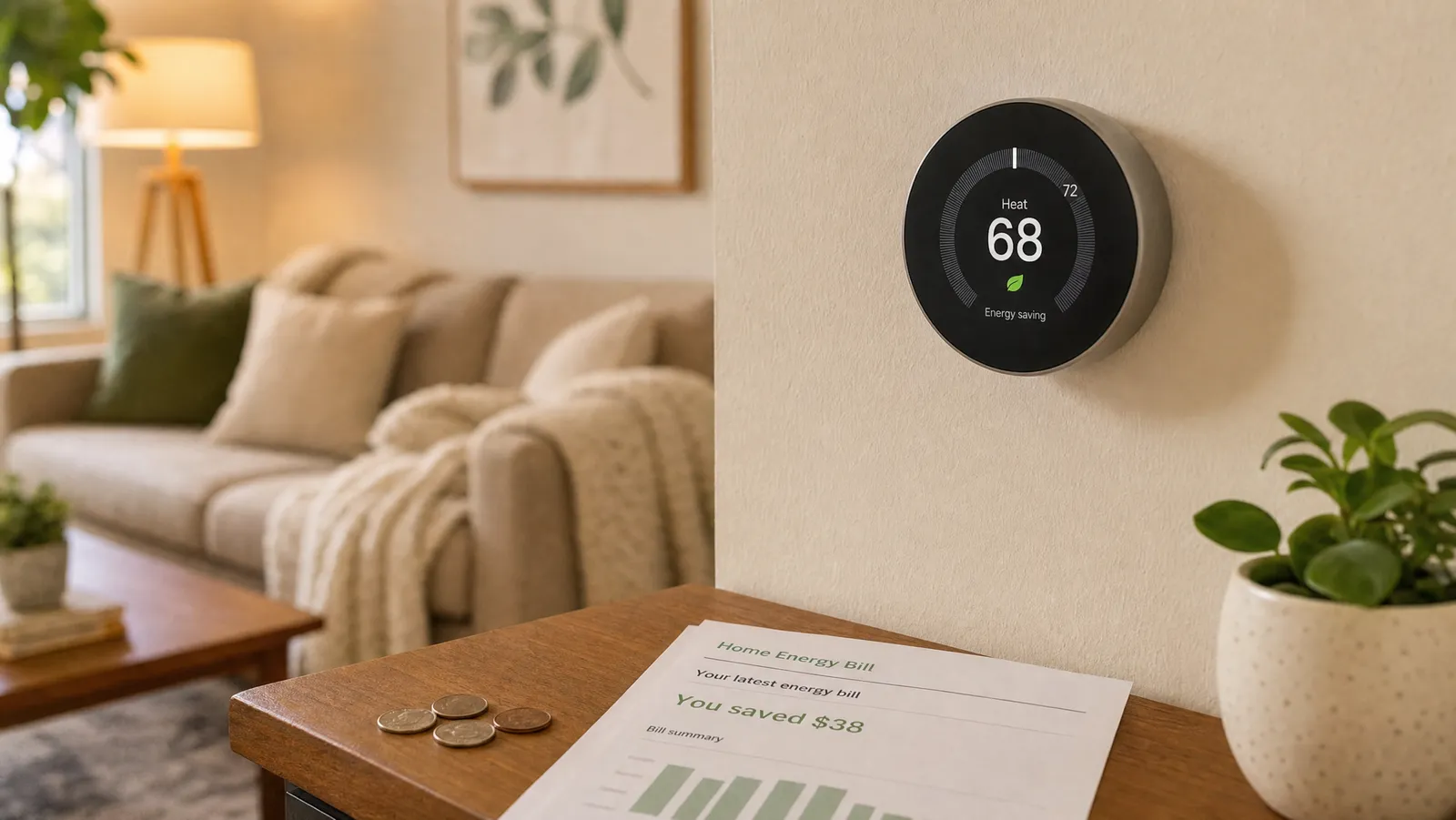
Yes — it's where much of the ~8% / $50-a-year savings actually comes from. By ensuring you're never conditioning an empty home, geofencing captures the irregular, real-world savings a fixed schedule can't. One caveat: it needs an internet connection to work, so during an outage it pauses (though your schedule keeps running — see do smart thermostats work without Wi-Fi?).
Frequently asked questions
What is geofencing on a smart thermostat? A location-based boundary around your home; the thermostat goes to energy-saving mode when phones leave and returns to comfort when they come back.
What's the difference between geofencing and occupancy detection? Geofencing tracks phones crossing a location boundary; occupancy detection uses motion sensors to tell if people are physically in a room. Many thermostats use both.
Does geofencing drain my phone battery? Modern geofencing uses low-power location services with minimal battery impact; it doesn't run GPS continuously.
Why isn't my thermostat switching to away mode? Usually because not every household phone is added — it only goes "away" when all tracked phones have left the boundary.
The bottom line
Geofencing is the unsung hero of smart thermostat savings: by knowing when your home is empty, it trims energy use automatically without a rigid schedule. Turn it on, add everyone's phone, and tune the radius, and you'll get the full benefit. To pick a thermostat with strong geofencing, see our complete smart thermostat buyer's guide.
About the Author
Ilana Nevin
Ilana Nevin is a content creator and marketing professional who is passionate about new technology, home automation and the smart home revolution. She has been blogging about these topics for over five years and is excited to see how the industry continues to evolve.