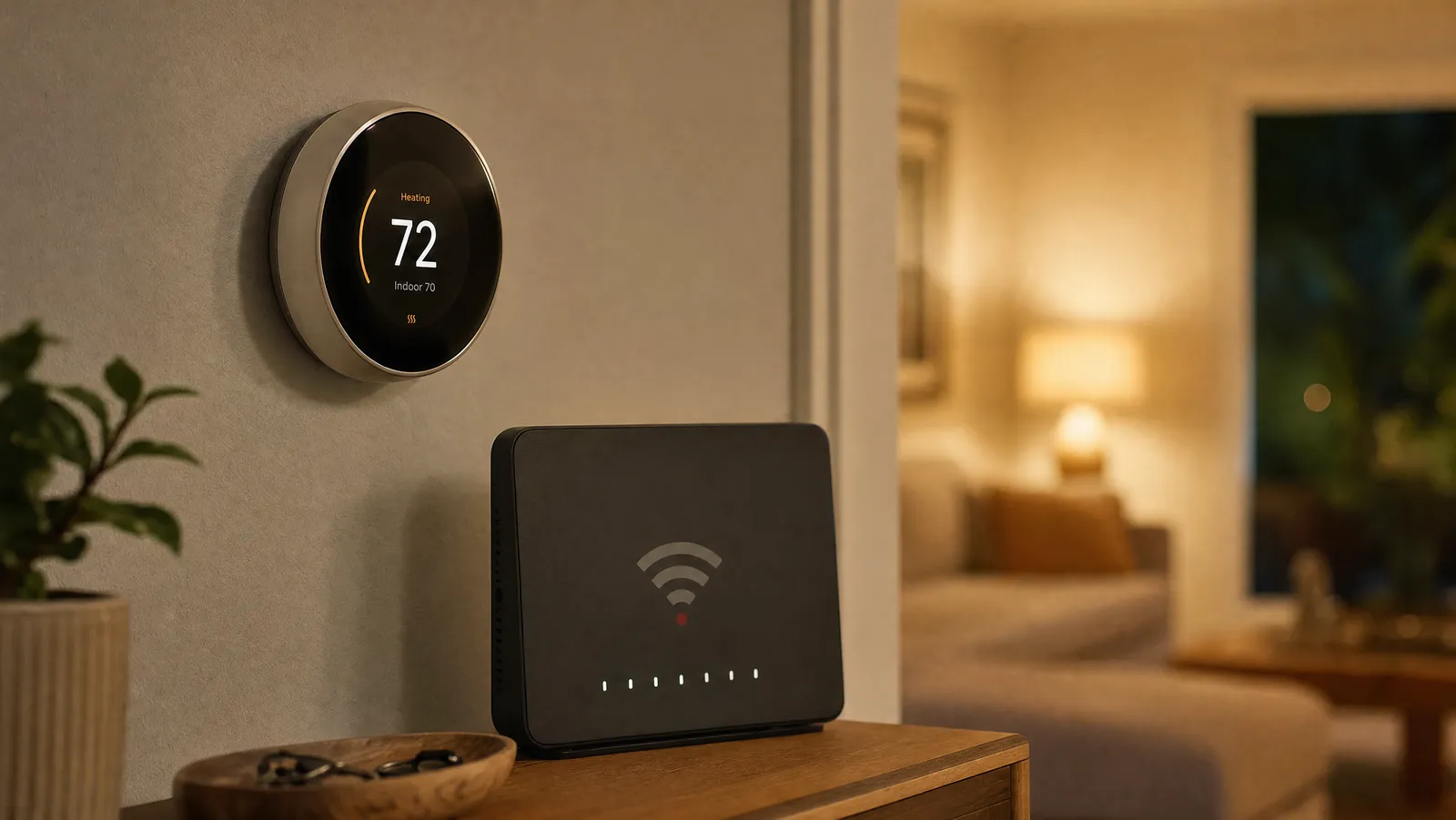
Smart Thermostat Troubleshooting: Common Problems & Fixes (2026)

This post may contain affiliate links. Read our policy
Most smart thermostat problems are common, well-understood, and fixable in a few minutes — usually without tools. Whether your thermostat won't power on, keeps dropping Wi-Fi, or isn't heating when it should, this guide walks through the likely causes and the fixes in order. For choosing a reliable model in the first place, see our complete smart thermostat buyer's guide.
Problem: the thermostat won't power on
This is the most frequent issue, and it's almost always about power delivery:
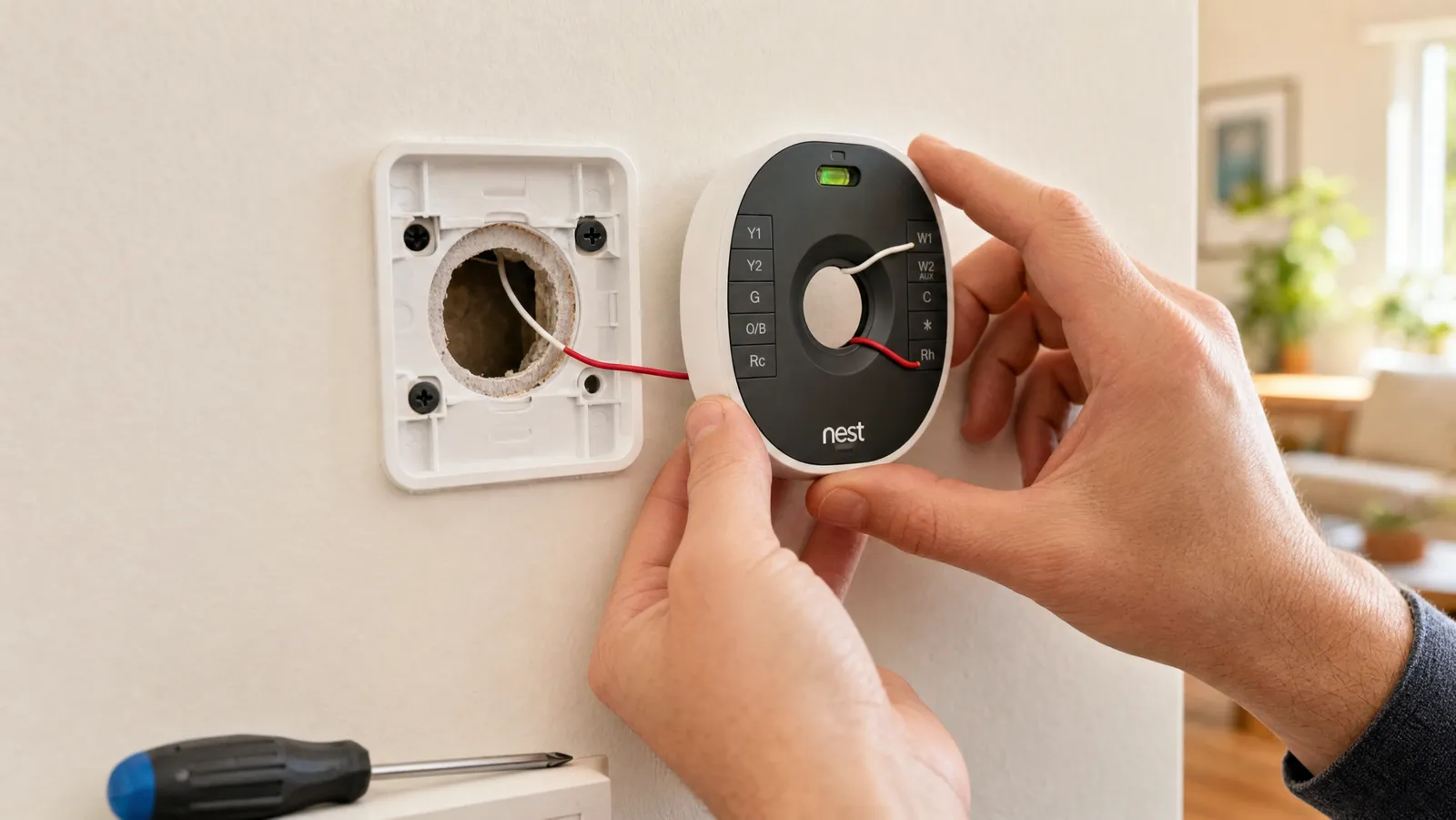
- Missing or loose C-wire. The #1 cause. Many thermostats need a common wire for steady power; without one, the screen may be dead or keep restarting. See C-wire explained and, if you lack one, the no-C-wire guide.
- Tripped breaker or blown furnace fuse. Check the breaker you switched during install, and the low-voltage fuse on your furnace board.
- Loose wire in a terminal. Cut power, pull the thermostat, and confirm each wire is fully seated.
- Dead batteries (battery models like the Sensi ST55). Swap in fresh AAs.
Problem: it won't connect to Wi-Fi
- Wrong network band. Some thermostats prefer 2.4 GHz Wi-Fi; if your router merges bands, temporarily separate them or connect to the 2.4 GHz network.
- Weak signal. If the thermostat is far from the router, a mesh node or extender helps.
- Wrong password or router quirk. Re-enter the password carefully; restart the router.
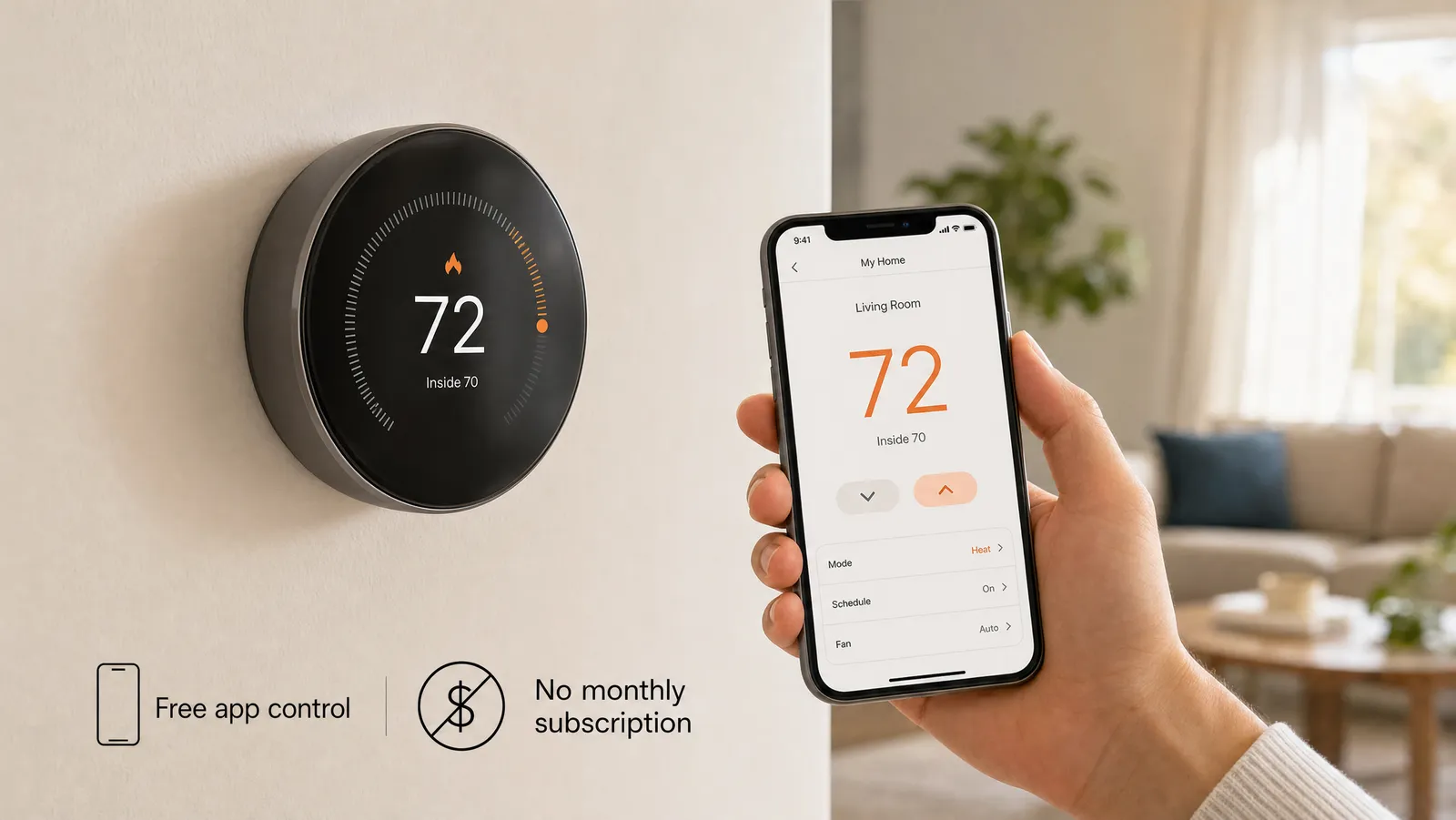
- Remember: even offline, the thermostat still controls your HVAC and runs its schedule — see do smart thermostats work without Wi-Fi?
Problem: heating or cooling won't turn on
- Wrong system type selected. If you told the app the wrong HVAC type during setup, behavior can be erratic. Double-check it against your system; our compatibility guide helps.
- Miswired terminals. Compare your wiring to the photo you took during install (you did take one — if not, our installation guide explains why it matters).
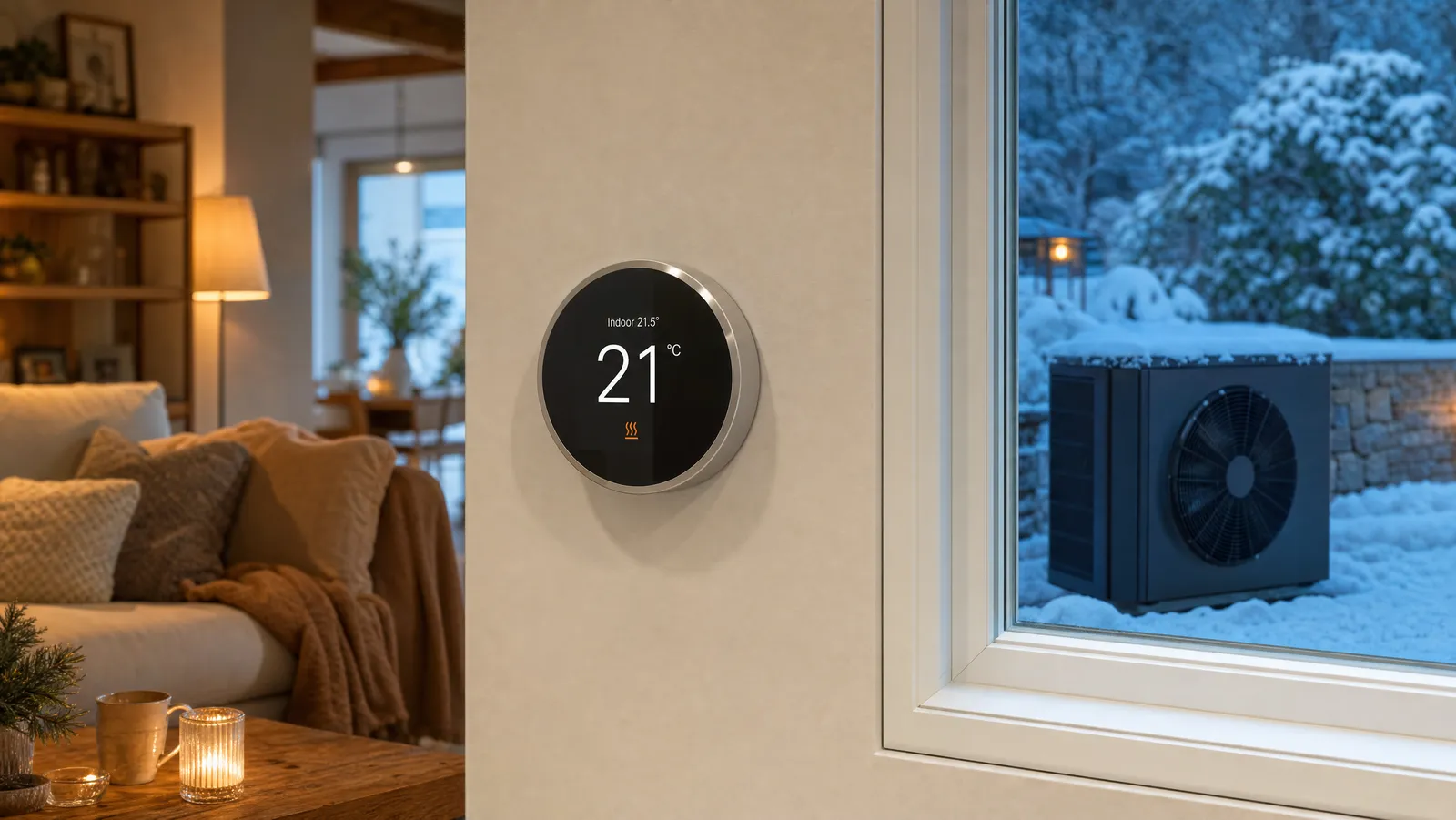
- Heat pump aux/emergency settings. On a heat pump, an aggressive lockout or wrong configuration can leave you cold; see best smart thermostats for heat pumps.
Problem: temperature readings seem wrong
- Bad placement. A thermostat in direct sun, near a vent, or by a drafty door reads inaccurately. Room sensors can correct for this — see room sensors and multi-zone.
- Needs calibration. Many apps allow a small temperature offset; adjust it to match a trusted thermometer.
Problem: it's not saving energy / running constantly
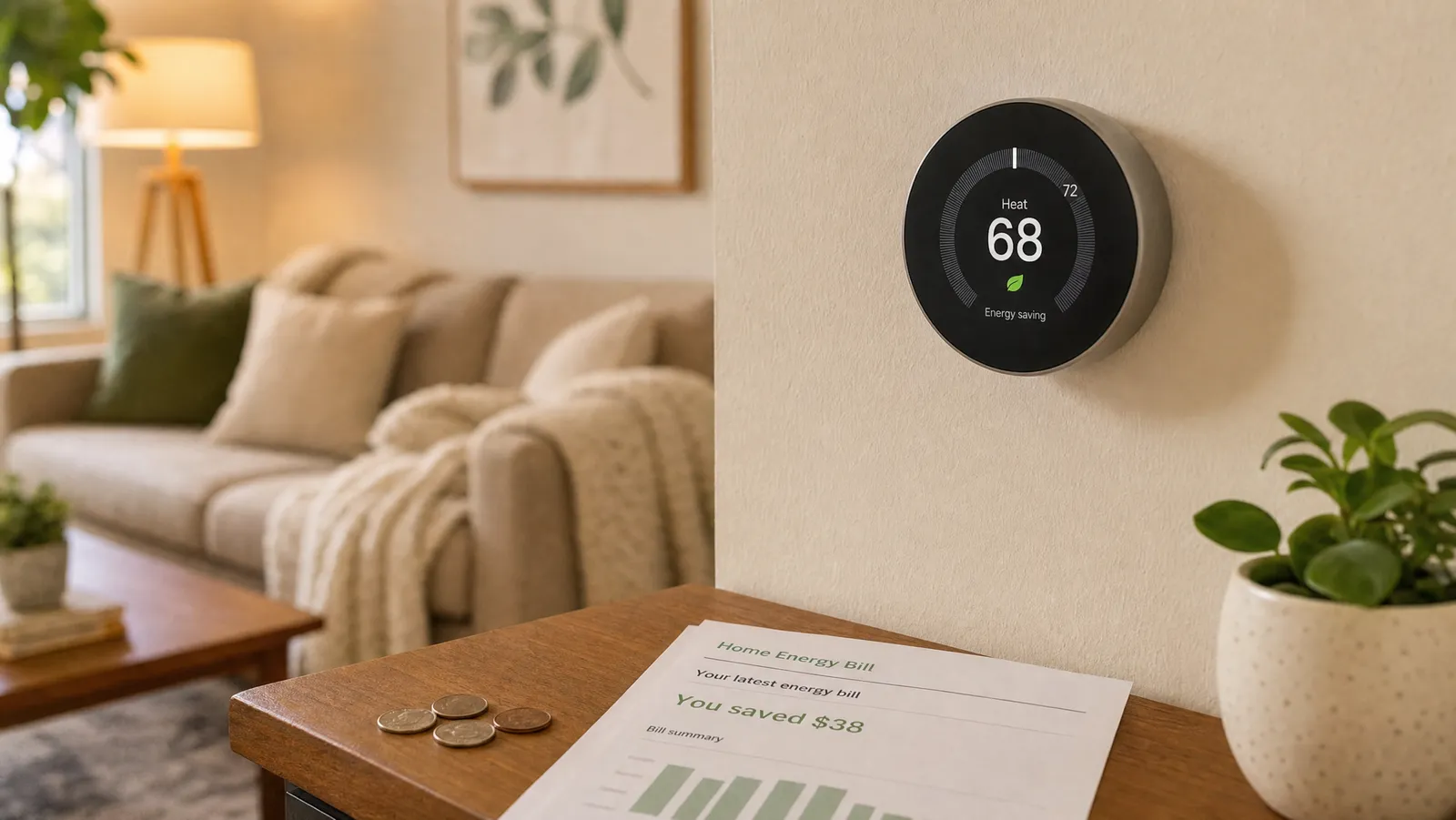
- Geofencing disabled. If away mode is off, you're not getting the biggest savings lever — turn it on and add all household phones (see geofencing explained).
- No real setbacks. Make sure your schedule actually lowers the temperature while you're out and asleep.
- Oversized setbacks on a heat pump can trigger expensive backup heat; use gentler changes.
General fixes that solve a lot
- Restart the thermostat (and the router) — clears many glitches.
- Update the firmware and app — fixes known bugs.
- Re-seat the thermostat on its base — a loose connection mimics many faults.
- Check for a manufacturer status page — occasionally the issue is a cloud outage, not your device.
- Factory reset as a last resort — then re-run setup.
When to call a professional
If the thermostat powers on but your HVAC won't respond, you suspect miswiring, or you have a complex multi-stage or line-voltage system, it's worth calling an HVAC technician rather than experimenting. Wiring mistakes can affect equipment, so when in doubt, get help.
Frequently asked questions
Why won't my smart thermostat turn on? Most often a missing or loose C-wire, a tripped breaker/blown furnace fuse, or dead batteries. Check power delivery first — see C-wire explained.
Why does my thermostat keep losing Wi-Fi? Usually a 2.4 GHz band issue or weak signal. Connect to the 2.4 GHz network and improve coverage near the thermostat.
My heat won't come on — what's wrong? Likely the wrong system type selected in setup or a miswired terminal; on heat pumps, check the aux-heat settings. Compare to your install photo.
Will my thermostat work during an internet outage? Yes — it controls your HVAC locally and runs its schedule; only remote and voice features pause.
The bottom line
Nearly every smart thermostat hiccup comes down to a handful of causes — power/C-wire, Wi-Fi band, wrong system type, or placement — and most take minutes to fix. Work through the steps above before assuming the device is faulty, and call a pro for anything wiring-deep. Shopping for a more reliable upgrade? Start with our complete smart thermostat buyer's guide.
About the Author
Ilana Nevin
Ilana Nevin is a content creator and marketing professional who is passionate about new technology, home automation and the smart home revolution. She has been blogging about these topics for over five years and is excited to see how the industry continues to evolve.